• Does a Dash Cam Work When the Car Is Off?

    A dash cam usually won’t record when your car is off unless it has a built-in battery or is hardwired to a constant power source. If it only relies on accessory power, it stops as soon as you turn off the ignition.

    Some dash cams offer limited recording time using an internal battery, but it drains fast. Hardwiring lets your cam monitor your parked car without killing your battery.

    Keep exploring to find out how parking modes and power options work. It’s pretty handy to know if you want your cam watching over your car even when you’re not driving.

  • Does a Dash Cam Drain Car Battery?

    Yes, your dash cam can drain your car battery if it stays powered while the engine is off. Most dash cams draw power through the cigarette lighter or a hardwire kit, with parking mode recording motion or impacts when parked.

    This can lead to battery drain, especially overnight or with older batteries. Using features like motion detection increases power use, but there are ways to reduce drain and protect your battery for hassle-free use.

    You’ll find helpful tips ahead.

  • Do You Need a Rear Dash Cam?

    You need a rear dash cam to capture incidents your front camera misses, like rear-end collisions, hit-and-runs, and parking lot mishaps. It provides solid evidence that can speed up insurance claims and protect you legally.

    Rear cams also offer peace of mind against tailgating and vandalism, especially in busy urban areas. While there are some installation and maintenance considerations, a rear dash cam can be a smart, cost-effective choice.

    Keep exploring to see if it fits your needs.

  • Do Dash Cams Record When the Car Is Off?

    Yes, your dash cam can record when your car is off by using parking mode, which activates recording only when motion or impact is detected. This feature helps save battery and storage by avoiding constant recording.

    You’ll need a proper power setup like a hardwire kit with a low-voltage cutoff or an external battery to keep it running safely. With the right settings, your vehicle stays monitored even when you’re away.

    Keep exploring to see how power, models, and storage affect this. It’s pretty handy once you get everything set up!

  • Can You Access Dash Cam Footage Remotely?

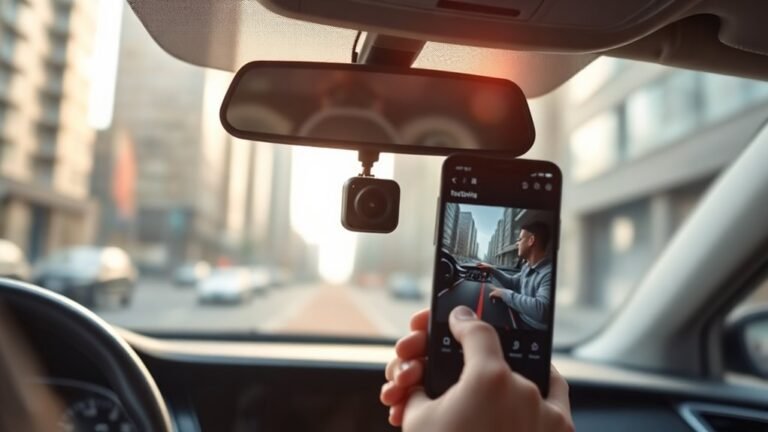
    Yes, you can access dash cam footage remotely using your smartphone or computer to view live streams and recorded clips anytime.

    Your dash cam needs built-in Wi-Fi or cellular connectivity and a compatible app to enable real-time monitoring or clip downloads without removing the memory card.

    This setup offers convenience and peace of mind, especially after incidents or while on the go.

    To understand how the technology works and what you’ll need, keep exploring the details.

  • What Is WDR on a Dash Cam?

    WDR on a dash cam stands for Wide Dynamic Range, a feature that balances bright and dark areas in your footage. It captures multiple exposures and merges them into one clear image, so you won’t lose details in shadows or highlights.

    This means better clarity in tricky lighting, like tunnels or nighttime glare. If you want to understand how WDR impacts video quality and which dash cams use it best, keep exploring to find out more.

  • What Is Parking Mode on a Dash Cam?

    Parking mode on a dash cam activates when your vehicle is parked and the engine is off, keeping an eye on your car without draining its battery. It switches from regular recording to a low-energy state, automatically capturing footage when it detects motion, impacts, or unusual activity like vandalism or hit-and-runs.

    You can adjust sensitivity to avoid false alarms, and some setups protect your battery with voltage cutoffs. If you want to understand how it works and tips for setup, there’s more to explore.

  • What Is a G-Sensor on a Dash Cam?

    A G-sensor in your dash cam detects sudden movements or impacts by measuring changes in acceleration. When it senses a sharp jolt, it automatically locks and saves the video to protect vital footage from being overwritten.

    This feature guarantees you don’t miss important moments during accidents, which can really help with insurance and legal matters. You can usually adjust its sensitivity to avoid false triggers or missed hits.

    Keep exploring to understand how to fine-tune and troubleshoot this essential feature. It’s pretty handy once you get the hang of it!

  • Remove a Dash Cam Mount From a Windshield in 10 Steps

    To remove your dash cam mount, first figure out if it’s a suction cup, adhesive, or magnetic type. You’ll want to gather some tools like a plastic scraper, microfiber cloth, and maybe a hairdryer.

    Make sure to power off and unplug your device before you start. Then, clean the area around the mount and tape it up to protect your windshield.

    If you have a suction cup, gently break the seal to get it off. For adhesive mounts, soften the glue with a bit of heat and carefully pry it away.

    Once the mount is off, clean any leftover residue with alcohol or an adhesive remover. Take a moment to check for any damage.

    Finally, store the mount safely or replace it if needed. Keep going, and you’ll master every step smoothly in no time!

  • How to Hide Dash Cam Wires in 5 Steps

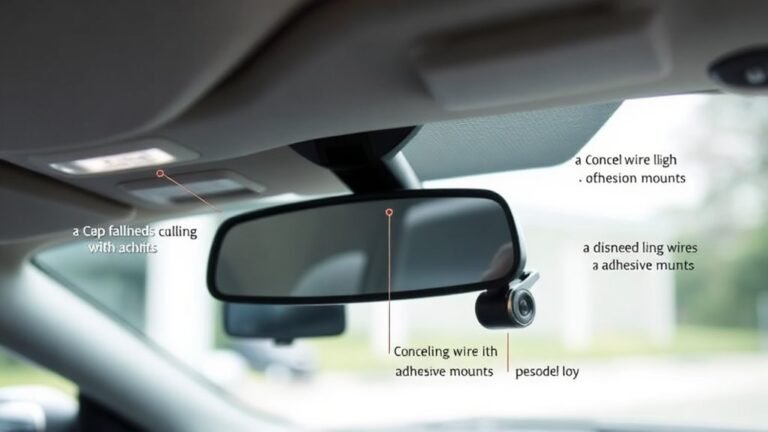
    To hide your dash cam wires, first choose the best route by identifying a power source like the fuse box and avoiding airbags or pedals. Use a plastic trim tool to gently lift panels and tuck wires along edges.

    Slip wires behind trim and weatherstripping, making sure they’re not pinched. Secure everything with clips or adhesive holders to keep wires snug.

    Finally, connect and route power cables neatly so they stay out of sight. Keep going, and you’ll discover even cleaner setup tricks.