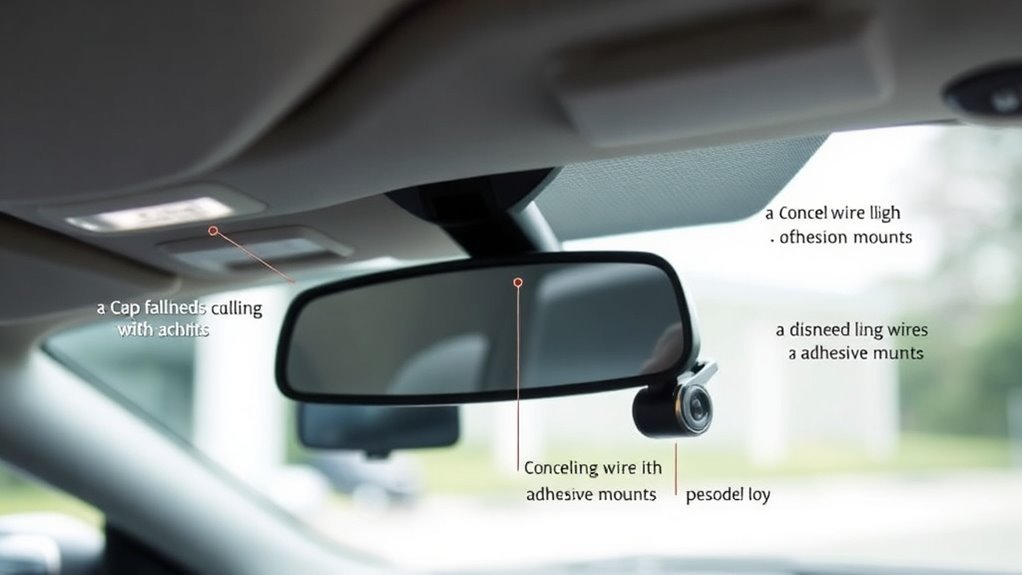
How to Hide Dash Cam Wires in 5 Steps
To hide your dash cam wires effectively, start by choosing the best route for the cables. Look for a power source like the fuse box, and be sure to avoid areas with airbags or pedals to keep everything safe. This initial step is key to getting a clean and professional-looking installation.
Next, grab a plastic trim tool and gently lift the panels in your car. Tuck the wires along the edges where they won’t be visible. Slip the wires behind trim and weatherstripping, making sure they’re not pinched anywhere. This helps keep the wires hidden but still secure.
Once the wires are in place, use clips or adhesive holders to secure them tightly. This way, the wires won’t move around or get loose while you’re driving.
Finally, connect and neatly route the power cables so they stay out of sight and don’t interfere with your driving. Keep going, and you’ll find even cleaner setup tricks that make your dash cam installation look seamless!
Key Takeaways
- Choose the best wire route by identifying a power source and running wires along windshield edges. Just be sure to avoid airbags and pedals while you’re at it.
- Use plastic trim tools to gently lift panels. This helps you guide wires into gaps without damaging or scratching surfaces.
- Tuck wires behind trim or weatherstripping, following existing channels. Make sure the wires aren’t pinched as you do this.
- Secure wires with adhesive clips or cable holders spaced evenly along the route. This keeps the wires snug and protected.
- Connect power cables at the fuse box or cigarette lighter. Fasten the wires neatly, then test the dash cam to make sure it’s getting power.
Choose the Best Route for Your Dash Cam Wires
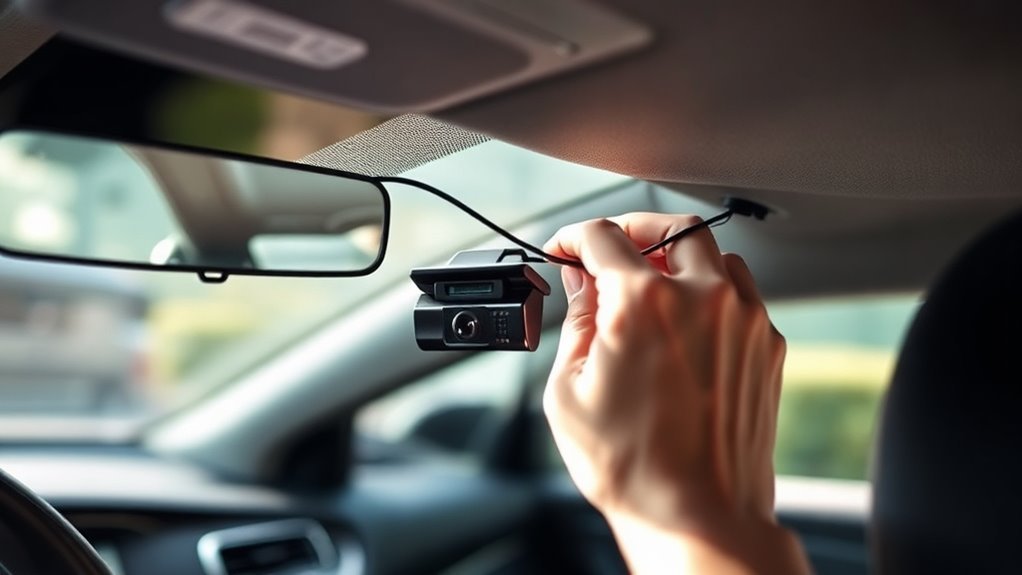
When installing your dash cam, you’ll want to pick the best route for the wires to keep them neat and out of sight. Start by identifying where the power source is, usually your car’s fuse box or cigarette lighter socket.
Choose a discreet wire route starting from your car’s fuse box or cigarette lighter socket for a tidy dash cam setup.
From there, plan a path that avoids interfering with airbags, steering mechanisms, or pedals. Run the wires along the edges of the windshield and headliner, where they’re less noticeable.
Avoid hanging wires in the middle of your dashboard or dangling in front of you while driving. Also, consider the wire length to make certain it reaches the power source without excess slack.
Taking time to map this out will make your installation cleaner and safer, preventing wires from becoming a distraction or hazard while you’re on the road.
Use Trim Tools to Tuck Wires Along Car Panels
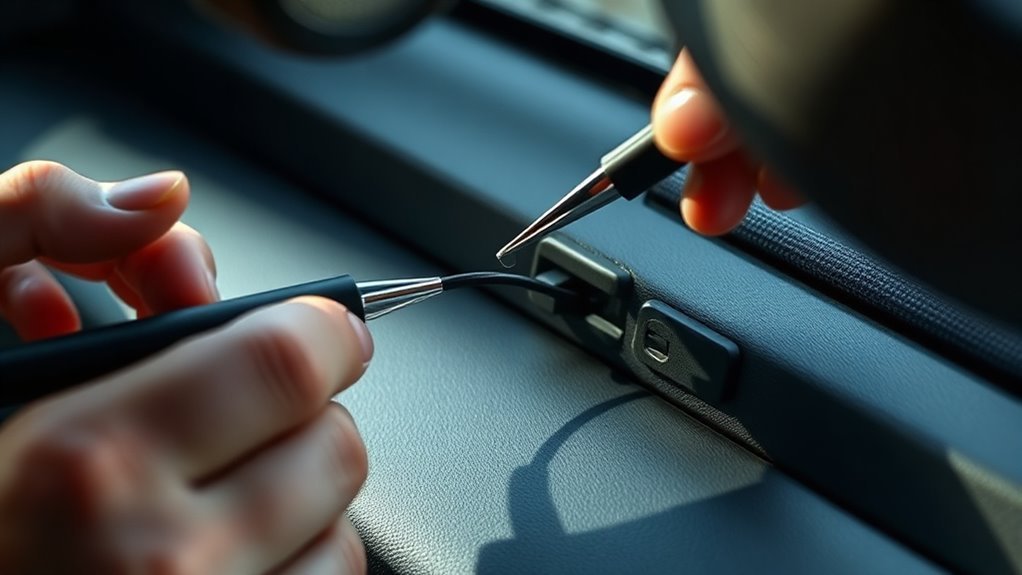
Grab a trim tool to carefully tuck your dash cam wires along your car’s panels without causing damage. This tool helps you gently lift the edges of the plastic panels, creating enough space to slide the wires underneath.
Work slowly, inserting the trim tool between the panel and the car frame, then guide the wires into the gap. Avoid forcing the tool, as excessive pressure can crack or scratch the panels.
Keep the wires tight against the panel to prevent them from hanging or getting caught while driving. Using a trim tool guarantees a clean, professional look by concealing wires neatly along existing lines and crevices.
Plus, this method protects your wires from wear, keeping them secure and out of sight. It’s a simple trick that makes your installation look sharp and keeps everything tidy.
Tuck Wires Behind Trim and Weatherstripping
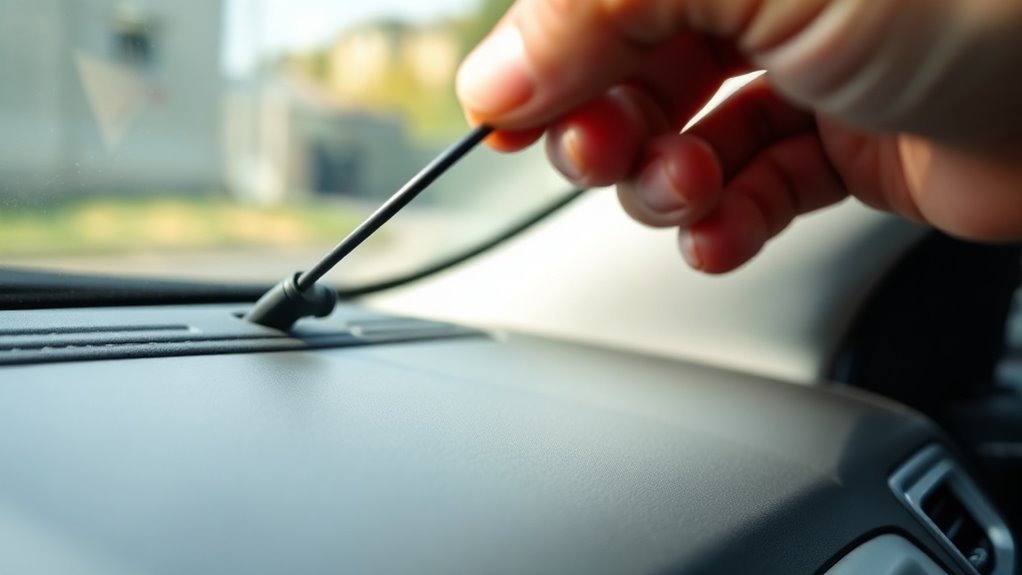
Slip the dash cam wires behind the trim and weatherstripping to keep them hidden and secure. This method prevents wires from dangling and reduces wear from exposure.
Tuck dash cam wires behind trim and weatherstripping to keep them discreet, secure, and protected from damage.
Follow these steps to do it right:
- Gently lift the trim or weatherstripping using your fingers or a plastic trim tool.
- Carefully insert the wires into the gap between the trim and the car frame.
- Route the wires along existing channels or grooves for a neat fit.
- Press the trim or weatherstripping back firmly to hold the wires in place without pinching them.
Secure Dash Cam Wires With Clips and Adhesive
You’ll often find that using clips and adhesive offers a reliable way to keep dash cam wires organized and out of sight. Start by choosing small cable clips or adhesive-backed wire holders designed for automotive use.
Clean the surface thoroughly where you plan to stick the clips to assure strong adhesion. Press the clips firmly in place, spacing them evenly along the route of the wires.
Then, gently snap or tuck the wires into the clips, making sure they’re snug but not pinched. This method prevents wires from dangling or shifting while driving, reducing wear and distractions.
Plus, it keeps your interior tidy without damaging trim or requiring permanent modifications. Secure wires this way to maintain a clean, professional dash cam installation.
Connect and Hide Power Cables Cleanly
After securing your dash cam wires with clips, the next step is to connect and hide the power cables neatly. Doing this keeps your car’s interior tidy and prevents distractions while driving.
Here’s how to do it effectively:
- Locate the fuse box or cigarette lighter socket to connect the power cable securely.
- Route the cable along existing seams or under panels to keep it out of sight.
- Use zip ties or adhesive clips to fasten the cable firmly, avoiding loose wires.
- Test the connection to confirm your dash cam powers on without issues.
It’s pretty straightforward once you get the hang of it. Just take your time, and you’ll have a clean setup in no time!
Frequently Asked Questions
Can Hiding Dash Cam Wires Affect My Car’s Warranty?
Hiding dash cam wires usually won’t affect your car’s warranty if you don’t damage factory wiring or components. Just be careful when routing cables and avoid permanent modifications to keep your warranty intact.
It’s all about being gentle and cautious. As long as you’re not cutting or altering anything important, you should be good to go. Just take your time and double-check before making any changes.
Are There Legal Restrictions on Dash Cam Wire Placement?
Think of your dash cam wires as a garden vine—tangle it carelessly, and it might trip you up legally. You shouldn’t block airbags or obstruct your view, or you could face fines or safety issues.
It’s really about keeping things safe and clear. So, make sure those wires are tucked away neatly and don’t interfere with anything important in your car. That way, you avoid any trouble down the road.
How Do I Troubleshoot Power Issues With My Dash Cam?
Check your dash cam’s fuse and power source first. Make sure the cable’s securely connected, try a different outlet or USB port, and test the adapter.
Sometimes the issue is as simple as a loose connection. Give your device a quick restart and see if that helps.
Also, don’t forget to update its firmware. Keeping it up to date can often fix power problems.
What’s the Best Dash Cam Model for Discreet Installation?
You’ll want the Vantrue N4 — it’s so discreet, even your car won’t notice it’s there! Compact, easy to hide, with excellent video quality.
It blends perfectly, making your dash cam invisible to prying eyes. Seriously, it’s like it’s part of your car’s design.
Can Wires Interfere With Airbags or Other Safety Features?
Yes, wires can interfere with airbags or safety features if they’re routed improperly.
You should avoid running wires across airbag zones and make sure to secure them carefully. This helps prevent any obstruction or damage.
That way, your dash cam installation stays both safe and effective.
Conclusion
Hiding your dash cam wires is like weaving a secret path through your car’s interior—smooth and unseen. Just like a skilled gardener tucks vines neatly along a trellis, you’ll guide those cables discreetly, keeping your dash clean and clutter-free.
Remember, nearly 70% of drivers report feeling more confident with a tidy setup. With these simple steps, your dash cam wires will stay hidden, letting your focus stay on the road, not the mess.
Keeping your dash cam wires hidden not only improves your car’s appearance but also enhances safety by preventing distractions. Following these easy tips ensures a neat, professional look without the hassle. So go ahead, tuck those wires away, and enjoy a clutter-free drive every time.