Does a Dash Cam Work When the Car Is Off?
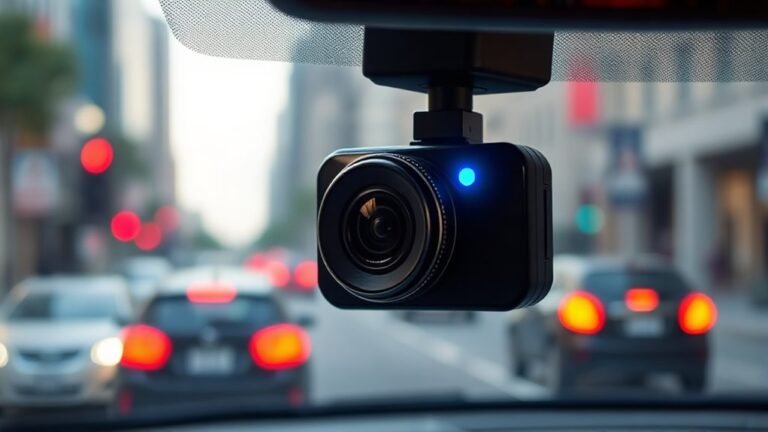
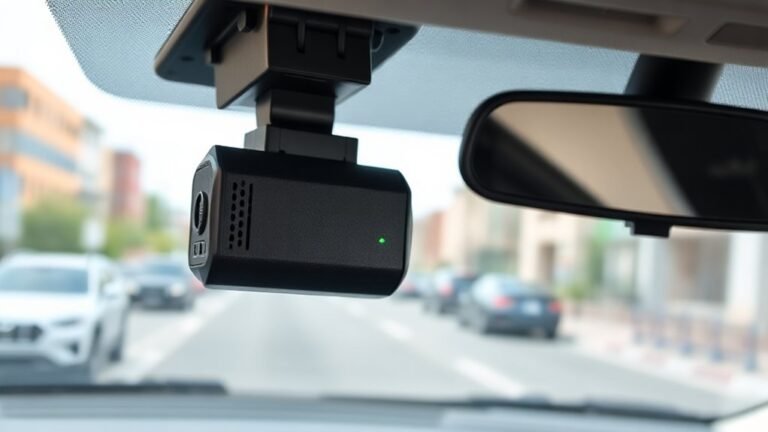
A dash cam usually won’t record when your car is off unless it has a built-in battery or is hardwired to a constant power source. Most dash cams rely on accessory power, so they stop recording as soon as you turn off the ignition. This means if you want your dash cam to keep working while your car is parked, you’ll need to consider how it’s powered.
Some dash cams come with an internal battery that offers limited recording time after the car is off. However, these batteries tend to drain quickly and won’t last very long.
On the other hand, hardwiring your dash cam to a constant power supply lets it monitor your parked car without draining your main battery.
Want to know more? Keep exploring to find out how parking modes and different power options work to keep your dash cam recording even when your car is off. It’s a handy feature for peace of mind while your car is unattended.
Key Takeaways
- Most dash cams stop recording when the car is off unless they have a built-in battery or are connected to a constant power source.
- If your dash cam is hardwired to the car battery, it can keep recording continuously. This includes parking mode, which works even when the engine is off.
- Some dash cams come with a built-in battery backup. This feature lets them record for a few minutes after you shut the car down.
- Parking mode is pretty smart—it starts recording if it detects motion or an impact. At the same time, it tries to save your battery during those off periods.
- But if your dash cam isn’t hardwired or doesn’t have a battery backup, it won’t catch anything while your vehicle is parked and turned off.
Do Dash Cams Record When the Car Is Off?
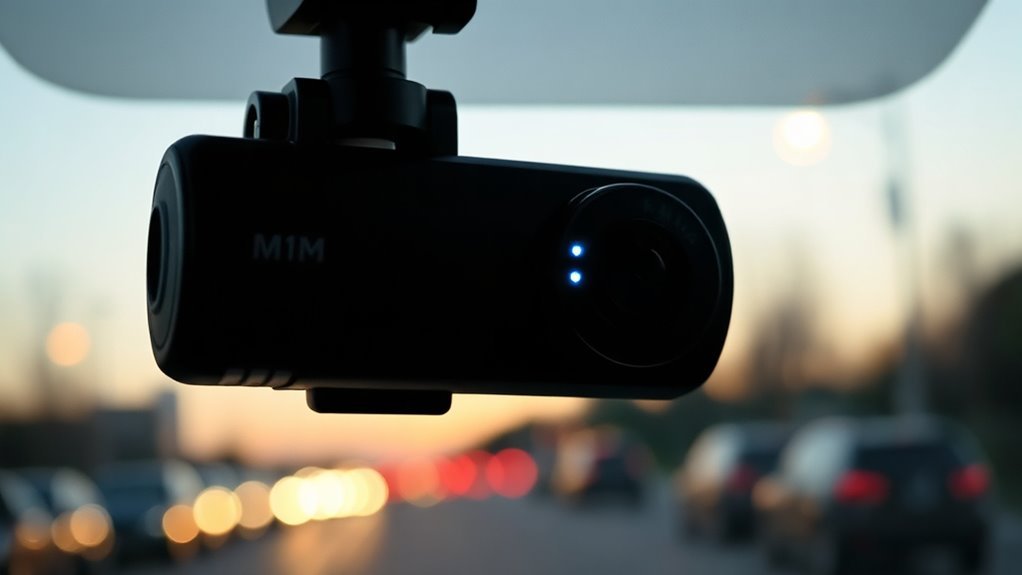
Dash cams usually don’t record when the car is off unless they have a built-in battery or a constant power source. If your dash cam relies solely on the car’s accessory power, it stops recording as soon as you turn off the ignition.
This means you won’t have footage if something happens while your car is parked. However, some models come with an internal battery that allows limited recording time after the engine is off.
Still, this battery drains quickly, so you won’t get extended coverage. Without a continuous power supply, your dash cam effectively shuts down, leaving you unprotected.
How Does a Dash Cam Get Power When the Car Is Off?
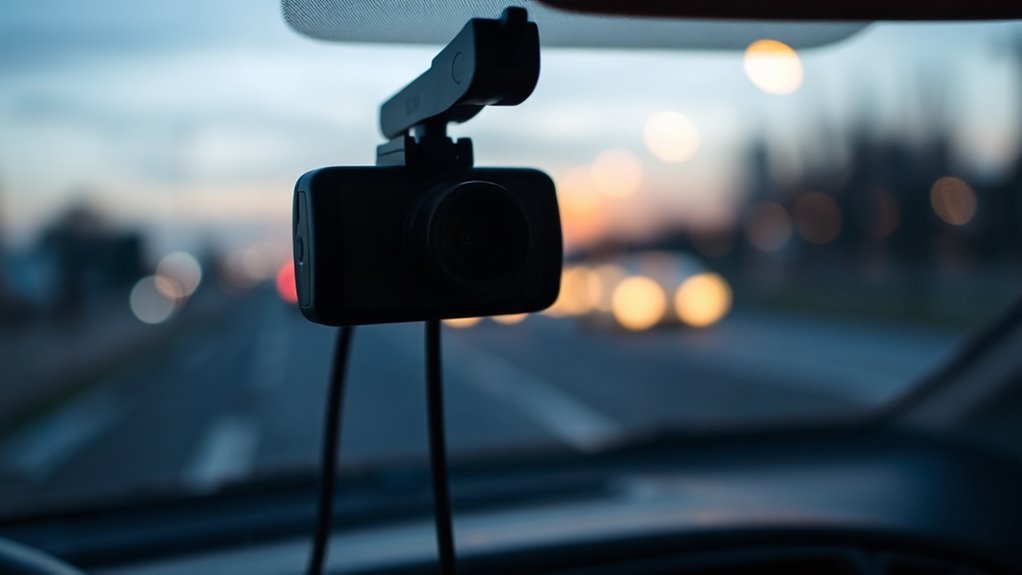
You might wonder how your dash cam keeps running when the car is off. It either draws power directly from your car’s battery through hardwiring or relies on its built-in battery backup.
Understanding these options helps you choose the right setup for continuous recording. So, whether you want nonstop footage or just occasional backup, there’s a solution that fits your needs.
Hardwiring To Battery
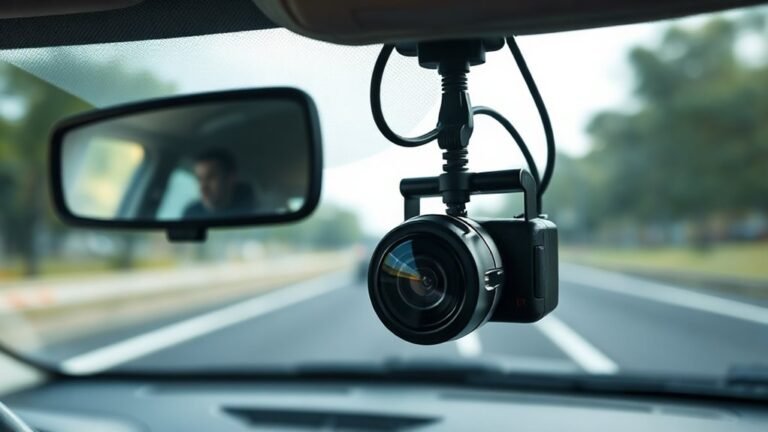
Hardwiring a dash cam directly to your car’s battery guarantees it stays powered even when the engine is off. You connect the dash cam to a constant power source, usually through the fuse box, ensuring uninterrupted power supply.
This setup allows your dash cam to record parking mode footage, catching incidents while you’re away. To do this, you’ll need a hardwiring kit with voltage protection to prevent draining your battery. It automatically cuts power if voltage drops too low, safeguarding your car’s starting ability.
While installation requires some technical skill or professional help, hardwiring eliminates reliance on the accessory socket, which turns off with the ignition. This way, your dash cam stays active round the clock, offering continuous protection.
Built-In Battery Backup
While connecting your dash cam directly to the battery guarantees constant power, not all setups require this level of commitment. Many dash cams come with a built-in battery backup, which provides short-term power when your car is off.
This internal battery lets the camera keep recording for a limited time after you shut down your vehicle. It’s great for capturing important events like hit-and-runs or vandalism.
However, the battery’s capacity is usually small and typically lasts just a few minutes. It’s meant more as a temporary power source, not for extended surveillance.
If you need longer recording times while parked, you’ll probably want a hardwired setup or an external battery pack. Still, the built-in battery backup offers convenient protection without any complex installation.
How Does Dash Cam Parking Mode Work and Why Does It Matter?
When your car is off, parking mode activates the dash cam to keep recording if it detects motion or impact. This feature helps capture vital evidence if someone hits or tampers with your vehicle while you’re away.
It’s pretty handy because it means your car is still being watched even when you’re not around. Understanding how parking mode works guarantees you’re protected even when you’re not driving.
Parking Mode Activation
Because your car is off most of the time it’s parked, dash cams use parking mode to keep recording without draining your battery. This mode activates automatically when the camera detects no ignition signal or when your vehicle’s battery voltage drops below a set level.
Some dash cams rely on motion sensors or impacts to trigger recording, making sure they capture incidents like hit-and-runs while parked. To prevent excessive battery drain, parking mode often runs in a low-power state, recording only when necessary.
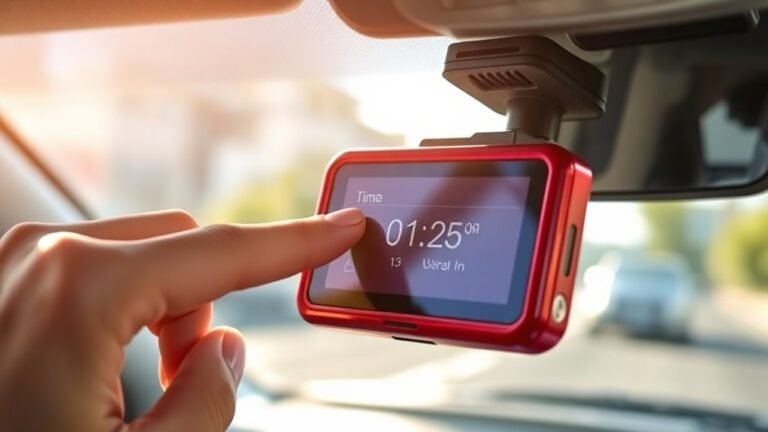
You might need to enable parking mode manually in your dash cam’s settings or connect the camera to a hardwire kit designed for this purpose. Understanding how parking mode activates helps you set up your dash cam effectively to protect your car even when you’re away.
Benefits of Parking Surveillance
Dash cam parking mode frequently provides crucial protection by capturing events that happen while your car is unattended. When you activate parking surveillance, your dash cam records any motion or impact around your vehicle, even when the engine’s off.
This means if someone hits your car in a parking lot or tries to break in, you’ll have clear footage to identify the culprit. It also deters vandalism and theft because potential offenders know they’re being recorded.
Plus, parking mode gives you peace of mind, knowing your car’s monitored 24/7. By catching incidents early, you can avoid costly repairs or insurance disputes.
In short, parking surveillance guarantees your vehicle stays protected, no matter where you park or how long you leave it. It’s like having an extra set of eyes watching over your ride all the time.
What Features Help Dash Cams Record When Your Car’s Off?
Although your car is off, certain features enable your dash cam to keep recording and protect your vehicle. These features guarantee continuous monitoring without needing the engine running.
Here are key functionalities to look for:
- Parking Mode: Activates recording when the car is parked and detects motion or impacts.
- G-Sensor: Automatically saves footage when sudden movements or collisions occur.
- Battery Backup: Keeps the dash cam powered briefly after the engine is off.
- Low Power Consumption: Allows the dash cam to operate longer without draining your car battery excessively.
These features work together to keep your vehicle safe and provide evidence if incidents happen while you’re away. So, choosing a dash cam with these capabilities means you get round-the-clock protection.
How Can You Protect Your Car Battery From Dash Cam Drain?
If you want to keep your car battery healthy while using a dash cam, you need to manage how much power it draws when the engine is off. First, use a hardwire kit with a low-voltage cutoff feature to prevent the dash cam from draining your battery below a safe level.
You can also install a separate, dedicated battery pack designed for dash cams, so your main car battery stays untouched. Another option is to connect the dash cam to a fuse with ignition power only, ensuring it turns off with the engine.
Regularly check your battery’s health to catch any issues early. These steps help you protect your battery while keeping your dash cam ready to record even when your car isn’t running.
Which Dash Cams Are Best for Recording When Parked?
When you want reliable footage while your car is parked, choosing a model with dedicated parking mode features is essential. These dash cams activate automatically when they detect motion or impacts, guaranteeing your vehicle is monitored even when off.
For reliable parked car footage, select dash cams with dedicated parking mode that activate on motion or impact.
Look for cameras that efficiently manage power to avoid draining your battery. You don’t want to end up with a dead battery just because your dash cam was working overtime.
Consider these features when picking the best dash cam for parked recording:
- Parking Mode with Motion Detection: Captures incidents without constant recording.
- Low Power Consumption: Protects your car battery from excessive drain.
- High-Quality Video Resolution: Ensures clear evidence if an event occurs.
- Built-in G-Sensor: Automatically saves footage during sudden impacts.
Picking a dash cam with these qualities helps you stay confident your car is protected 24/7. It’s like having a watchful eye on your vehicle, even when you’re not around.
Frequently Asked Questions
Can Dash Cams Record Audio When the Car Is Off?
You can record audio with your dash cam when the car is off only if it has a built-in battery or an external power source.
Otherwise, it won’t capture sound once your vehicle’s engine stops running.
Do Dash Cams Store Footage Locally or on the Cloud?
Like a knight’s scroll, your dash cam stores footage locally on an SD card. But many newer models also upload to the cloud.
You can choose based on your preference for easy access or secure backup. Makes it pretty handy, right?
How Long Can a Dash Cam Record Without Power?
You can expect a dash cam to record only a few minutes without power since it relies on your car’s battery or a built-in battery.
Most models last around 5-30 minutes before shutting off automatically. So, it’s not really designed to keep going for long after the power’s gone.
Are Dash Cams Affected by Extreme Weather When Parked?
Yes, dash cams can be affected by extreme weather when parked. You’ll want to choose a model rated for high or low temperatures, or use protective cases to make sure your camera keeps recording properly in harsh conditions.
It’s really important to consider the climate where you live. That way, your dash cam won’t stop working just because it gets too hot or too cold outside.
Can Dash Cam Footage Be Used as Legal Evidence?
Think of dash cam footage as your silent witness; yes, you can use it as legal evidence. Courts often accept clear recordings to prove fault or innocence.
Conclusion
Think of your dash cam as a vigilant guardian, quietly watching over your car even when the engine’s silent. Thanks to parking mode and smart power sources, it keeps recording, ready to catch any unexpected moments.
Just like a night owl, it stays alert without draining your battery too much. Choosing the right dash cam means your car’s story is always being told, no matter where or when.
So, does a dash cam work when the car is off? Absolutely! With features like parking mode, your dash cam can monitor your vehicle around the clock. This continuous recording offers peace of mind, protecting your car from accidents, theft, or vandalism even while parked. Investing in a reliable dash cam ensures you’re covered day and night, making it an essential tool for any driver who values safety and security.