What Is WDR on a Dash Cam?
WDR on a dash cam stands for Wide Dynamic Range, a handy feature that balances bright and dark areas in your footage. It works by capturing multiple exposures and merging them into one clear image. This way, you won’t lose important details in shadows or highlights.
This means you get better clarity in tricky lighting situations, like driving through tunnels or dealing with nighttime glare. If you’re curious about how WDR impacts video quality and which dash cams use it best, keep reading to find out more. It’s a game-changer for capturing all the details on the road!
Key Takeaways
- WDR (Wide Dynamic Range) balances exposure between bright and dark areas in dash cam footage for clearer images. It merges multiple exposure levels into one frame to prevent overexposed highlights and underexposed shadows.
- It works automatically in real time, adapting to changing light conditions on the road. This means you don’t have to worry about adjusting settings as you drive.
- WDR really helps improve the visibility of details like license plates and makes night and low-light video quality much better.
- You’ll find it especially useful in tricky situations like driving through tunnels, dealing with direct sunlight, or facing nighttime glare.
What Does WDR Mean on a Dash Cam?
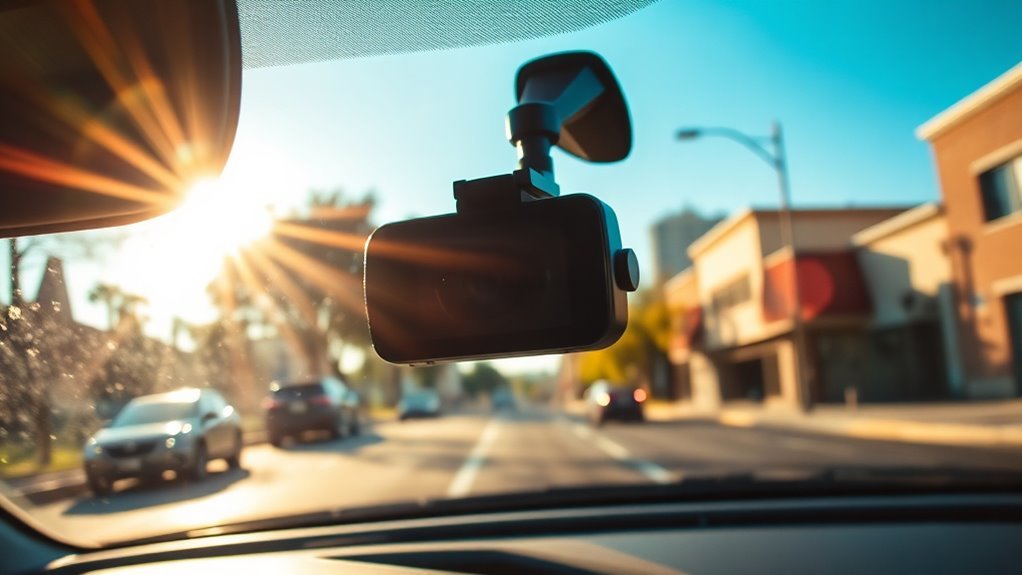
WDR, or Wide Dynamic Range, is a technology that helps your dash cam capture clearer footage in challenging lighting conditions. When you’re driving, you’ll often face scenes with both very bright and very dark areas, like tunnels or direct sunlight.
Without WDR, your dash cam might struggle to balance these extremes. This can cause parts of the video to be overexposed or underexposed.
With WDR, your camera adjusts the exposure levels dynamically. So, you get a balanced image where details in both shadows and highlights are visible.
This means you’ll have better evidence if an incident happens, since the footage won’t lose critical details due to poor lighting. WDR guarantees your dash cam performs well in varied lighting, improving overall video quality.
How Do Dash Cams Use WDR?
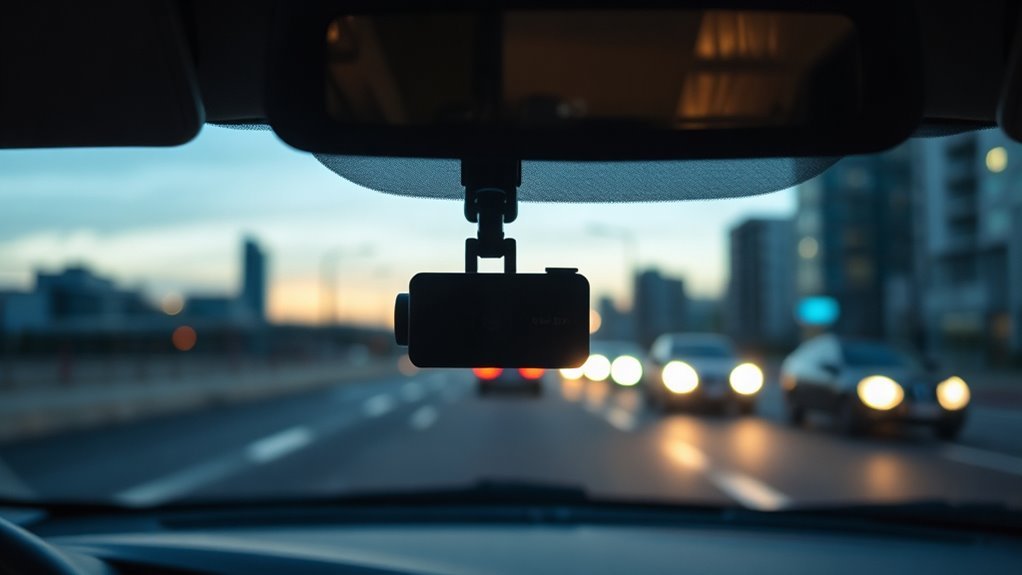
When you’re recording on the road, your dash cam constantly adjusts to changing light conditions by combining multiple exposures into a single frame. This process captures details in both bright and dark areas simultaneously.
Your dash cam takes several quick shots at different exposure levels—some brighter, some darker—and merges them to balance the image. By doing this, it prevents areas from being overexposed or underexposed, ensuring you get a clearer view of the surroundings.
You don’t have to manually adjust settings; the WDR technology automatically handles this in real time. So, whether you’re driving through shadows, bright sunlight, or tunnels, your dash cam keeps recording consistently detailed footage without losing important visual information.
How Does WDR Improve Dash Cam Video?

How exactly does your dash cam capture clear footage in tricky lighting? WDR balances light and dark areas in your video, making details visible even when lighting is uneven. It combines multiple exposures to avoid overexposed highlights or underexposed shadows.
So, you get a clear view of license plates, road signs, and surroundings without missing important details.
Here’s how WDR enhances your dash cam video:
| Aspect | Benefit |
|---|---|
| Bright Highlights | Prevents washed-out areas |
| Dark Shadows | Reveals hidden details |
| Contrast Balance | Creates natural-looking footage |
| License Plate Readability | Improves identification |
| Nighttime Clarity | Enhances low-light scenes |
With WDR, your dash cam delivers sharper, more reliable evidence in various lighting conditions. It’s like having an extra set of eyes that never miss a thing.
When Does WDR Matter Most in Dash Cams?
Knowing how WDR enhances your dash cam footage helps you understand the situations where it truly makes a difference. You’ll notice WDR matters most when lighting conditions vary drastically—like driving through tunnels, shaded areas, or facing direct sunlight.
It balances bright and dark spots, so you don’t miss vital details like license plates or road signs. Nighttime driving also benefits, as WDR improves visibility in low light by managing glare from headlights or streetlights.
If you often drive in environments with sharp contrasts between light and shadow, WDR guarantees your recordings remain clear and usable. Fundamentally, WDR shines when your camera faces challenging lighting that could otherwise obscure important evidence during an incident.
Dash Cams With vs. Without WDR: What’s the Difference?
When you compare dash cams with and without WDR, you’ll notice a clear difference in image quality, especially in challenging lighting. WDR helps your camera capture details in both bright and dark areas at the same time.
This makes a big difference when you’re driving in low light or high contrast situations. You’ll see things more clearly, which can be really helpful for safety and evidence if you ever need it.
Image Quality Comparison
Image clarity plays a crucial role in capturing important details while driving, and WDR technology greatly enhances this aspect. When you compare dash cams with and without WDR, the difference is clear.
Dash cams equipped with WDR balance the exposure across the entire frame, preventing overexposed highlights and underexposed shadows. This means you’ll see license plates, road signs, and faces more clearly, even in tricky lighting conditions like tunnels or bright sunlight.
Without WDR, dash cams often struggle with high contrast scenes, resulting in washed-out or overly dark areas that obscure critical details. So, if you want sharp, balanced footage that reliably captures everything on the road, choosing a dash cam with WDR is a smart move for better image quality and more useful recordings.
Performance in Low Light
Beyond handling bright and contrasting scenes, WDR also makes a big difference in low-light conditions. When you’re driving at night or through poorly lit areas, a dash cam with WDR balances the shadows and highlights, ensuring clearer footage.
Without WDR, your recordings might appear too dark or washed out, missing essential details. And that can be really frustrating when you need evidence after an incident.
With WDR, you’ll experience enhanced visibility in dim environments and clearer license plates and road signs. It also reduces glare from headlights and improves contrast for safer nighttime driving.
Plus, you’ll have greater confidence knowing your camera captures critical moments. Choosing a dash cam with WDR means you won’t miss important details, no matter the lighting.
How to Choose a Dash Cam With Effective WDR
Although many dash cams offer WDR, not all deliver the same level of performance. When choosing one, look for a model that specifies “effective” or “advanced” WDR technology, as these usually provide better image balance in varying light conditions.
Check user reviews and sample footage to see how well it handles bright sunlight and shadows. Also, consider dash cams with adjustable WDR settings, letting you fine-tune the exposure based on your driving environment.
Don’t forget to assess the sensor quality and resolution, since a good sensor complements WDR for clearer videos. Prioritize dash cams with proven low-light performance combined with WDR for reliable footage day and night.
This guarantees you get clear, detailed recordings no matter the lighting situation.
Frequently Asked Questions
Can WDR Affect Battery Life on Dash Cams?
WDR can slightly affect your dash cam’s battery life since it processes more image data to balance light.
However, the impact is usually minimal, so you won’t notice a significant drain during normal use.
Is WDR Technology Expensive to Repair or Replace?
WDR technology itself isn’t usually expensive to repair or replace since it’s integrated into the dash cam’s sensor and software.
If your dash cam malfunctions, you’ll likely pay for the whole unit, not just the WDR feature.
Do All Dash Cam Brands Support WDR?
You won’t find WDR on every dash cam brand—it’s like searching for a unicorn!
Many budget models skip it, but most mid-range and premium cams include WDR to capture clear footage in tricky lighting.
How Does WDR Interact With Night Vision Features?
WDR enhances night vision by balancing light exposure, so you’ll see clearer details in dark and bright areas simultaneously. It works with infrared or low-light sensors, improving overall image quality during nighttime recording.
Basically, it helps your camera handle tricky lighting situations better. So whether it’s super dark or there’s a bright light nearby, WDR makes sure you don’t miss any important details.
Can WDR Improve Footage in Heavy Rain or Fog?
Sure, WDR won’t magically turn your dash cam into a weather wizard battling torrential rain or fog.
But it’ll help balance light, making your footage clearer—so you won’t miss that sneaky squirrel or mysterious shadow.
Conclusion
Now that you know what WDR does for your dash cam, imagine driving through harsh glare or deep shadows without it. Would your footage still capture every vital detail?
Choosing a dash cam with effective WDR isn’t just a tech upgrade—it’s your safeguard when lighting turns tricky. Don’t wait for the unexpected to happen; make sure your videos never miss a beat, no matter the conditions.
Ready to see the difference WDR can make? With Wide Dynamic Range technology, your dash cam balances bright and dark areas perfectly. This means clearer, more detailed recordings whether you’re driving into the sun or through shaded streets. Investing in a dash cam with WDR ensures you get reliable footage every time, giving you peace of mind on the road. So, when it comes to capturing crucial moments, WDR is a feature you definitely don’t want to overlook.