
Do Dash Cams Record When Car Is Off?
Yes, your dash cam can keep recording when your car is off, but only if it has parking mode and a constant power source. Most dash cams plugged into an accessory socket usually shut down with the ignition. So, if you want your dash cam to record while your car is off, you’ll need a setup that supports it.
A hardwire kit or a dedicated battery pack can keep your dash cam monitoring motion or impacts after you park. This way, it continues protecting your vehicle even when you’re not around. Plus, low-voltage protection helps prevent your car battery from draining.
Some dash cams also offer features like time-lapse recording or event-only clips during parking mode. There’s definitely more to know about how these settings work to keep your car safe.
Key Takeaways
- Some dash cams keep recording when the car is off if they use constant power or a hardwire kit. This means they’re connected directly to the car’s battery or fuse box.
- Accessory socket power usually stops recording once the ignition is turned off. So, if your dash cam is plugged into the cigarette lighter, it probably won’t record when the car is off.
- Parking mode lets dash cams monitor motion or impacts after shutdown with short event-based clips. It’s a handy feature for keeping an eye on your car when you’re not around.
- Low-voltage protection or cutoff settings help prevent the dash cam from draining the car battery. This way, you won’t end up with a dead battery just because the dash cam was running.
- Not all dash cams support parking mode, so check the model’s specifications and wiring setup. It’s always good to know what your particular dash cam can and can’t do.
Do Dash Cams Record When the Car Is Off?
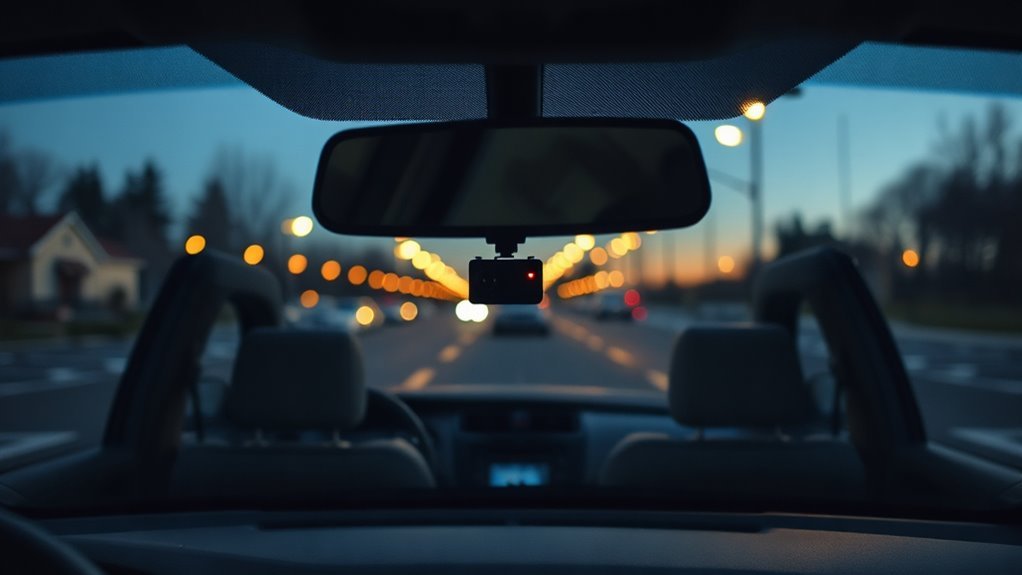
Whether a dash cam records when your car is off depends on how it’s powered and wired. If you plug it into a constant power source, it can keep running after you shut off the ignition.
But if it only gets power from the accessory socket, it’ll usually stop as soon as you turn the car off. Some hardwired setups let the camera draw from the battery even when the engine isn’t running, while others cut power completely.
You should check your camera’s wiring, your vehicle’s fuse setup, and the manufacturer’s instructions to know what happens in your car. Don’t assume every dash cam behaves the same way.
The power connection determines whether it stays on, shuts down, or uses stored energy after you leave the vehicle.
How Parking Mode Works
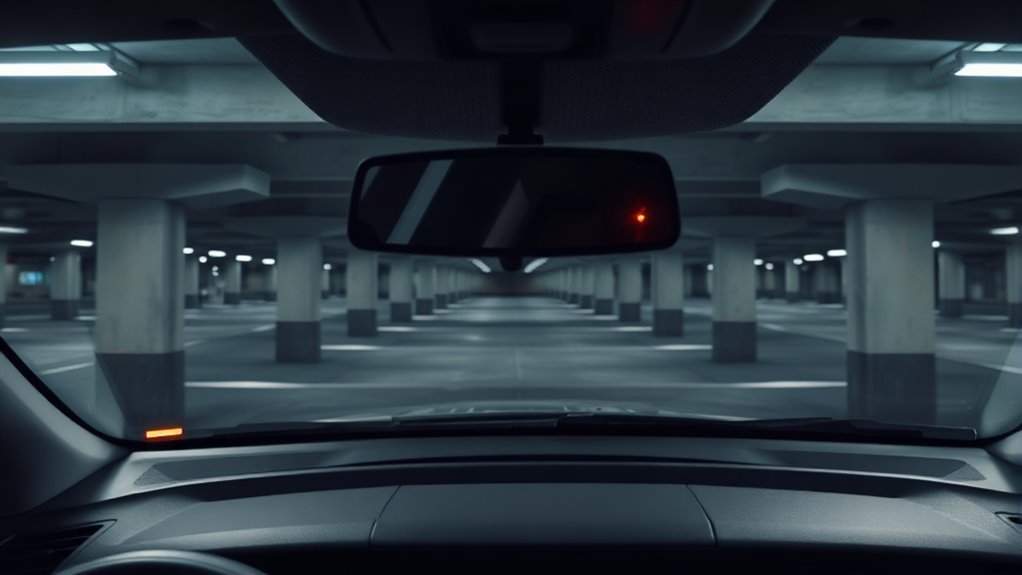
When you enable parking mode, your dash cam stays alert even after you turn off the car. It uses motion detection sensors to spot movement or impact nearby and start recording.
Since it runs on limited power, it usually records only key events instead of filming nonstop. This way, it saves energy while still keeping an eye on things when you’re not around.
Parking Mode Activation
Parking mode kicks in after you park and turn off your car, letting the dash cam keep watch without draining your battery too quickly. You usually enable it in the camera’s settings or through a hardwire kit, so the unit knows to switch from driving recording to standby surveillance.
Once active, it powers down most functions and waits for a trigger or timed check-in, which helps conserve energy. If you’ve chosen the right wiring setup, your camera can draw power from your vehicle safely while still protecting the battery.
You’ll often see an indicator on the screen or app confirming that parking mode is on. That way, you know your dash cam’s ready to document incidents while your car’s parked, even when you’re away for hours.
Motion Detection Sensors
Motion sensors help your dash cam wake up the moment something moves near your vehicle. When parking mode is on, the camera stays alert instead of filming nonstop, and it starts recording only when it detects movement in its field of view.
You can use this to catch people walking by, cars pulling in, or someone reaching toward your windshield. Some models also respond to vibration, so a bump or door slam can trigger a clip. That lets you review suspicious activity without filling your memory card with empty footage.
If your dash cam offers sensitivity settings, you can fine-tune how easily it reacts. Set it too high, and it may trigger from harmless motion; set it too low, and you might miss important events.
Low-Power Recording Limits
Even in parking mode, your dash cam can’t run forever without limits. It draws a small amount of power from your car battery or its own backup source, so recording stays lean and selective.
You get short clips, motion-triggered saves, or time-lapse footage instead of nonstop capture. This helps prevent battery drain.
If voltage drops too low, the camera should shut off or the hardwire kit will cut power to protect your vehicle.
- Your battery stays safer.
- Clips save only when needed.
- Time-lapse uses less energy.
- Hardwire kits add protection.
- Extra features shorten runtime.
That means you can leave your car parked and still catch key events, but only within the camera’s power limits.
What Parking Mode Records

When your dash cam switches to parking mode, it can keep watch for motion around your car, so it records activity near the vehicle. It can also start recording when it detects an impact, capturing a hit, bump, or collision.
Some models even use timelapse recording to save steady footage while your car sits parked. That way, you don’t miss a thing even when you’re away. It’s like having eyes on your car 24/7!
Motion Detection Coverage
If your dash cam has parking mode, it usually records only when its motion sensor or impact sensor detects activity around the vehicle. That means you’ll get clips of people walking past, cars pulling in, or someone lingering near your windows.
You won’t usually get nonstop footage, so the camera saves battery and storage. Coverage depends on where you mount it and how wide its lens sees. If you point it too high or too low, you might miss useful movement.
- Watch sidewalks, driveways, and parking spaces
- Check for blind spots near bumpers
- Angle the lens for wider street coverage
Make sure to test the field of view at night. And don’t forget to review clips to spot missed motion. This way, you can adjust and catch everything important.
Impact Detection Recording
Impact sensors add another layer to parking mode by recording a clip when your car is bumped, jolted, or hit. You don’t need a moving object to trigger it; even a hard door slam or parking lot nudge can wake the camera.
Once the sensor detects a shock, your dash cam saves the seconds before and after the event so you can see what happened. That footage can help you identify a driver, capture a license plate, or show whether damage came from another vehicle.
You’ll usually find this feature in settings as G-sensor or impact detection, and you can adjust its sensitivity. Set it too low, and you might miss a hit. Set it too high, and harmless vibrations may trigger clips.
Timelapse Parking Capture
Timelapse parking capture records your car while it’s parked by snapping frames at set intervals instead of filming nonstop. You still get a clear story of what happened around your vehicle, but the camera uses far less power and storage than full-time recording.
That means you can leave it on longer without draining your battery as fast. It’s great for spotting a person walking by, a bump in a lot, or a car pulling in too close.
- You capture key moments, not every second.
- You save memory for longer parking coverage.
- You reduce battery strain.
- You can review events faster.
- You may miss tiny details between frames.
Which Dash Cams Support Parking Mode
Not every dash cam keeps recording after you turn off the car, but many models do support parking mode. You should look for dash cams labeled with that feature, because they can monitor your vehicle while it sits parked.
Popular brands often include parking mode on midrange and premium units, especially those with front-and-rear coverage, motion detection, or impact detection. Some models also offer timelapse or event recording, which helps you catch bumps, break-ins, or parking lot accidents.
You can’t assume every dash cam has this ability, so check the product specs before you buy. Look for terms like “parking surveillance,” “motion alert,” or “impact trigger.”
If you want protection after shutdown, choose a dash cam that clearly states parking mode support and matches your driving and security needs. It’s worth taking a moment to find one that fits what you want.
How Hardwiring Powers Parking Mode
Hardwiring gives your dash cam a constant source of power, so it can keep recording after you turn off the ignition. You connect it to your vehicle’s fuse box with a hardwire kit, and the camera can switch into parking mode automatically.
That means you get coverage for bumps, door dings, and late-night activity without needing to plug it in each time. Pretty convenient, right?
- You park, and the camera stays ready.
- Motion triggers can start recording.
- Impact sensors can save key clips.
Plus, your setup looks cleaner than a dangling cord, and you keep protection even when you’re away.
With the right wiring, your dash cam can watch over your car while it sits. Easy peace of mind!
How to Prevent Battery Drain
To prevent battery drain, you’ll want a dash cam with built-in low-voltage protection or a hardwire kit that shuts the camera off before your car battery gets too low. You should also check whether your camera offers parking mode timer settings, so it only records for the hours you need.
If you drive infrequently, use a dedicated battery pack instead of relying on your car’s battery. Keep your wiring clean and avoid leaving extra accessories plugged into the same power source.
You can also test your battery health regularly because an older battery drains faster and doesn’t recover as well. If you’re unsure, ask an installer to set the cutoff voltage correctly for your vehicle. It’s a simple step that can save you a lot of hassle down the road.
Frequently Asked Questions
Can a Dash Cam Record Inside the Car While Parked?
Yes, you can record inside your parked car with a dash cam if it has parking mode, battery backup, or hardwiring. You’ll need motion or impact detection, and some models can monitor audio too.
It’s pretty handy because it keeps an eye on things even when you’re not around. So, if anything happens while you’re parked, you’ve got it covered!
Does Parking Mode Work With a Motion Sensor?
Yes, if you’ve enabled it. Doesn’t parking mode with a motion sensor sound handy?
Your dash cam wakes when it detects movement, records clips, and saves power. Though, keep in mind, sensitivity settings and hardwiring can affect reliability.
How Long Can a Dash Cam Stay on in Parking Mode?
You can keep your dash cam on in parking mode for hours or even days, depending on your battery, hardwire kit, and settings. Usually, you’ll get motion-triggered clips, which helps save power.
Constant recording is an option, but it can drain your battery faster. So, it’s good to balance what you need with your power setup. Just keep an eye on your dash cam’s battery life to avoid any surprises.
Will a Dash Cam Still Record if the Battery Is Disconnected?
Medieval truth: no, your dash cam won’t record if you disconnect the battery, unless it has its own power source like a supercapacitor or backup battery.
You’ll lose normal recording, though saved clips stay stored.
Can I Use a Power Bank for Dash Cam Parking Mode?
Yes, you can use a power bank for dash cam parking mode, but you’ll need one that supports pass-through charging and low-voltage output.
Also, make sure it has enough capacity to last through your parking duration safely.
That way, your dash cam stays powered without any interruptions.
Conclusion
So, can your dash cam keep watch while your car sleeps? Yes—if you have parking mode, it can stand guard like a night watchman, catching bumps, motion, or impact even with the engine off.
But you’ll need the right setup, often hardwiring, or your battery may fade like a candle in the wind. Choose wisely, and you’ll have eyes on your car, day or night, without draining your ride’s life force.
In short, dash cams can record when your car is off, but only if they’re equipped with parking mode and properly powered. Hardwiring your dash cam or using a battery pack helps maintain this feature without risking your car battery. So, if you want continuous protection and peace of mind, investing in a dash cam with parking mode and a reliable power source is the way to go. That way, your dash cam will keep recording even when your car is parked and off.


