Where to Put Your Dash Cam: 5 Essential Tips
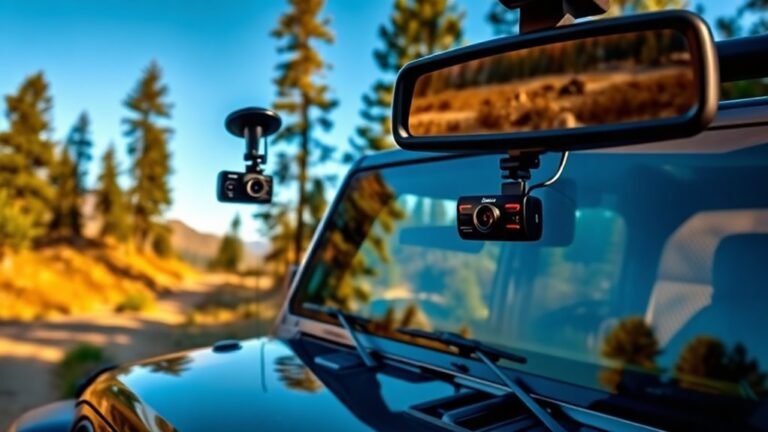
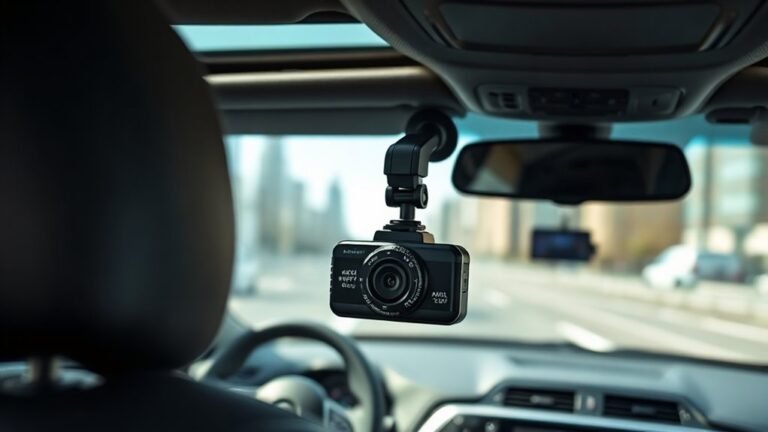
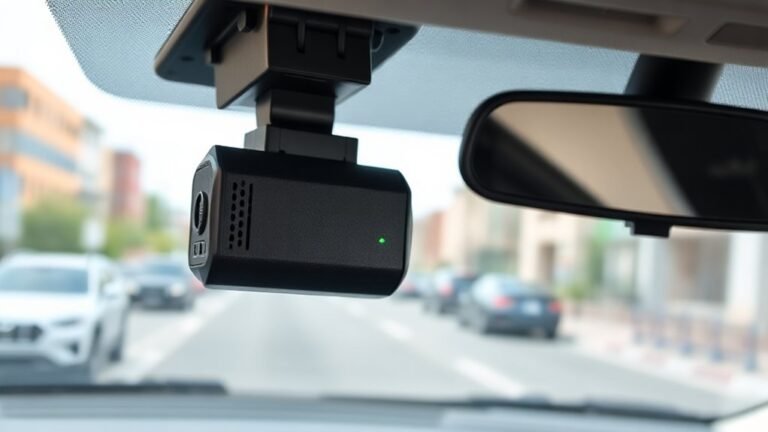
You should put your dash cam high on the windshield, centered just behind the rearview mirror. This spot helps the camera capture a wide road view without blocking your sightline. Placing it here ensures you get the best footage while staying safe and comfortable.
Make sure the lens points straight ahead, the camera stays level, and the horizon runs true. Avoid glare, tint bands, stickers, and airbag zones to keep your recordings clear and unobstructed.
Clean the glass first, then secure the mount and tuck the cable neatly. This keeps everything tidy and prevents distractions while driving.
Keep going, and you’ll see how to fine-tune the setup for the clearest footage. It’s all about getting those perfect angles for your dash cam!
Key Takeaways
- Mount the dash cam high and centered, just behind the rearview mirror. This gives you a wide, discreet view of the road.
- Keep the lens level and aimed straight ahead. That way, the horizon stays straight and the road stays centered.
- Avoid tinted strips, glare, wipers, stickers, and anything else that might block or distort the image.
- Never place the camera in airbag deployment zones. This includes the A-pillar and the upper corners of the windshield.
- Before mounting, clean the glass thoroughly. Then, secure the mount and cable neatly along the headliner and trim.
Find the Best Dash Cam Windshield Spot
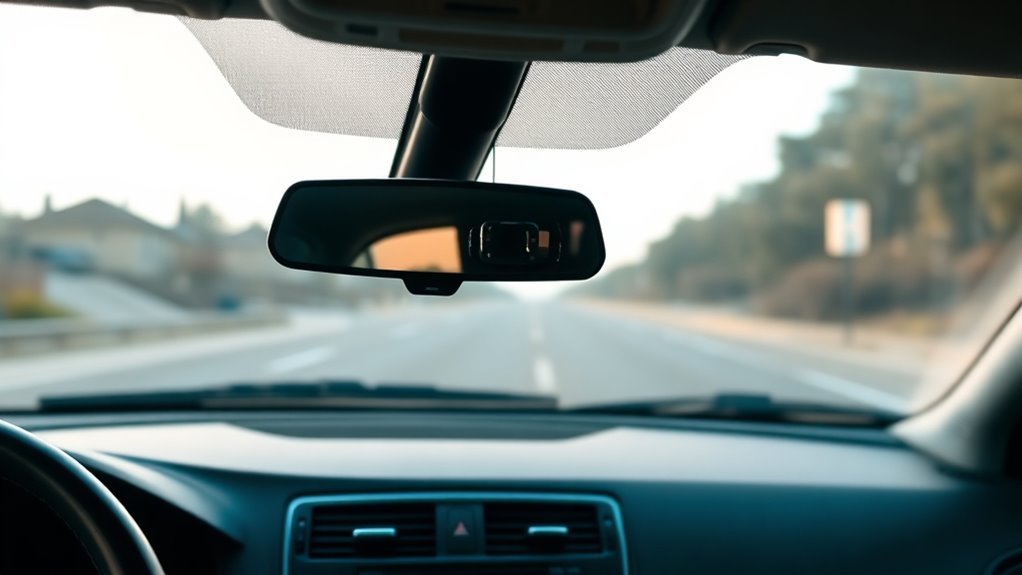
To find the best dash cam windshield spot, start by placing it near the center of the glass, just behind the rearview mirror. This spot lets it capture a wide view without blocking your sightline.
Place it just behind the rearview mirror for a wide view without blocking your sightline.
You should check that the lens points straight ahead and covers both lanes beside you. Keep the unit high enough to stay out of the way, but low enough for easy access to buttons and memory cards.
Clean the glass first so the mount sticks well and the image stays clear. It’s a simple step, but it makes a big difference.
Test the angle before you drive, since a small tilt can hide the road or show too much dashboard. Adjust for your car’s shape, and make sure wipers won’t obstruct the camera’s view in rain or snow.
Mount Your Dash Cam Behind the Rearview Mirror
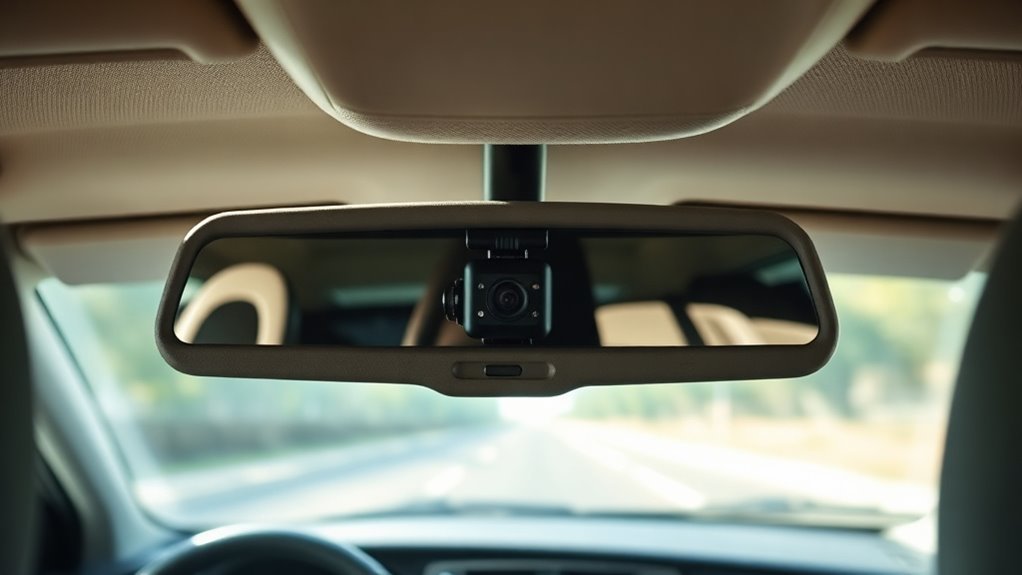
Mounting your dash cam behind the rearview mirror keeps it discreet while giving it a clear view of the road ahead. You reduce distraction, preserve your windshield’s open space, and make the camera less noticeable to thieves.
Use the area just below or beside the mirror, where the device can record traffic without blocking your sightline. Before sticking it in place, clean the glass thoroughly so the adhesive holds securely.
Route the power cable along the headliner and trim so it stays tidy and out of your way. Make sure the camera doesn’t interfere with mirror movement or any built-in sensors.
This placement helps you keep your setup compact, practical, and ready to capture important footage whenever you drive. It’s a smart way to stay safe and keep things looking neat.
Level Your Dash Cam for a Clear View

Once your dash cam is in place, level it so the horizon runs straight across the frame and the road ahead looks natural. A crooked angle can make lane markings seem off and reduce the usefulness of your footage.
Use the live preview on the screen or app, then make small adjustments until the image feels balanced. If your mount has a tilt joint, tighten it only after you’ve checked the view from your normal driving position.
- Center the road, not the hood.
- Keep the horizon steady.
- Test on a flat street first.
- Recheck after bumps or heat.
A properly leveled camera records cleaner evidence and gives you a clearer sense of distance, motion, and traffic context. It really makes a difference when you review the footage later.
Avoid Glare, Tint, and Airbag Zones
Now that your dash cam is level, check for anything that can block or distort the view. Avoid placing it where windshield glare from the sun, dashboard reflections, or headlights can wash out footage.
If your windshield has a tinted band near the top, keep the camera below that strip so the image stays clear. You should also skip spots behind wipers, stickers, or inspection tags that can create blind areas or visual noise.
Never mount the unit in an airbag zone, especially near the A-pillar or top corners. A deployed airbag could strike it or block its path.
Pick a position that gives you a clean, centered view through untinted glass. Also, keep your camera out of the way of safety systems.
Secure the Mount and Hide the Cable
After you’ve chosen the right spot, press the mount firmly to the glass and hold it in place long enough for the adhesive or suction cup to set. Check that the camera doesn’t wobble when you tap it; a stable mount keeps footage sharp on rough roads.
Then, route the cable along the headliner, A-pillar, and trim so it stays out of sight and away from your controls. Use cable clips to keep the wire snug.
Leave some slack near the camera for easy adjustment. Tuck any excess cord behind panels, not across the dashboard.
Also, test the door movement to make sure the cable won’t pinch or pull. A clean install looks professional and reduces distraction.
That way, you can drive with confidence and let the dash cam do its job.
Frequently Asked Questions
Should I Hardwire My Dash Cam or Use a Cigarette Lighter?
Hardwiring gives you cleaner wiring and parking-mode protection, so you should choose it if you want convenience.
It’s a bit more involved to install, but totally worth it for a neat setup. Use the cigarette lighter if you want an easier install, plug-and-play power, and less effort.
It’s simple and quick — just plug it in and you’re good to go.
Can I Install a Dash Cam on the Dashboard Instead?
Yes, you can, but you’ll want to test the theory that higher is always better.
Dashboard mounting often works, yet it can glare or obstruct views. Use a secure mount and follow local laws.
How Do I Choose a Front-And-Rear Dash Cam Setup?
Choose a front-and-rear setup by matching your coverage needs, budget, and vehicle design. You’ll want wide-angle, loop recording, parking mode, and easy cable routing.
Make sure both cameras mount securely and capture clear license plates. It’s all about getting the best view without any hassle.
Will a Dash Cam Drain My Car Battery Overnight?
Yes, it can, especially if you leave it on parking mode. You’ll reduce drain by using low-voltage cutoff, hardwiring properly, or unplugging it overnight.
Otherwise, your battery may struggle after long, silent hours. It’s something to keep in mind if you don’t want to get stuck with a dead battery.
Are Dash Cam Mounts Legal in Every State?
No, dash cam mounts aren’t legal in every state. You should check your state’s windshield obstruction rules, because some allow small mounts while others restrict placement.
If you’re unsure, mount it low and out of view. That way, you’ll stay on the safe side and avoid any issues.
Conclusion
You’ve got the basics now, so pick your dash cam spot with care. Mount it behind the rearview mirror, keep it level, and make sure glare, tint, and airbag zones don’t get in the way.
Secure the mount and tuck away the cable so your setup stays clean and reliable.
A stitch in time saves nine, and a smart installation now can save you trouble later. Safe driving starts with a clear view.
Choosing the right place for your dash cam is crucial for capturing clear footage without distractions. Keeping it level and avoiding glare or obstructions ensures your dash cam records important moments accurately. Plus, hiding the cable neatly not only looks better but also prevents accidental disconnections. Remember, a well-placed dash cam supports safe driving by giving you a clear view of the road ahead. Taking these simple steps makes your dash cam setup both effective and reliable, so you can drive confidently knowing your camera is working perfectly.