What Is a G-Sensor on a Dash Cam?
A G-sensor on your dash cam is a handy feature that detects sudden acceleration, braking, or impacts. It automatically saves and protects critical video footage so it doesn’t get overwritten during an accident. This sensor constantly monitors motion along three axes, locking recordings when it senses a collision or sharp movement.
This way, you’re sure to have reliable evidence for accidents or insurance claims. You can even adjust its sensitivity to reduce false alarms or catch minor bumps. Pretty cool, right? Keep exploring to understand how to optimize and troubleshoot this essential feature on your dash cam.
Key Takeaways
- A G-sensor detects sudden acceleration, deceleration, or impacts affecting the vehicle’s motion. It’s like the dash cam’s way of feeling a bump or a quick stop.
- When it picks up on these abnormal forces, it automatically locks and saves the footage. This way, important evidence is protected without you having to do a thing.
- The sensor measures acceleration forces along three axes to keep an eye on real-time vehicle movements. So, it’s constantly monitoring how the car moves in all directions.
- You can adjust the sensitivity settings, which helps balance between catching minor impacts and avoiding false alarms. That means you won’t get unnecessary alerts for every little jostle.
- Overall, G-sensors make dash cams more reliable by prioritizing footage of key events. This is super helpful for insurance claims and legal matters.
What a G-Sensor Is and Why It Matters for Dash Cams

Although you might not notice it, a G-sensor plays a crucial role in your dash cam’s functionality. It’s a tiny device inside your camera that measures forces acting on your vehicle, especially acceleration and deceleration.
This sensor continuously monitors motion changes, helping your dash cam understand when something unusual happens on the road. Because of the G-sensor, your dash cam can automatically save important footage without you having to intervene.
This protects critical moments from being overwritten. Without it, you’d risk losing critical evidence in case of incidents.
How a G-Sensor Detects Sudden Movements and Impacts
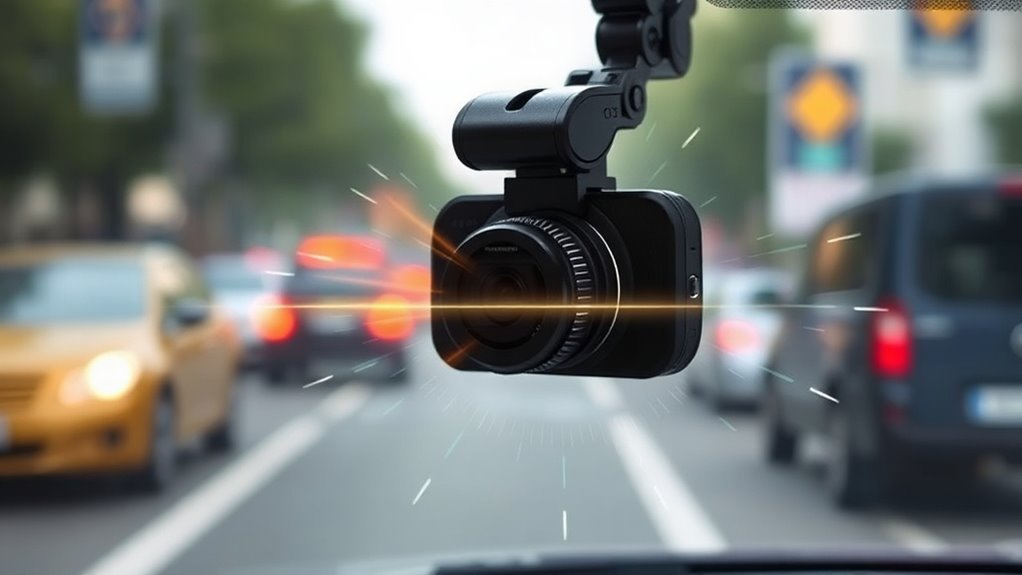
You’ll find that a G-sensor works by constantly monitoring your vehicle’s movements in real time. It detects sudden changes by measuring impact thresholds, triggering the dash cam to save important footage.
This means it’s always on the lookout for anything unexpected. Understanding how this mechanism responds helps you see why it’s vital for capturing those surprise moments on the road.
G-Sensor Mechanism Explained
When your vehicle experiences a sudden jolt, the G-sensor inside your dash cam springs into action. This tiny device measures acceleration forces along three axes—forward-backward, side-to-side, and up-down.
Inside, a small mass is suspended on tiny springs. When your car moves abruptly, this mass shifts, causing the sensor to detect changes in acceleration.
The G-sensor converts these physical movements into electrical signals, instantly alerting your dash cam’s processor. This mechanism helps your dash cam recognize sudden movements or impacts without delay.
Thanks to this precise detection, the dash cam can automatically save and lock video footage, protecting vital evidence. Understanding this mechanism highlights how your dash cam keeps you covered during unexpected driving events.
Detecting Impact Thresholds
The G-sensor’s ability to detect shifts in acceleration is just the start. It monitors sudden changes that exceed preset thresholds, triggering the dash cam to save footage during impacts or sharp maneuvers.
This threshold prevents false alarms from minor bumps or vibrations, ensuring only significant events are recorded. You can think of it as a trigger point calibrated for your vehicle’s typical movement patterns.
Here’s how different impact forces correspond to G-sensor readings:
| Impact Type | G-Force Range |
|---|---|
| Minor Bump | 0.2 – 0.5 G |
| Moderate Impact | 0.5 – 1.0 G |
| Hard Impact | 1.0 – 2.0 G |
| Severe Collision | 2.0 – 5.0 G |
| Extreme Impact | Above 5.0 G |
You’ll find this calibration essential for reliable event detection. It really helps the dash cam know when to save what matters most.
Real-Time Movement Monitoring
Dash cams constantly monitor your vehicle’s movements in real time, using the G-sensor to detect sudden shifts in acceleration. This sensor tracks changes in motion and triggers recording or alerts when it senses unusual activity.
Here’s how it works: the G-sensor measures acceleration forces along multiple axes. It detects rapid speed changes, like hard braking or sharp turns.
When impact forces exceed preset thresholds, the dash cam locks the footage. Continuous monitoring helps identify collisions or risky maneuvers instantly.
How to Adjust G-Sensor Sensitivity on Your Dash Cam
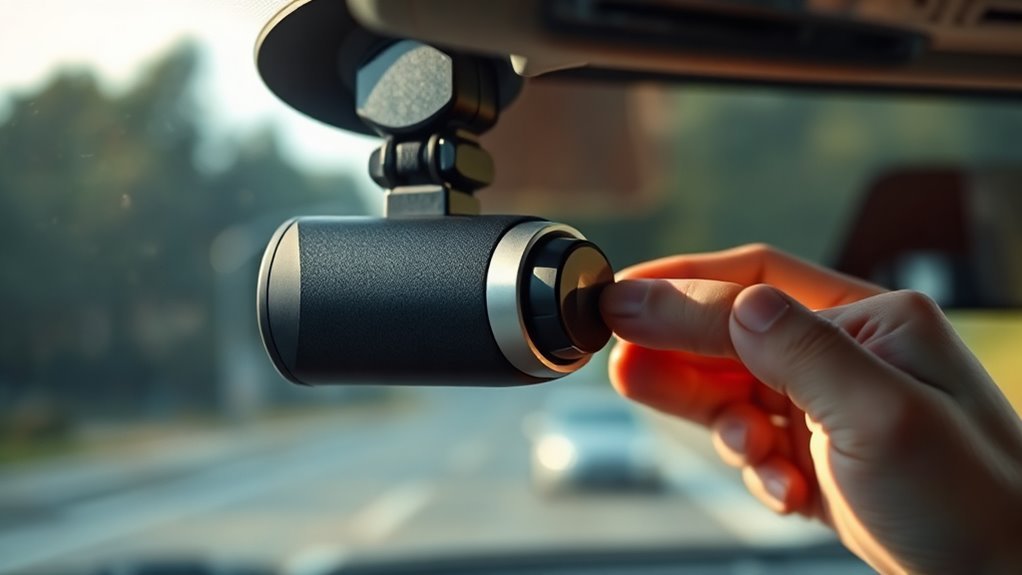
Adjusting the G-sensor sensitivity on your dash cam lets you customize how it detects impacts or sudden movements. To do this, access your dash cam’s settings menu, usually found on the device’s screen or through its companion app.
Look for the G-sensor or motion detection option. You’ll typically see sensitivity levels such as low, medium, and high. Choose a higher sensitivity if you want the camera to respond to minor bumps or vibrations.
Select a lower setting if you want to avoid unnecessary recordings from small jolts or rough roads. After adjusting, test the setting by gently tapping your dash cam or simulating a movement.
This guarantees the sensor reacts appropriately without triggering false events.
Common Issues With G-Sensors and How to Fix Them
Once you’ve set your G-sensor sensitivity, you might still encounter some common issues that affect its performance. Here’s how to fix them quickly:
- False triggers: If your dash cam records unnecessarily, try lowering the sensitivity. Also, make sure it’s mounted securely to reduce vibrations.
- No detection: If impacts aren’t being recorded, increase the sensitivity a bit. Double-check if the sensor is disabled in the settings too.
- Sensor malfunction: Sometimes a simple restart of your dash cam can do the trick. If that doesn’t help, updating the firmware might fix any glitches.
- Power interruptions: Make sure your dash cam has a stable power supply. A faulty connection can cause the G-sensor to reset or even fail.
How G-Sensor Activation Protects Your Dash Cam Footage
When your dash cam’s G-sensor detects a sudden impact, it automatically locks the footage to prevent overwriting. This means you don’t have to worry about losing important evidence after an accident.
Automatic Incident Detection
Protecting your dash cam footage starts the moment an impact triggers the G-sensor. This automatic incident detection guarantees vital events are recorded without you lifting a finger.
Here’s what happens when the G-sensor activates: The dash cam instantly locks the current video file, preventing it from being overwritten. It flags the footage as important, making retrieval easier during reviews.
The device may trigger emergency recording modes, capturing additional pre- and post-incident footage. Some models even alert you via sound or notification, so you’re aware an event was detected.
Secure Footage Preservation
The reliability of your dash cam footage hinges on the G-sensor’s ability to lock and secure critical recordings the moment it detects an impact. When an accident occurs, the G-sensor activates, preventing the footage from being overwritten or deleted.
This automatic protection guarantees you have essential evidence for insurance claims or legal matters without manual intervention. Pretty handy, right?
| Feature | Benefit |
|---|---|
| Impact Detection | Locks footage instantly |
| Automatic Saving | Prevents accidental overwriting |
| Event Prioritization | Highlights critical moments |
| Peace of Mind | Guarantees reliable evidence |
With this technology, you don’t have to worry about losing important videos during emergencies. The G-sensor shields your recordings, keeping them safe and accessible when you need them most.
It’s like having a silent guardian for your dash cam footage!
How to Choose a Dash Cam With Reliable G-Sensor Technology
Although many dash cams include G-sensors, not all offer the same level of reliability or sensitivity. You’ll want to focus on these key aspects when choosing one with dependable G-sensor technology.
First, look for a dash cam that lets you customize G-sensor sensitivity. This helps avoid false triggers or missed incidents, which can be really frustrating.
Next, make sure it automatically locks footage upon detecting impact. That way, important clips won’t get overwritten.
It’s also important to check for models with precise acceleration and shock detection. This ensures the camera captures real events accurately.
Finally, don’t forget to read user reviews. Look for feedback specifically about the G-sensor’s performance in real-world conditions to get an honest idea of how well it works.
Frequently Asked Questions
Can a G-Sensor Detect Minor Bumps or Only Major Impacts?
A G-sensor can detect both minor bumps and major impacts, but you can usually adjust its sensitivity. This helps your dash cam record important events without constantly triggering from small vibrations or harmless bumps.
Does a G-Sensor Consume Extra Battery Power in Dash Cams?
Did you know dash cams with G-sensors use just about 5% more battery power? You won’t notice much difference since these sensors activate only during impacts,
keeping power consumption minimal and efficient for your drive. It’s a smart feature that only kicks in when really needed, so no worries about draining your battery.
Are G-Sensors Affected by Temperature Changes Inside the Car?
Yes, you’ll find that g-sensors can be affected by extreme temperature changes inside your car. This might cause sensitivity fluctuations or false triggers.
However, most dash cams are designed to handle typical temperature ranges without issues. So, under normal conditions, you shouldn’t have to worry much about it.
Can a G-Sensor Trigger False Recordings When Driving on Rough Roads?
Yes, your G-sensor can trigger false recordings on rough roads because it detects sudden movements. You might want to adjust its sensitivity to avoid unnecessary clips caused by bumps or uneven surfaces while driving.
It’s pretty common for the sensor to pick up on all those little shakes and jolts. So, tweaking the sensitivity can really help cut down on those false alarms.
Is a G-Sensor Useful for Insurance Claim Disputes?
Yes, a G-sensor is useful for insurance claim disputes because it automatically saves impact footage, giving you clear evidence of accidents. This helps prove your case quickly and accurately, reducing potential disagreements.
Plus, having that solid proof can make the whole process less stressful. It’s like having a trustworthy witness on your side when things get tricky.
Conclusion
You might think a G-sensor is just another tech feature, but it’s the very thing that steps in exactly when you need it—like recording those unexpected moments that could change everything. By detecting sudden impacts, it protects vital footage automatically, saving you hassle and stress.
So, when choosing your next dash cam, don’t overlook the G-sensor; it’s more than a coincidence—it’s your silent guardian on the road. This sensor ensures that important videos are locked and saved during collisions or sudden stops, giving you peace of mind.
In short, a G-sensor on a dash cam is essential for capturing critical incidents without you having to lift a finger. It’s a smart feature that protects your evidence and supports your safety. Next time you shop for a dash cam, make sure it has a reliable G-sensor—it’s one of the most valuable tools for your driving security.