How to Reset a Tire Pressure Sensor in 3 Steps
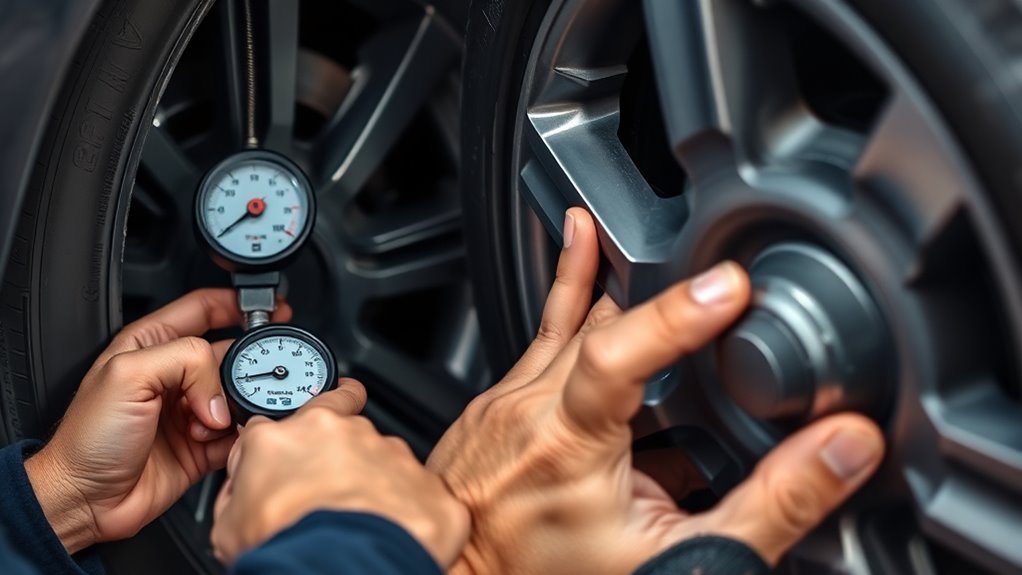
First, check all four tires with a reliable gauge and inflate each one to the pressure listed on the driver’s door jamb sticker, including the spare if your vehicle uses one. This step is crucial to ensure your tire pressure sensor is working with accurate data.
Next, find the TPMS reset button or menu, turn the ignition on, and hold the reset control until the light blinks or turns off. This tells your car that you’ve manually reset the tire pressure sensor.
Then, drive for 10 to 15 minutes at a steady speed so the system can relearn the sensors. After that, you’ll know the reset was successful pretty quickly. It’s an easy process to keep your tire pressure monitoring system working properly!
Key Takeaways
- Check all tires, including the spare if equipped, and inflate each to the manufacturer’s recommended pressure.
- Find the TPMS reset button or touchscreen reset option in your vehicle’s manual or common locations.
- Turn the ignition on, then press and hold the reset control until the TPMS light blinks or turns off.
- Drive for 10–15 minutes at a steady speed so the system can relearn and verify tire pressures.
- If the light stays on, recheck tire pressure and sensor issues. Then, check the owner’s manual or visit a shop.
Check Tire Pressure and Locate the Reset Button

Before you reset the tire pressure sensor, check that all four tires are inflated to the manufacturer’s recommended pressure, including the spare if your vehicle uses one in the system. Use a reliable tire gauge and compare each reading with the sticker on the driver’s door jamb or your owner’s manual.
If a tire is low, add air and recheck it until it matches the spec. While you’re there, inspect for visible damage, leaks, or uneven wear.
Add air to any low tire, then inspect for damage, leaks, or uneven wear.
Next, locate the reset button, since you’ll need it ready before you proceed. It’s often under the steering wheel, inside the glove box, or near the fuse panel.
If you can’t find it, check your manual for the exact spot. Don’t guess; using the correct button saves time and avoids unnecessary troubleshooting.
Reset the TPMS Light in Your Vehicle

With the tires set correctly and the reset button located, you can turn the ignition to the “on” position without starting the engine. Then, press and hold the TPMS reset button until the light blinks or turns off.
Release the button and wait a few moments for the system to register the reset. If your vehicle uses a touchscreen or dashboard menu instead of a physical button, open the tire pressure settings and follow the reset prompt.
Some models need the engine running while others only need the key in accessory mode, so check your owner’s manual if nothing happens. After the reset, the TPMS light should clear once the system recognizes the sensor signals and stores the new pressure readings.
Drive to Confirm the TPMS Light Is Off
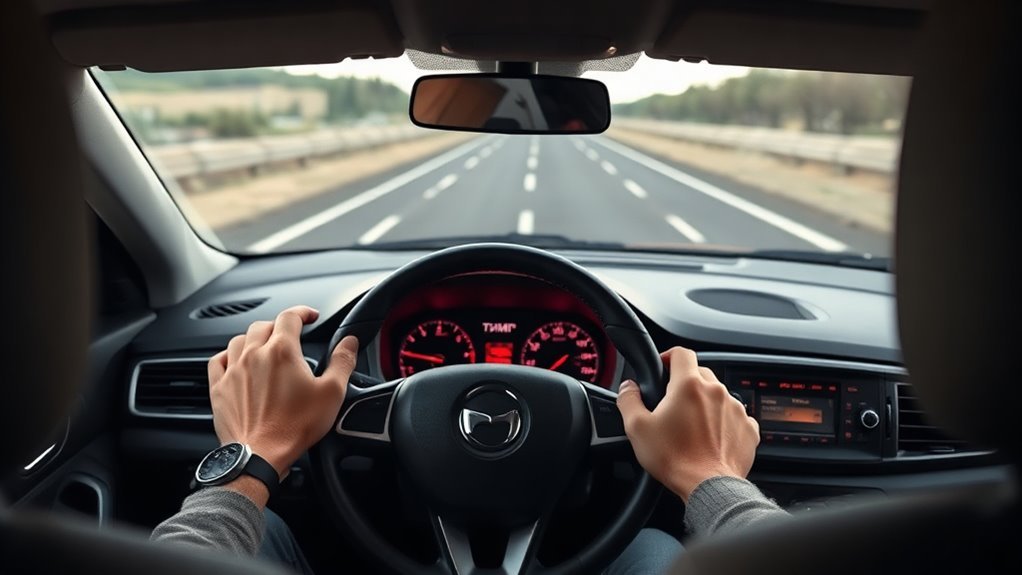
Take the vehicle for a short drive so the TPMS can recheck each tire and confirm the reset worked. Keep a steady speed for 10 to 15 minutes, since the system often needs motion to update readings.
Watch the dashboard for the warning light; if it stays off, the reset likely succeeded. If it returns, stop and inspect tire pressure again.
| Check | What to Do |
|---|---|
| Drive time | 10-15 minutes |
| Speed | Keep it steady |
| Light status | Look for off |
| If light returns | Recheck pressure |
| Final result | Confirm reset |
You should also listen for unusual handling, which can point to a low tire or sensor issue. If the light won’t clear, use the owner’s manual or a shop.
Frequently Asked Questions
Can a Bad Tire Pressure Sensor Drain My Car Battery?
Yes, it can, if you’ve got a faulty TPMS module or sensor that stays active and keeps waking the system.
You should check it soon, because repeated drains can leave you stranded with a dead battery.
Better safe than sorry, right? A quick inspection can save you a lot of hassle down the road.
How Often Should TPMS Sensors Be Replaced?
TPMS sensors usually last 5–10 years, so you’ll replace them when their batteries die.
Check yours if warnings appear or during tire service; they don’t need routine replacement unless they’re failing.
It’s pretty simple—no need to swap them out just because of time. Just keep an eye on how they’re working, and replace them when necessary.
Does Cold Weather Affect Tire Pressure Sensor Readings?
Yes, cold weather can lower your tire pressure readings because air contracts as temperatures drop.
You’ll often see the TPMS light come on. So, check and inflate your tires to the recommended level promptly.
Can I Drive With a Blinking TPMS Light?
Yes, you can drive briefly, but you shouldn’t ignore it.
You may have low tire pressure or a sensor fault, so check all tires soon and inflate them to the recommended level safely.
Are Aftermarket Tires Compatible With TPMS Sensors?
Yes, you can usually use aftermarket tires with TPMS sensors if the tire size and wheel specs match.
You’ll need proper mounting, sensor compatibility, and occasional relearn procedures to keep warnings off. It’s not too complicated once you get the hang of it.
Conclusion
So there you are, victorious over modern dashboard drama, having checked the tire pressure, found the mysterious reset button, and driven off like a hero in a minivan epic.
If the TPMS light stays off, congratulations: your car has accepted your brilliance. If it returns, don’t panic—your tires may be auditioning for a sequel.
Either way, you’ve learned that sometimes the smallest button can silence the loudest automotive nag. Resetting a tire pressure sensor isn’t just a quick fix—it’s a smart way to keep your vehicle safe and running smoothly.
Remember, a properly reset TPMS helps you avoid unexpected tire troubles and keeps your dashboard calm. So next time that tire pressure warning light pops up, you’ll know exactly how to handle it like a pro.