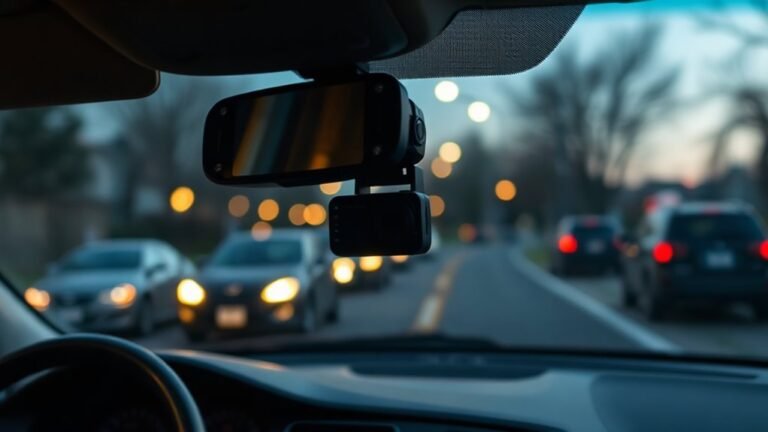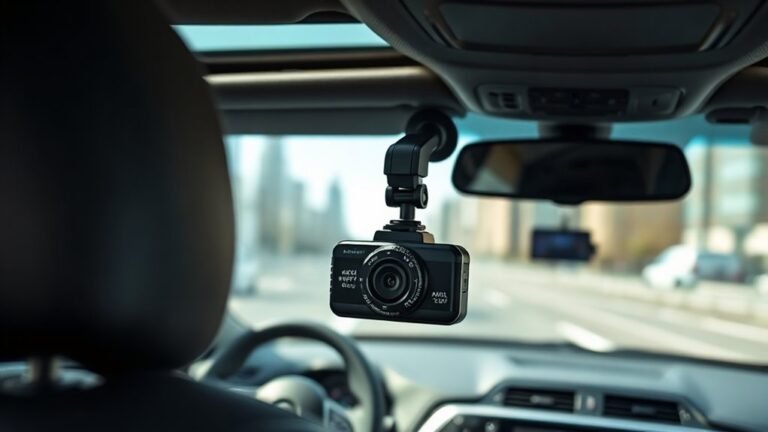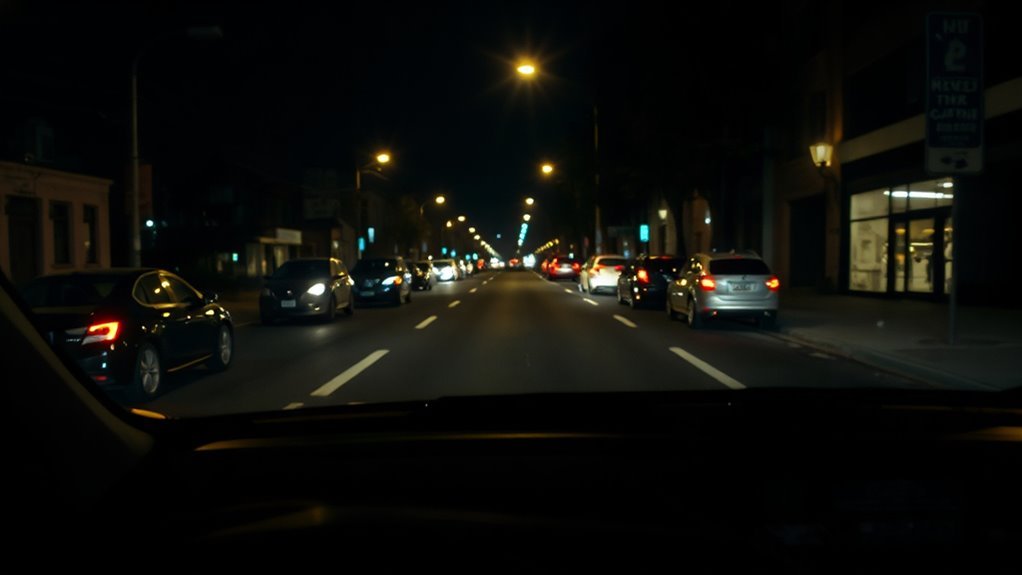
What Is Dash Cam Parking Mode?
Dash cam parking mode keeps your camera on watch after you turn off your engine, so it can record what happens around your vehicle while you’re away. This feature is great for capturing motion, impacts, bumps, break-ins, or vandalism in parking lots, driveways, and on city streets. It’s like having an extra set of eyes on your car when you’re not there.
To keep the camera running, it usually needs constant power from a hardwire kit or battery pack. The camera may use motion alerts, impact detection, or time-lapse recording to save space. There’s a lot more to know about how parking mode works and why it’s so helpful for protecting your vehicle.
Key Takeaways
- Dash cam parking mode records activity around a parked vehicle after the engine is off. It helps capture bumps, break-ins, vandalism, and other incidents while unattended.
- The camera usually needs constant power from hardwiring, a battery pack, or a similar setup. This way, it can keep an eye on things even when you’re not around.
- It can trigger recording by motion, vibration, or impact, often using buffered or time-lapse clips. So, if something happens, the dash cam is ready to catch it.
- Parking mode offers added protection, but it can use storage and may stop if battery voltage gets too low. Still, it’s a handy feature to keep your car safer when parked.
What Is Dash Cam Parking Mode?

Dash cam parking mode is a feature that keeps your camera watching your vehicle while it’s parked, even when the engine is off. You use it to capture activity around your car after you leave it, so you can review incidents later if someone bumps, breaks into, or vandalizes it.
It gives you extra peace of mind in parking lots, driveways, and on city streets where your vehicle may face risk. You won’t need to stay nearby for it to help. Instead, it sits ready to record what happens when you’re away.
That makes it a useful layer of protection for your vehicle and your evidence. If you want added security after parking, this feature can make a real difference.
How Parking Mode Works

When you park and turn off the engine, parking mode keeps the dash cam ready by using a constant power source, a hardwiring kit, or a dedicated battery pack, depending on your setup. It watches your vehicle while you’re away and starts recording when it detects motion, vibration, or impact.
Here’s how it works:
| Trigger | Action |
|---|---|
| Motion | Begins recording |
| Impact | Saves footage |
| Vibration | Wakes the camera |
| Low light | Keeps monitoring |
| Idle time | Reduces power use |
Your camera may use time-lapse or event-based clips to capture what matters without filling the card too fast. So, you get continuous awareness, but the system stays selective. It only records when something changes around your car.
How to Power Parking Mode

To keep parking mode running, you need a reliable power source while your car is off. You can wire the dash cam to your car’s fuse box with a hardwire kit. This lets it draw low power from the battery and shut down safely when voltage drops.
You can also use a dedicated battery pack, which charges while you drive and powers the camera later. This way, your starter battery stays protected. Some cameras plug into an OBD-II port or a constant-power accessory line, but you should always confirm compatibility before you install anything.
If you want dependable recording overnight, choose a setup that matches your driving habits, parking time, and vehicle type. Then, test it before leaving the car unattended. That way, you’ll know it works just right.
Key Dash Cam Parking Mode Features
Once your dash cam has power sorted, the next step is knowing which parking mode features matter most. You’ll want motion detection, so your camera wakes up when someone approaches your car.
Motion detection is essential, waking your dash cam when someone approaches your parked car.
G-sensor impact detection is another must-have; it triggers recording when it feels a bump, hit, or shake. Buffered recording helps you capture a few seconds before and after an event, giving you better context.
Some models also offer time-lapse mode, which saves storage while still showing what happens around your vehicle. Look for sensitivity controls, too, so you can reduce false alerts from passing traffic or wind.
If you park in dim areas, low-light performance matters as well. These features work together to help you monitor your car while you’re away.
Common Parking Mode Recording Limits
When you use parking mode, your dash cam may only record for a set duration before it stops to save power. You might also find that it captures only motion or impact events instead of continuous footage.
Storage space can limit how much it saves, so you’ll want to check how long your camera can keep clips before it overwrites them. It’s a good idea to know these limits so you don’t miss anything important.
Recording Duration Limits
Recording duration limits in parking mode vary widely, and the exact runtime depends on your camera’s power source, settings, and how much motion it detects.
If you hardwire your dash cam to your fuse box, you can usually record for hours or even days. But, that’s only if your battery protection setting doesn’t cut power sooner.
With a built-in battery, you’ll often get just minutes or a short burst of coverage. Lower resolution, reduced frame rates, and parking sensitivity adjustments can stretch runtime further.
You should also account for temperature because heat and cold can affect battery efficiency. In practice, your camera may stop when voltage drops below a safe threshold.
Event-Only Capture
Event-only capture keeps your dash cam quiet until it detects motion or an impact, so it doesn’t waste space on empty footage. You get clips only when something actually happens, which helps you review incidents faster and avoid hours of useless parking video.
This mode usually starts recording a few seconds before and after the trigger, so you can see what led up to the event and what followed. Some cameras also use sensitivity settings, letting you decide how easily motion or vibration wakes them up.
If you set it too low, you might miss minor bumps; too high, and harmless activity can trigger extra clips. You’ll want a balance that matches where you park and how much activity your car usually sees there.
Storage Space Constraints
Parking mode can fill your memory card faster than you expect, especially if your camera records in short clips or keeps looping through repeated triggers. You’ll usually get only a few hours, or maybe a couple of days, before storage runs out, depending on resolution, bitrate, and card size.
If your dash cam uses motion detection, constant traffic, wind, or passing headlights can trigger extra recordings and eat space fast. You should also remember that parking mode often saves protected files, which can be harder to overwrite.
To avoid gaps, use a high-endurance microSD card, check available space regularly, and set clip length or sensitivity wisely. If you want longer coverage, consider a larger card or cloud backup.
Is Dash Cam Parking Mode Worth It?
Yes, dash cam parking mode is often worth it if you want protection when your car is unattended. You can capture hit-and-runs, vandalism, theft attempts, and suspicious activity that normal driving mode misses.
That evidence may save you time, money, and stress when you file a claim or report a crime. However, you should weigh the tradeoffs. Parking mode can drain your battery, require hardwiring, and use more storage space.
If you park in safer areas and rarely leave your car alone, you might not need it. But if you often park on streets, in lots, or overnight, it’s a smart safeguard. For many drivers, the peace of mind alone makes it worthwhile.
Frequently Asked Questions
Does Parking Mode Drain My Car Battery Overnight?
Yes, it can drain your battery overnight if you leave it running too long.
You should use low-voltage protection, a hardwire kit, or a dedicated battery pack to reduce the risk.
These options help keep your battery from dying unexpectedly. So, it’s a good idea to set them up if you plan to use Parking Mode often.
Can Parking Mode Record in Complete Darkness?
Yes—sometimes. You’ll get crisp footage in low light, yet complete darkness needs infrared or strong sensor performance.
You can’t capture details without some illumination, but your dash cam may still detect motion and shapes.
Will Parking Mode Work With a Hybrid or Electric Vehicle?
Yes, you can use parking mode with a hybrid or electric vehicle. Just make sure you provide continuous power to the dash cam.
Also, check that the dash cam’s voltage cutoff matches your car’s battery system and settings. That way, everything works smoothly without draining your battery.
How Much Storage Does Parking Mode Footage Use?
Parking mode footage can use anywhere from a few hundred megabytes to many gigabytes daily. It really depends on factors like resolution, bitrate, motion triggers, and how long you record.
You’ll need more storage if you record for longer periods or in higher quality. So, it’s good to keep those things in mind when planning your storage needs.
Can I Receive Parking Mode Alerts on My Phone?
Yes, you can, if your dash cam supports app connectivity. As they say, “A stitch in time saves nine.”
You’ll get instant alerts on your phone, letting you check incidents quickly and respond fast. It’s super convenient and really gives you peace of mind.
Conclusion
So, if you think your parked car should just “protect itself,” dash cam parking mode is your tiny, tireless witness. It keeps watch while you’re away, because apparently your bumper can’t file reports.
With motion detection, impact alerts, and the occasional battery drama, it’s not magic—it’s insurance with a camera. If you care about catching vandals, fender benders, or mysterious shopping cart attacks, yes, you’ll want it.
Dash cam parking mode offers peace of mind by monitoring your vehicle even when you’re not around. It records any suspicious activities or impacts, helping you gather evidence in case of accidents or vandalism. This feature is essential for anyone looking to protect their car from unexpected damage or theft. So, investing in a dash cam with parking mode is a smart move for enhanced security and reliable proof when you need it most.