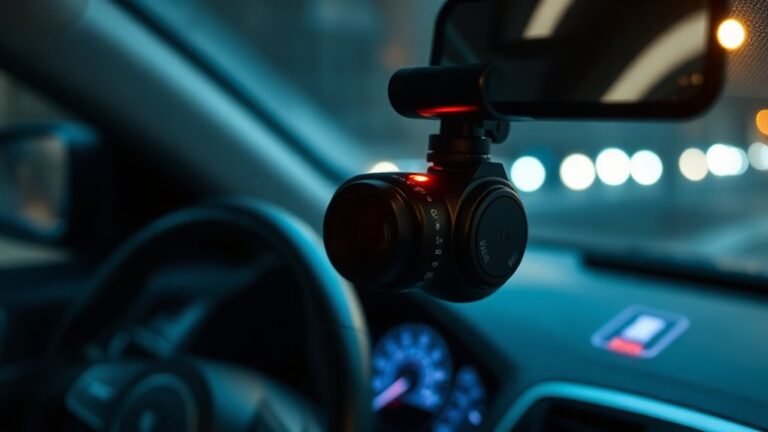
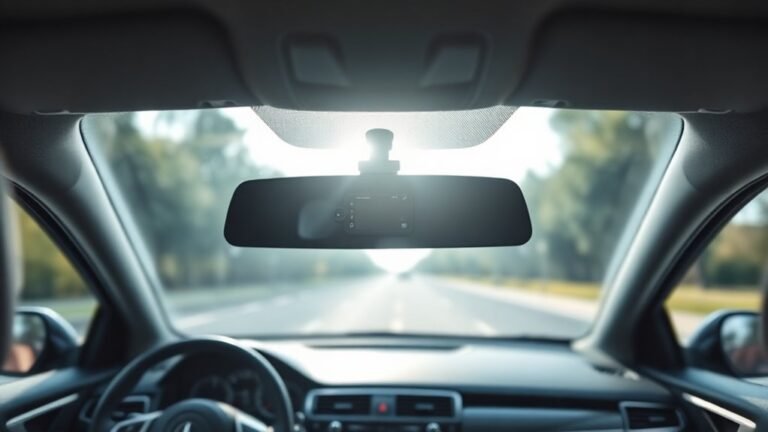
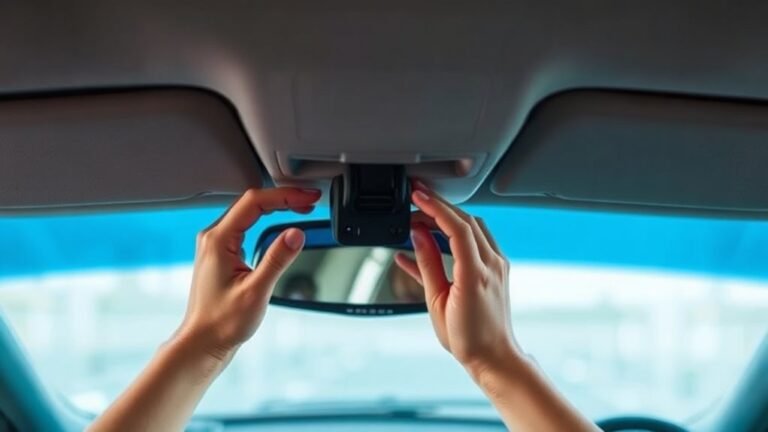
• Does a Dash Cam Record Even When the Car Is Off?

    A dash cam usually stops recording as soon as you turn off your car because it relies on your vehicle’s power supply.

    However, if your dash cam has a built-in battery, parking mode, or is connected to an external power source like a hardwire kit or power bank, it can keep recording even when the engine is off.

    This helps capture incidents while parked.

    Keep exploring to find out how these features work and what power options can provide continuous protection.
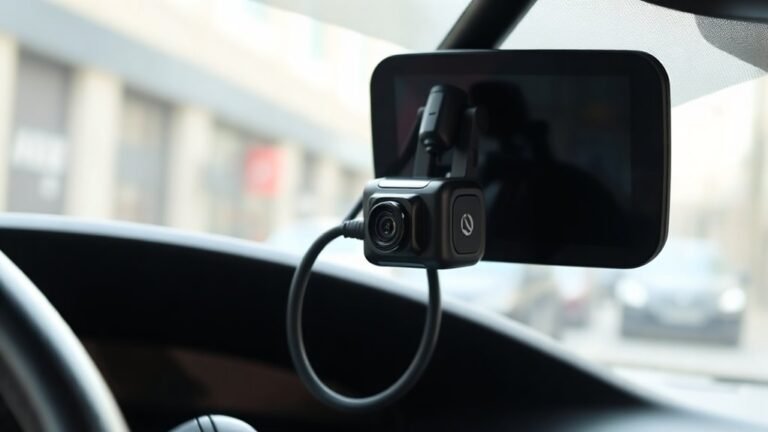
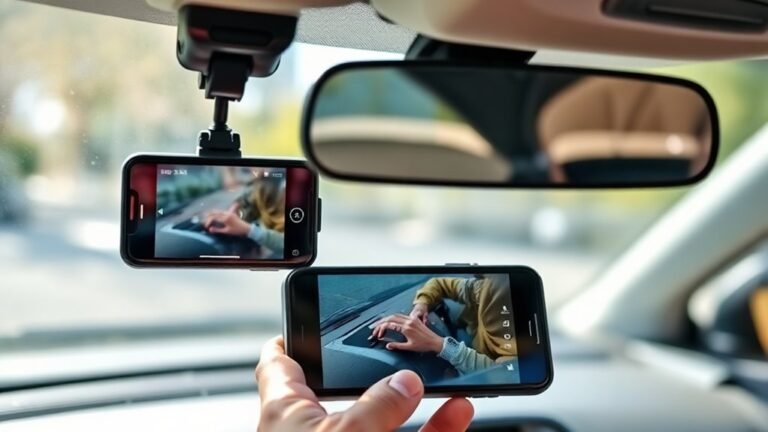
  • Does a Dash Cam Need to Be Plugged In?

    You need to keep your dash cam plugged in for continuous recording and full protection, especially if you want parking monitoring or motion detection. Most models rely on constant power from a 12V socket or hardwiring, as built-in batteries only last 20–60 minutes.

    Unplugged dash cams won’t capture events while parked, leaving gaps in coverage. So, if you want reliable, round-the-clock safety, understanding power options and setup is key.

    Choosing the right dash cam for your needs means knowing how to keep it powered. That way, you won’t miss a thing when it matters most.

  • Does a Dash Cam Connect to Your Phone?

    Yes, your dash cam connects to your phone through Wi-Fi or Bluetooth, letting you access live footage, recordings, and settings conveniently via a dedicated app. Wi-Fi offers faster transfers and direct dash cam control, while Bluetooth uses less power for basic functions.

    You can instantly view, download, and share videos without removing memory cards. Connection issues are usually easy to fix with simple troubleshooting.

    Keep exploring to discover setup tips, connection methods, and more benefits.

  • 10 Ways You Can Turn Off Dash Cam Audio

    You can turn off your dash cam’s audio by toggling off the microphone or audio option in settings or the companion app. Use a dedicated mute button or quick settings to silence sound instantly.

    If you want, you can physically block or disconnect the built-in mic. Sometimes updating your firmware adds new audio controls, so it’s worth checking that out.

    Another option is disabling audio in privacy settings. And if you’ve already recorded something, you can always remove the audio later with video software.

    For total silence, consider models that don’t have audio recording at all. Keep exploring to uncover all the best methods!

  • Can a Dash Cam Drain a Car Battery?

    Yes, a dash cam can drain your car battery if you leave it plugged in too long, especially with parking mode on or no power safeguards. It draws small but continuous power even when your engine’s off, which can add up during extended idle times.

    Features like GPS or Wi-Fi increase consumption, and older batteries struggle more. So, it’s something to watch out for if your battery isn’t in top shape.

    Proper settings, voltage cutoffs, or separate power sources help prevent issues. Explore how to protect your battery and keep your dash cam running smoothly.

  • Are Dash Cams Legal in Indiana?

    You can legally use dash cams in Indiana as long as you mount them correctly without blocking your windshield or view.

    Indiana lets you record audio if you’re part of the conversation, but secret recordings without consent are not allowed. Placing the device behind your rearview mirror or on the dashboard keeps you safe and legal.

    Dash cams can also help with insurance claims by providing clear footage. Keep going to discover more about using dash cams in Indiana.

  • Are Dash Cams Legal in Florida?

    Yes, you can legally use dash cams in Florida, but you need to follow certain rules. Mount your camera securely without blocking your windshield or view, typically behind the rearview mirror or low on the dashboard.

    While video recording is allowed, Florida requires you to get consent before recording any audio. Make sure your footage is lawfully obtained and respect privacy to keep it admissible in court.

    Keep these guidelines in mind to stay compliant and protect yourself on the road. More details on usage and laws are available.

  • Why Does My Dash Cam Keep Beeping?

    Your dash cam keeps beeping to alert you about important issues like low battery, memory card errors, or recording status changes. It might beep to warn of a full or corrupted memory card, power problems, or lost GPS signals.

    Sometimes, software glitches cause persistent beeping, which updates or restarts can fix. Paying attention to these alerts helps guarantee reliable performance and secure footage.

    Keep exploring to uncover practical fixes and prevent annoying beep interruptions.

  • Where to Put a Dash Cam?

    You should mount your dash cam just behind or slightly below the rearview mirror. This way, you get a clear, unobstructed view of the road without blocking your sight.

    Position it near a power source like the cigarette lighter or fuse box for easy wiring. It makes setting up much simpler.

    Keep it discreet to reduce the risk of theft. Also, avoid glare by angling the lens slightly downward.

    Secure cables along the edges for a clean look. If you want to explore ideal placement and security tips, keep going for more insights!

  • Where to Install a Rear Dash Cam in 7 Steps?

    To install your rear dash cam, start by choosing a top-center spot on your rear windshield. This spot gives you a wide, clear view without blocking mirrors or creating glare.

    Clean the surface thoroughly before mounting the camera securely using a slim mount. Make sure it’s firmly in place so it doesn’t move while driving.

    Next, adjust the angle so the lens captures the full rear window but isn’t pointing too low. It’s all about getting that perfect shot!

    Route the power cables neatly along the trim to keep things tidy and avoid distractions. A clean setup looks better and keeps cables out of the way.

    Finally, test the video quality while driving to check for clarity and stability. If needed, keep tweaking your setup until it’s just right.