Does a Dash Cam Record Even When the Car Is Off?
A dash cam usually stops recording as soon as you turn off your car because it relies on your vehicle’s power supply. This means that once the engine is off, the dash cam loses power and shuts down.
However, if your dash cam has a built-in battery, parking mode, or is connected to an external power source like a hardwire kit or power bank, it can keep recording even when the engine is off. These features are designed to provide continuous protection, especially when your car is parked.
This way, the dash cam can capture incidents such as theft, vandalism, or accidents that happen while your vehicle is unattended. Keep exploring to find out how these features work and what power options can provide continuous protection.
Key Takeaways
- Most dash cams stop recording immediately when the car turns off unless they have built-in parking mode or external power sources.
- Dash cams with parking mode use motion or impact sensors to record while the car is parked and off.
- Hardwire kits or external power banks enable dash cams to record continuously after the engine is off.
- Internal batteries or supercapacitors provide limited recording time after shutdown but are not long-lasting.
- Without independent power, dash cams cannot capture footage during parked incidents or when the ignition is off.
Does a Dash Cam Keep Recording After You Turn Off the Car?
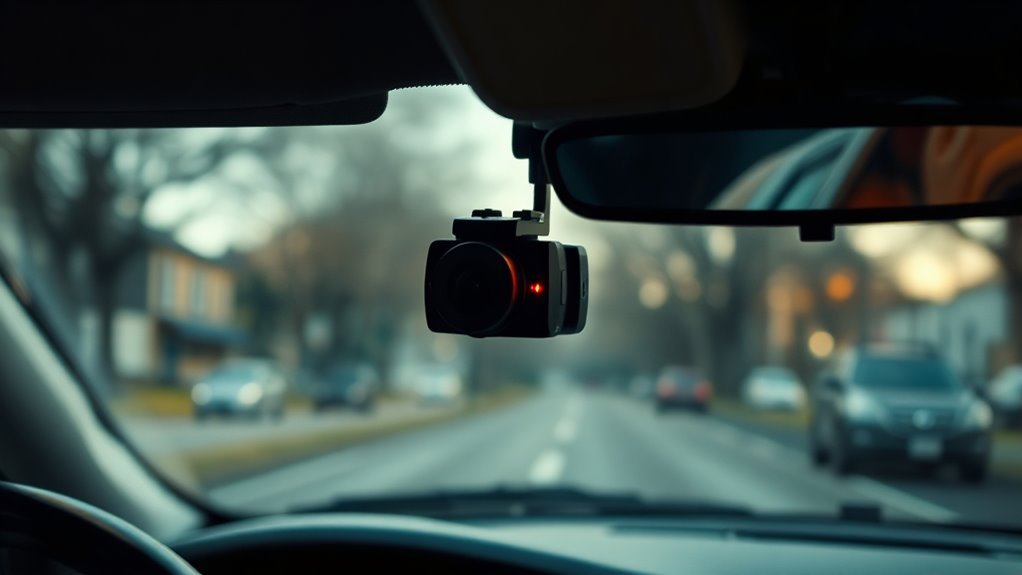
When you turn off your car, most dash cams stop recording immediately because they rely on the vehicle’s power supply. That means as soon as the ignition switches off, the dash cam powers down, halting video capture.
You won’t get any footage unless the dash cam has a separate battery or a hardwired power source with parking mode capabilities. Without those features, your dash cam simply can’t function once the car is off.
This is important because if an incident happens while your vehicle is parked and the dash cam isn’t powered independently, you’ll miss critical evidence. So, if you want continuous protection, you need to weigh up a dash cam designed to record even when the engine is off.
Otherwise, recording stops the moment you park.
How Dash Cams Record While You’re Driving
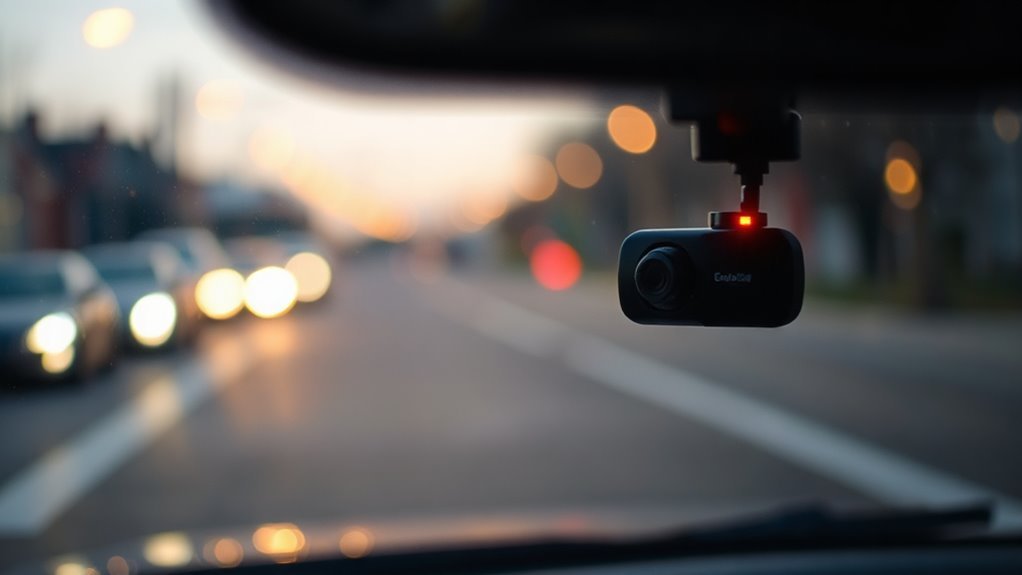
Dash cams capture every moment on the road by powering up as soon as you start your car. Once on, they continuously record video, so you always have a reliable account of your drive.
Most dash cams use loop recording. That means old footage gets overwritten unless an incident triggers the camera to save that clip. This way, your device won’t run out of storage mid-trip.
Here’s a quick look at how dash cams work while you’re driving:
| Function | Description | Benefit |
|---|---|---|
| Power Source | Connects to car’s battery | Starts automatically |
| Loop Recording | Overwrites old footage | Saves storage space |
| Incident Detection | Uses G-sensor or sudden impact | Protects important clips |
| Video Quality | Usually HD or Full HD | Clear footage for evidence |
| Storage Type | MicroSD card | Easy to upgrade or replace |
Dash Cam Features That Keep Recording When the Engine Is Off

Many dash cams now include features that let them keep recording even after you’ve turned off your car. One key feature is a built-in battery or supercapacitor, which powers the camera briefly once the engine is off.
Many dash cams can keep recording briefly after you turn off your car, thanks to built-in batteries or supercapacitors.
Another is a low-voltage cut-off sensor that detects when your car battery voltage drops below a safe level. This prevents battery drain while still allowing continued recording.
Some models connect to an external hardwire kit, supplying constant power from the car’s fuse box to keep the dash cam running.
Plus, motion detection or impact sensors can trigger recording automatically when movement or a collision is detected around your parked vehicle.
These features make sure your dash cam stays alert and continues capturing important events even when your engine isn’t running.
How Parking Mode Protects Your Car When It’s Parked
When your car is parked, parking mode keeps the dash cam recording by detecting motion or impacts. This feature helps catch hit-and-runs or vandalism while you’re away.
You can power parking mode through your car battery or an external source to guarantee continuous protection. That way, your car stays safe even when you’re not around.
How Parking Mode Works
Although your car is off, parking mode keeps an eye on it by activating the dash cam’s recording features when it detects motion or impacts nearby. This mode uses built-in sensors like G-sensors or motion detectors to sense disturbances around your parked vehicle.
When triggered, the dash cam automatically starts recording, capturing video evidence without you needing to do anything. It can record for a preset time or until the event ends, then returns to standby.
Some dash cams require a constant power source, often connected to your car’s battery via a hardwire kit, to support parking mode. This setup guarantees your dash cam stays alert even when the engine is off, helping you monitor your car 24/7 without draining the battery excessively.
Benefits of Parking Mode
Parking mode doesn’t just keep your dash cam running while your car is off—it actively shields your vehicle from potential damage or theft. When your car is parked, the dash cam stays alert, ready to detect any sudden movement or impact.
If someone bumps into your car or tries to break in, the camera records the event, giving you vital evidence. This can help with insurance claims or catching vandals.
Parking mode also deters thieves since they know their actions might be caught on camera. Plus, it gives you peace of mind, knowing your car is monitored even when you’re away.
With parking mode, you don’t have to worry about what happens while your vehicle is parked and unattended. It’s like having an extra set of eyes on your car, 24/7.
Power Sources for Parking
To keep your dash cam recording even when your car is off, you’ll need a reliable power source that supports parking mode. Most dash cams rely on either a hardwired connection to your car’s battery or an internal battery to keep recording after the engine is off.
Hardwiring guarantees continuous power but requires professional installation. Internal batteries offer convenience but usually support only short recording times.
Here’s a quick comparison:
| Power Source | Pros |
|---|---|
| Hardwired Battery | Continuous recording, long duration |
| Internal Battery | Easy setup, limited time |
| External Power Bank | Portable, can last hours |
Choosing the right power source helps you protect your car 24/7. That way, you catch incidents even when you’re away.
Power Options That Let Dash Cams Record With the Car Off
If you want your dash cam to keep recording after you turn off your car, you’ve got a few power options to choose from. You can hardwire it to your car’s battery, use models with built-in parking mode, or connect an external power bank.
Each method helps your camera stay powered and ready to capture any incidents while your car is parked. So, whether you’re worried about vandalism or just want extra security, there’s a setup that can work for you.
Hardwiring To Battery
Hardwiring your dash cam directly to your car’s battery lets it keep recording even when the engine is off. This setup provides a continuous power supply, so your camera can monitor your vehicle 24/7.
To do this, you connect the dash cam’s power cable to a constant power source in your fuse box, usually via a hardwire kit. Make sure to include a voltage cutoff feature to prevent draining your car’s battery excessively.
This feature automatically shuts off the dash cam if your battery voltage drops below a safe level. Hardwiring requires careful installation or professional help, as it involves working with your vehicle’s electrical system.
Once installed, your dash cam stays powered, offering peace of mind even during long parking periods. It’s a great way to keep your car protected around the clock.
Built-In Parking Mode
While many dash cams rely on external power sources, some come with built-in parking mode features that let them record even when your car is off. These dash cams use internal batteries or capacitors to keep recording during parking events like impacts or motion detection.
This feature protects your vehicle without draining your car’s battery excessively. Pretty handy, right?
Here’s a quick overview of built-in parking mode features:
| Feature | Description |
|---|---|
| Internal Battery | Powers dash cam when car is off |
| Motion Detection | Starts recording when movement is detected |
| Impact Sensors | Triggers recording on collision |
| Auto Power Off | Saves battery by shutting down after inactivity |
With built-in parking mode, you get peace of mind without complex setups or extra accessories. It’s a simple way to keep your car safe around the clock.
External Power Banks
Many drivers turn to external power banks to keep their dash cams running even when the car is off. These portable battery packs supply constant power, allowing your dash cam to continue recording without draining your car’s battery.
You simply connect the dash cam to the power bank via USB, and it kicks in as soon as the vehicle shuts off. External power banks are especially useful if your car lacks built-in parking mode or if you want extra recording time after parking.
Just make sure the power bank has enough capacity to handle your dash cam’s power needs for the desired duration. With this setup, you won’t miss any important footage, whether you’re parked or away from your vehicle.
Choosing a Dash Cam for 24/7 Recording and Continuous Safety
If you want your dash cam to provide continuous protection, you’ll need to choose a model designed for 24/7 recording. These dash cams have features that keep them powered and recording even when your car is off. This way, your vehicle stays monitored at all times.
For nonstop security, pick a dash cam built to record around the clock—even when your car is off.
When selecting one, focus on reliability and safety features. Look for these key factors:
- Parking mode with motion detection to capture incidents while parked
- Built-in battery or external power compatibility for uninterrupted power supply
- Heat resistance to handle extreme temperatures without damage
- Loop recording to save storage space by overwriting old footage automatically
Choosing the right dash cam means you won’t miss critical moments. It gives you peace of mind no matter where or when your car is parked.
Frequently Asked Questions
Can Dash Cams Record Audio Inside the Car?
Yes, your dash cam can record audio inside the car if it has a built-in microphone. Just make sure you enable audio recording in the settings.
Some models have it turned off by default for privacy reasons, so it’s important to check. That way, you won’t miss out on any audio recordings when you need them.
How Much Storage Do Dash Cams Typically Require?
Back in the days of floppy disks, you’d need at least 32GB for your dash cam. But nowadays, 64GB to 128GB is typical.
You’ll want enough space to store hours of footage without constantly deleting files. That way, you don’t have to worry about running out of storage when you need it most.
Are Dash Cam Videos Legally Admissible in Court?
Yes, dash cam videos are usually legally admissible in court as evidence. You’ll want to make certain the footage is clear, unaltered, and relevant.
Always check local laws, since regulations can vary by region or case. It’s a good idea to stay informed about the rules where you live.
Do Dash Cams Work in Extreme Weather Conditions?
Think of your dash cam as a steadfast lighthouse; it endures storms and blizzards but might flicker in extreme cold or heat.
You’ll want one rated for harsh weather to keep your recordings reliable and clear.
It’s all about making sure your dash cam can handle whatever Mother Nature throws its way.
Can I Access Dash Cam Footage Remotely via Smartphone?
Yes, you can access dash cam footage remotely via your smartphone if your dash cam supports Wi-Fi or cellular connectivity.
Just connect the app to your camera, and you’ll be able to view and download videos anytime, anywhere.
It’s pretty convenient, especially if you want to check something quickly without having to remove the memory card.
Conclusion
If you want your dash cam to keep recording after you turn off the car, you’ll need one with parking mode or a separate power source. Did you know that dash cams with parking mode reduce hit-and-run incidents by up to 30%?
That’s a big deal for protecting your vehicle around the clock. So, choosing the right features guarantees your car stays safe and monitored, even when you’re not behind the wheel.
In short, if you’re wondering, “Does a dash cam record even when the car is off?” the answer depends on your dash cam’s capabilities. Investing in a dash cam with parking mode or an independent power supply ensures continuous recording. This way, your car remains under watchful eyes, offering peace of mind and added security whether you’re driving or parked.