Do Dash Cams Record Sound?
Yes, many dash cams do record sound, which can be really helpful for capturing everything that happens on the road. You can usually turn the microphone on or off in the camera menu, app, or desktop software. The built-in mic picks up voices, horns, traffic noise, and crash sounds, giving you more context beyond just the video.
Keep in mind, though, that wind and engine noise can sometimes make the audio less clear. Having sound can help document what really happened during an incident, but laws about recording audio vary by location. So, it’s a good idea to check your local consent rules before you use it.
If you keep going, you’ll see how to control it and test it.
Key Takeaways
- Many dash cams do record sound, but audio depends on the model and settings. Built-in microphones capture cabin voices, nearby traffic noise, and other exterior sounds.
- Audio can help document incidents by recording warnings, horns, and spoken details. It’s pretty handy for giving more context to what’s happening on the road.
- You can often turn audio on or off in the dash cam menu, app, or desktop software. So, if you don’t want sound recorded, it’s usually easy to switch off.
- Just remember to check local consent laws before recording, since audio rules vary by location. It’s always good to know what’s allowed where you drive.
Do Dash Cams Record Sound?
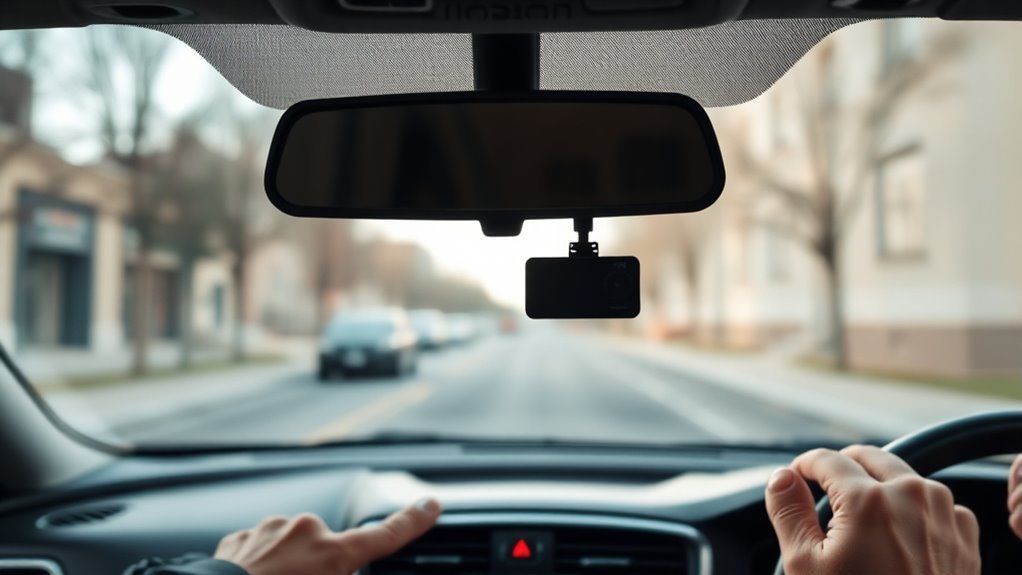
Yes, many dash cams do record sound, but it depends on the model and its settings. You can usually check this in the camera’s menu or app before you start using it.
If audio recording is on, your dash cam may capture voices, traffic noise, and other sounds inside or around your vehicle. That can help you document incidents more completely, especially when spoken details matter.
Some drivers prefer to turn sound off for privacy, and you can often disable it easily. Before you rely on your device, review the manual and local laws, since recording audio rules can vary by location.
A quick settings check helps you know exactly what your dash cam records every time you drive.
How Dash Cam Audio Works
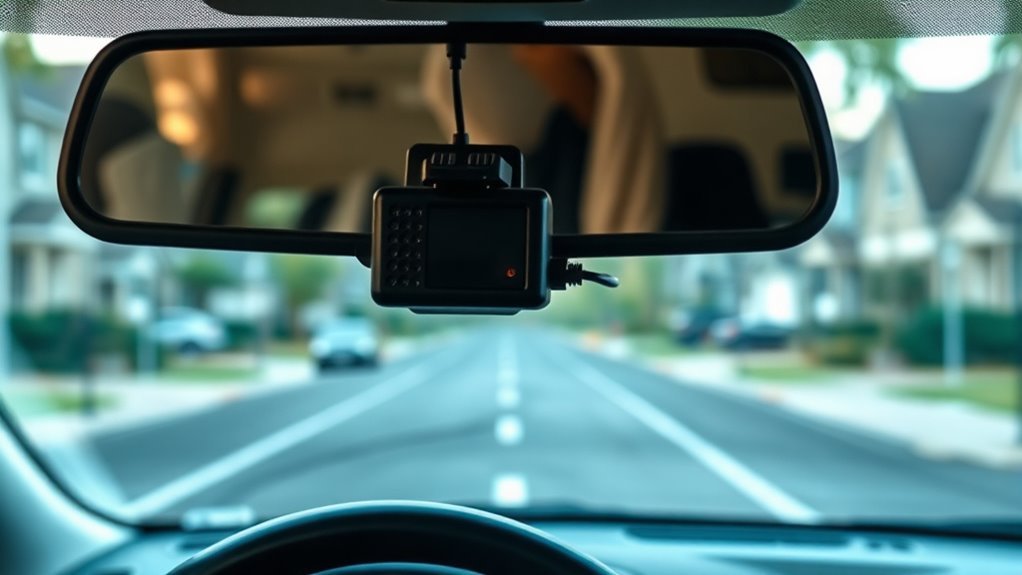
Your dash cam’s microphone picks up sound inside and around your car, then saves it with the video. You can usually turn audio recording on or off in the settings, which lets you control when it captures conversations or road noise.
Just a heads-up, local laws may limit when you can record audio. So, you’ll want to check the rules where you drive to stay on the safe side.
Microphone Functionality
A dash cam’s microphone picks up nearby sound and converts it into digital audio along with the video it records. You’ll usually find this tiny mic built into the camera body, where it listens for voices, traffic noise, impacts, and sirens.
That audio helps you reconstruct what happened before, during, and after an incident.
| Sound Source | Captured? | Why It Matters |
|---|---|---|
| Voices | Yes | Shows conversations |
| Horns | Yes | Adds context |
| Crash noise | Yes | Confirms impact |
| Music | Often | Reflects cabin activity |
Because the mic sits close to the cabin, it can catch clear details, though distance and background noise affect quality. You don’t need extra equipment for basic sound recording, and the audio usually syncs automatically with each video clip, making review faster and more useful.
Audio Recording Settings
When you turn on audio recording in your dash cam settings, the camera starts saving sound along with video. Usually, this happens in the same clip file or as a synced track.
You can toggle this option in the menu, app, or sometimes through a physical button on the device. Once enabled, the microphone captures cabin sounds, road noise, and voices inside the vehicle. Then, it pairs them with each video segment.
Some models let you lower mic sensitivity, mute the mic quickly, or set audio to turn on automatically after startup. If you want clear recordings, keep the microphone area unobstructed and avoid covering vents or ports.
Also, check whether your camera stores audio continuously or only while video is active. That really affects what gets saved.
Legal Recording Limits
Legal rules for dash cam audio vary by location, so you need to check both state and local consent laws before recording sound. In one-party states, you can usually record if you’re part of the conversation.
In all-party states, you may need everyone’s permission before your dash cam captures voices. If you use audio in a rideshare, company vehicle, or parked car, extra workplace or privacy rules can apply.
You should also avoid placing your camera where it could secretly record people in areas with a strong expectation of privacy, like private driveways or garages. Even when recording is legal, you should tell passengers about it and use the setting responsibly.
That way, you protect yourself and reduce the risk of fines, disputes, or evidence being thrown out later. It’s always better to be upfront and careful with these things.
What Dash Cam Microphones Pick Up
Your dash cam’s built-in microphone usually picks up sounds within a short range, so it catches what’s happening close to your car. You’ll hear cabin voices, door slams, and other nearby noises more clearly than distant sounds.
It can also record road noise, like tire hum, wind, and passing traffic. So, while it’s great for close-up sounds, don’t expect it to grab everything happening far away.
Built-In Microphone Range
A dash cam’s built-in microphone usually picks up sound from inside the vehicle and the immediate area around it, but the exact range depends on the model, mounting position, and cabin noise.
You’ll usually hear voices from the front seats clearly, while sounds farther away fade quickly. Some microphones capture a wider circle around the dash cam, so your voice may record better if you’re near the unit.
| Placement | Typical Range | What You’ll Catch |
|---|---|---|
| Windshield mount | Short to medium | Driver and passenger voices |
| Rearview area | Medium | Front-seat conversation |
| Farther cabin position | Limited | Nearby speech only |
Use this as a general guide, not a guarantee. Microphone sensitivity, car size, and installation choice all change what gets recorded.
Cabin And Road Noise
Dash cam microphones often pick up far more than just voices, and cabin noise can shape what you actually hear on the recording. You’ll usually catch turn signals clicking, vents humming, radio music, and passengers talking over each other.
If you drive with windows down, wind rush can drown out speech fast. Rough roads, engine revs, and tire hum can also add constant background noise, making faint comments harder to understand.
In a collision, you may hear impact sounds, screeching brakes, or shattered glass. But the mic’s quality and placement affect how clearly they come through.
If you want cleaner audio, keep the cabin quiet and avoid loud music. That way, your dash cam records a more useful sound track.
When Dash Cam Audio Helps Prove What Happened
Even when video leaves part of the story unclear, dash cam audio can capture the details that matter most. You can hear a horn, a shouted warning, or a driver admitting fault right after a collision.
That extra layer often helps you show who changed lanes, who had the right of way, or whether someone braked before impact. If the video angle misses a hand signal or an off-camera exchange, the microphone may still preserve it.
You can also use audio to support your memory when you explain the sequence to police or an insurer. Clear sound won’t solve every dispute, but it can turn a shaky claim into a stronger, more believable account of what happened.
What Are the Privacy Rules for Dash Cam Audio?
That added audio can help with a claim, but it also comes with privacy rules you need to understand. You should assume recording conversations can trigger wiretapping or consent laws, and those rules vary by state or country.
In one-party consent places, you can usually record if you’re part of the conversation. In all-party consent areas, you need everyone’s permission before capturing sound. If passengers, rideshare riders, or coworkers talk in your car, their voices may be protected too.
You should also avoid using audio to record private exchanges where people expect confidentiality. Before you rely on dash cam sound, check local laws, read your device notices, and think about whether audio is truly necessary for your trip or claim.
How to Turn Dash Cam Sound On or Off
You can usually switch dash cam sound on or off from the camera’s menu, mobile app, or companion software. Just check the audio, microphone, or recording settings, then toggle the mic icon or “audio recording” option.
If your model uses voice prompts, listen for confirmation after you change it. Some cameras keep sound off by default, while others save your last choice each time you start the car.
| Method | Where You’ll Find It |
|---|---|
| Camera menu | Settings > Audio |
| Mobile app | Device settings |
| Desktop software | Recording preferences |
If you don’t see the option, try updating the firmware or consult the manual. It’s a good idea to test a short clip to confirm the mic works or stays muted when you want it to.
Frequently Asked Questions
Can Dash Cam Sound Be Permanently Disabled?
Yes, you can permanently disable dash cam sound on many models by turning off audio recording in settings or removing the microphone.
But, you should check your device’s manual first, since some models may reset after updates.
Do All Dash Cams Have Built-In Microphones?
No, you don’t get built-in microphones in every dash cam. Some models include one, while others skip audio capture entirely.
You’ll need to check the specs, because features vary widely by brand and model. It really depends on what you’re looking for and which dash cam you choose.
Does Audio Recording Drain the Dash Cam Battery Faster?
Yes, audio recording can drain your dash cam battery faster, but only slightly.
You’ll notice more impact if you’re parked with the camera running, especially on battery power. It’s not much of an issue while your car’s engine is on.
Can Dash Cam Audio Be Used in Court?
Yes, you can use dash cam audio in court if it’s legally recorded and admissible. You’ll need to verify consent laws, authenticity, and relevance.
Judges often scrutinize how you captured and preserved it, so make sure everything checks out. It’s always a good idea to double-check the rules before relying on it in court.
How Do I Know if My Dash Cam Is Recording Sound?
Check your dash cam’s settings menu for an audio or microphone option, or look for a mic icon and test with a spoken word.
You can also review playback to see whether it captured sound. It’s an easy way to know if your dash cam is recording audio.
Conclusion
So, do dash cams record sound? They often do, and that little microphone can capture the truth you might miss with just video alone. You can use audio to back up what happened, but you’ll also want to respect privacy laws and know when to switch it off.
In the end, your dash cam isn’t just a witness on the windshield—it’s a second set of ears, ready when you need them most. Having sound recorded can provide important context during incidents, making your dash cam a more reliable tool for evidence.
Just remember to check local regulations about recording audio to stay on the safe side. That way, your dash cam with sound can protect you without crossing any privacy lines.