Does a Dash Cam Drain Car Battery?
Yes, your dash cam can drain your car battery if it stays powered while the engine is off. Most dash cams draw power through the cigarette lighter or a hardwire kit, especially when using parking mode. This mode records motion or impacts when your car is parked, which can lead to battery drain.
This is more likely to happen overnight or if your battery is older. Features like motion detection increase power use, making the drain even more noticeable. But don’t worry, there are ways to reduce battery drain and protect your car battery.
With a few simple tips, you can keep your dash cam running hassle-free without worrying about a dead battery. You’ll find some helpful advice ahead!
Key Takeaways
- Dash cams can drain car batteries when using parking mode because they draw power even when the engine is off.
- Continuous recording or active sensors tend to increase battery drain compared to motion-detection or low-power standby modes.
- Many hardwire kits come with built-in battery protection and voltage cutoff devices. These help prevent excessive battery discharge.
- Older or weak batteries are more likely to be drained by a dash cam’s overnight power use.
- If you disable parking mode or use external power solutions, you can minimize battery drain and keep your car battery healthier.
How Does a Dash Cam Get Power From Your Car?
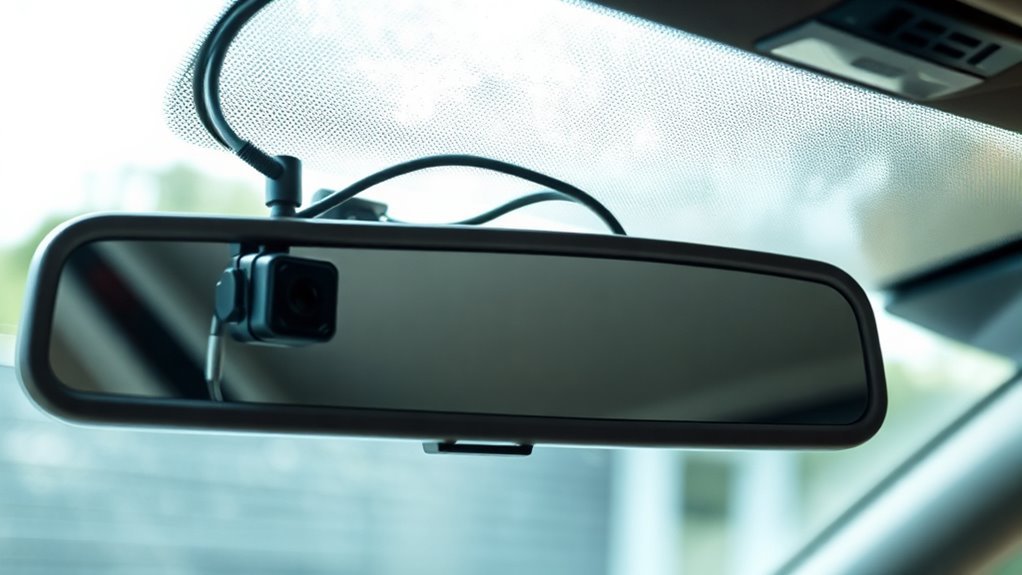
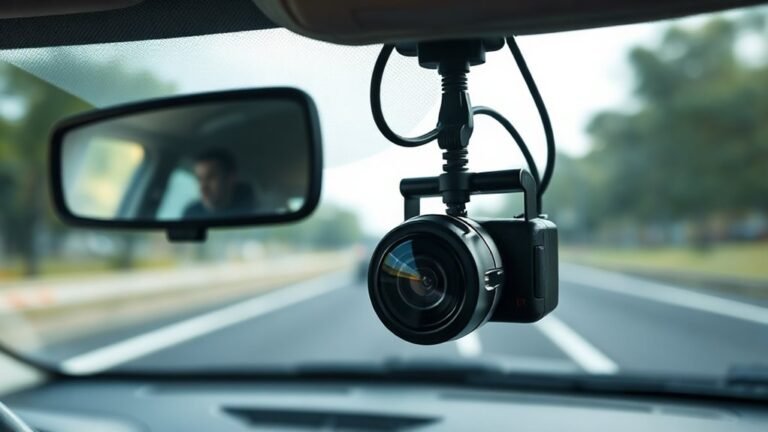
When you set up a dash cam, it usually draws power directly from your car’s electrical system. Most dash cams connect through the cigarette lighter socket or a fuse box via a hardwiring kit.
If you use the cigarette lighter, the cam powers on and off with your ignition. So, it won’t drain the battery when the car’s off.
A hardwired setup taps into a constant or switched fuse, depending on whether you want the dash cam to run only while driving or continuously. The wiring guarantees the camera receives a steady 12V supply, allowing it to operate reliably.
Understanding this connection helps you manage power usage and prevent unexpected battery drain. This is especially important if your dash cam runs when your car isn’t active.
What Is Parking Mode and How Does It Affect Dash Cam Battery Drain?

Although parking mode lets your dash cam keep recording while your car is off, it can also cause your battery to drain if not managed properly. Parking mode activates the camera when it detects motion or impacts, providing security even when you’re away.
However, since it draws power without the engine running, it can slowly sap your battery. To avoid this, many dash cams include built-in battery protection features that cut power once the battery reaches a certain low level.
You can also use a hardwire kit with a voltage cutoff device to prevent excessive drain. Understanding how parking mode works helps you balance security with battery health, ensuring your dash cam doesn’t leave you stranded with a dead battery.
Could Your Dash Cam Drain Your Battery Overnight?
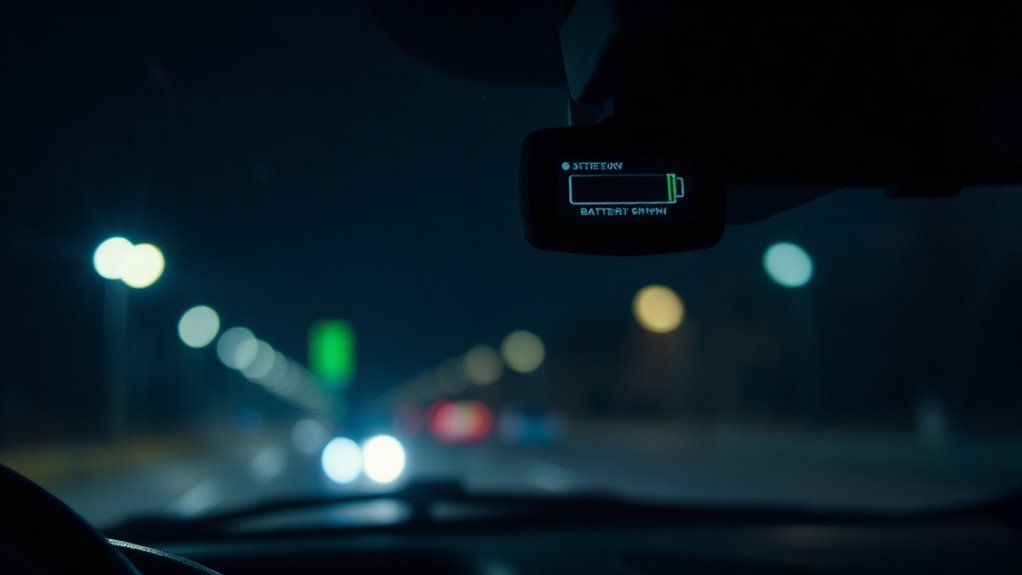
You might wonder if your dash cam could drain your car battery overnight. Understanding how much power your dash cam uses helps you figure out the risk.
Let’s look at how to prevent battery drain while keeping your camera running. It’s easier than you might think!
Power Consumption Explained
Since dash cams run continuously while your car is off, they can draw power from the battery overnight. However, the amount of power used varies depending on the model and its features.
Most dash cams consume between 0.1 to 0.5 amps per hour in parking mode. This might seem small, but over several hours, it adds up.
If your battery is already weak or old, even this drain could cause problems. Features like motion detection or impact sensors increase power use as the camera stays alert.
On the other hand, some dash cams have low-power standby modes to minimize consumption. Understanding your dash cam’s power draw helps you gauge if it risks draining your battery during long parking periods.
Battery Drain Prevention
Preventing battery drain starts with managing how your dash cam draws power when your car is off. Many dash cams keep recording or stay in parking mode, which can slowly drain your battery overnight.
To avoid this, look for models with built-in low-voltage cut-off features—they automatically shut off the dash cam when your battery drops to a certain level. You can also use a hardwire kit with a fuse tap that includes a voltage cutoff or timer.
If your dash cam lacks these features, consider unplugging it when you park for extended periods. Regularly check your battery’s health, especially if your car’s older, since a weak battery drains faster.
Taking these steps helps make certain your dash cam won’t leave you stranded with a dead battery.
What Factors Influence Dash Cam Battery Drain When Parked?
Although dash cams offer valuable security while your car is parked, several factors can influence how much they drain your car battery. Understanding these can help you gauge the impact on your vehicle’s power supply.
First up, there’s the recording mode. Continuous recording uses more battery compared to motion-detection mode, which only kicks in when it senses movement.
Then, think about the parking mode features. Some dash cams activate sensors or rely on external power sources, which can increase battery usage quite a bit.
Your car’s battery capacity also plays a role. The size and overall health of your battery determine how long it can handle the dash cam’s power draw without running down.
Lastly, don’t forget about environmental conditions. Extreme cold or heat can reduce battery efficiency, making the dash cam drain your battery faster when it’s active.
How to Minimize Dash Cam Battery Drain
When you want to keep your dash cam running without draining your car battery, you’ll need to manage its power consumption carefully. Start by adjusting the camera’s settings—lower the video resolution or frame rate to reduce power use.
To keep your dash cam running without draining your car battery, adjust settings like resolution and frame rate.
Turn off features like parking mode or motion detection when you don’t need them, as they keep the camera active even when the car is off. Use the dash cam’s built-in timer or motion sensor to limit recording time.
Also, make sure to power off the dash cam completely if you’re parking for an extended period. Regularly check your car battery’s health to make certain it can handle extra loads.
Taking these steps helps you protect your battery while keeping your dash cam ready to record. It’s all about finding that balance between convenience and power savings.
When Should You Use a Hardwire Kit or External Battery Pack?
Managing your dash cam’s power settings can help reduce battery drain, but sometimes that’s just not enough for longer use.
That’s when you should think about using a hardwire kit or an external battery pack. These options give you reliable, long-term power without putting your car battery at risk.
Here’s when each one makes sense:
- You want to keep parking mode recording going without draining your car battery.
- You’re after a cleaner look with hidden wiring.
- Your car battery is old or weak, and you don’t want to risk it dying.
- You need longer recording times than your dash cam’s internal battery can handle.
A hardwire kit connects straight to your car’s fuse box. On the other hand, an external battery pack stores extra power, so your dash cam keeps running safely.
Frequently Asked Questions
Can a Dash Cam Record Audio While Driving?
Yes, your dash cam can record audio while driving if it has a built-in microphone and the feature is enabled. Just check your settings to make sure audio recording is turned on before you start driving.
It’s pretty simple to do. Just take a quick look in the menu, and you’ll see the option to enable or disable sound recording. That way, you can capture everything happening inside your car as well as on the road.
Are Dash Cams Legal in All States or Countries?
While rules vary, dash cams aren’t legal everywhere. You’ll find some states and countries restrict audio recording or windshield mounting.
Better safe than sorry—check local laws before installing, so you don’t get caught off guard.
How Much Storage Does a Typical Dash Cam Require?
A typical dash cam requires 16 to 64 GB of storage, depending on video quality and recording length. You’ll want enough space for several hours of footage before it loops or overwrites older files automatically.
Can Dash Cams Withstand Extreme Weather Conditions?
You might think dash cams can’t handle extreme heat or cold, but many are built with durable materials and temperature-resistant components.
They’ll keep recording reliably, even in harsh weather, as long as you choose a quality model. So, it’s really about picking the right one for the job.
Do Dash Cams Work Well at Night or in Low Light?
Yes, dash cams work well at night or in low light since they use infrared or low-light sensors to capture clear footage.
You’ll get reliable recording, but quality varies by model and sensor technology.
Conclusion
Think of your dash cam as a tiny night owl, quietly watching while your car sleeps. Yes, it can nibble away at your battery, especially in parking mode. But don’t worry—there are smart ways to manage this.
Using a hardwire kit or an external battery pack can help keep your car’s heart strong. These options make sure your dash cam doesn’t drain your battery when the engine is off. Taming this silent guardian means less worry and more peace of mind.
In conclusion, while a dash cam can drain your car battery, especially if left on in parking mode, choosing the right setup is key. Hardwire kits and external battery packs are great solutions to prevent battery drain. So, your dash cam can keep protecting you without risking your ride’s lifeblood overnight. With these smart choices, you get the best of both worlds—security and battery health.