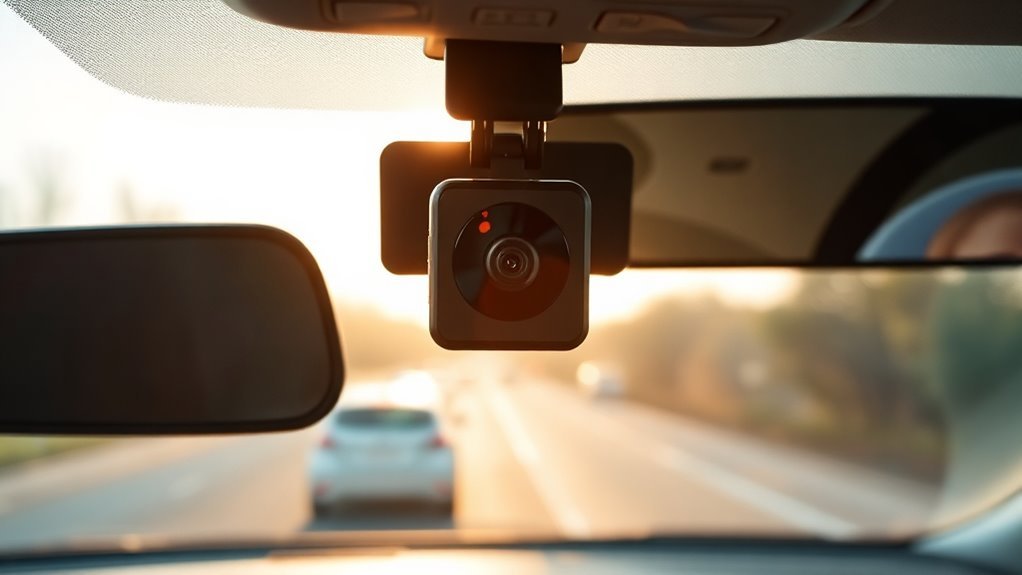
Is There a Dash Cam Without Wires?
Yes, you can get a dash cam without a direct data wire to your phone, which means no annoying cables connecting your devices. Most wireless dash cam models still need power, though, so you’ll usually have to plug them in or use a battery.
Wireless dash cams typically connect via Wi‑Fi or Bluetooth, letting you view, download, and share clips right from your phone without ever pulling out the memory card. Some come with built-in batteries for short wire-free use, but keep in mind, those won’t last forever.
If you want a cleaner installation and easier control, wireless dash cams are a great option. Just remember, there are trade-offs to consider, like battery life and connectivity limits. But overall, they make managing your dash cam footage way simpler and much more convenient.
Key Takeaways
- Yes, wireless dash cams exist, but “wireless” usually means no data cable to your phone, not no power cable.
- Most wireless dash cams still need power from a battery, hardwire kit, or cigarette-lighter adapter.
- They record video locally and often connect to a phone through Wi‑Fi or Bluetooth for review and downloads.
- Battery-powered models offer the cleanest cable-free installation, but recording time is limited.
- Choose one with good video quality, night vision, parking mode, and easy app control for the best experience.
What Is a Wireless Dash Cam?
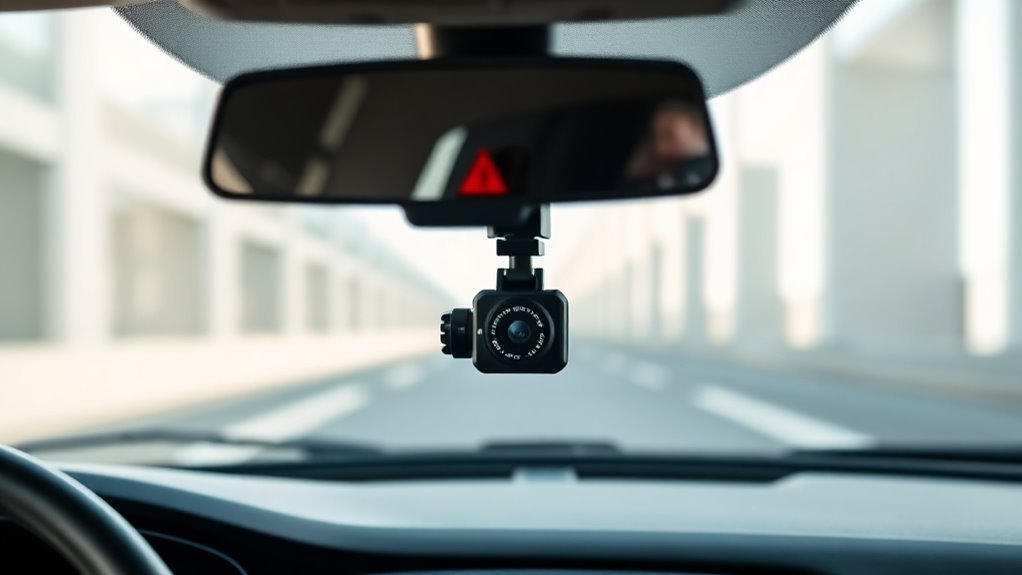
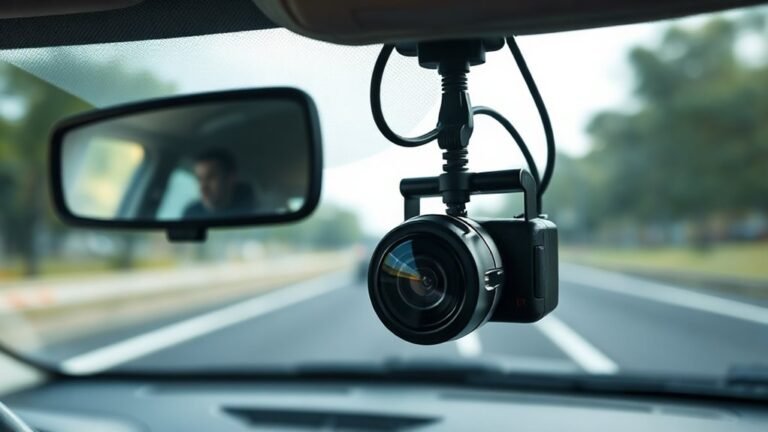
A wireless dash cam is a camera that records your drive without relying on a direct wired connection to your phone or other devices for everyday use. You mount it in your vehicle, and it captures road footage while staying independent from constant cables.
A wireless dash cam records your drive without constant cables, offering cleaner installation and easier everyday use.
That makes installation cleaner and your cabin less cluttered. You can use it to document trips, traffic incidents, and parking events with less hassle than a wired setup.
Many models still need power, but they don’t require a direct data cable for routine operation. Instead, they focus on convenient setup and easier access to recordings.
If you want a simpler in-car camera solution, a wireless dash cam gives you flexibility without sacrificing basic recording capability.
How Do Wireless Dash Cams Work?
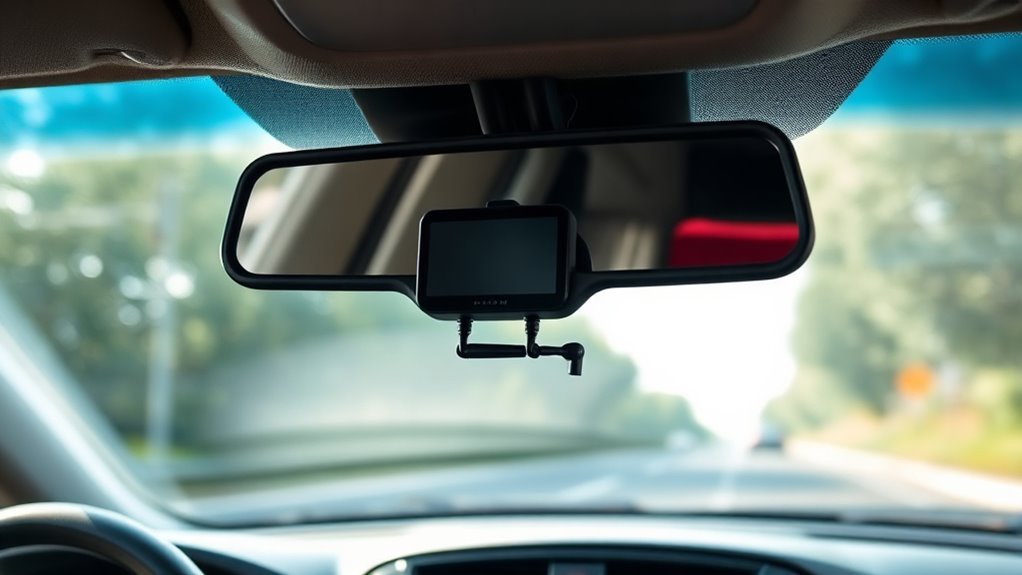
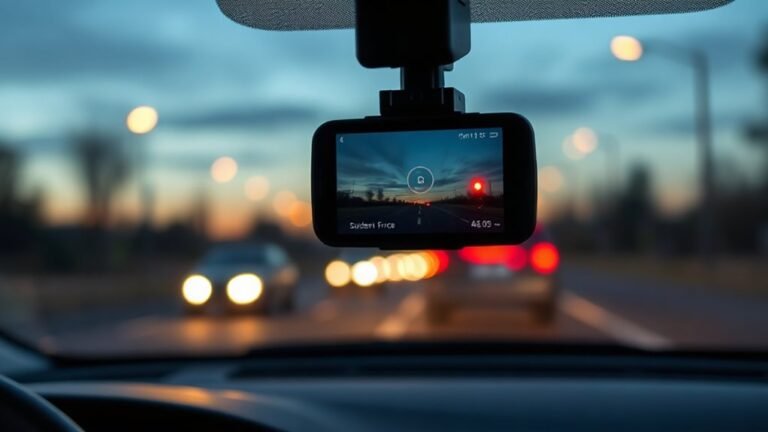
Wireless dash cams work by recording video through an onboard camera and storing it locally or sending it to your phone through Wi‑Fi or Bluetooth, depending on the model. You turn it on, and it captures footage automatically while you drive.
Many models save clips to a microSD card, so you can review them later in the app or on your computer. If your camera supports wireless transfer, you can pair it with your phone to preview, download, or share recordings without removing the card.
Some models also use a built-in battery or capacitor to keep settings and finish saving video. You still get the same core function: continuous recording with easy access to your files, but the connection methods make setup and management simpler.
Are Wireless Dash Cams Really Wire-Free?
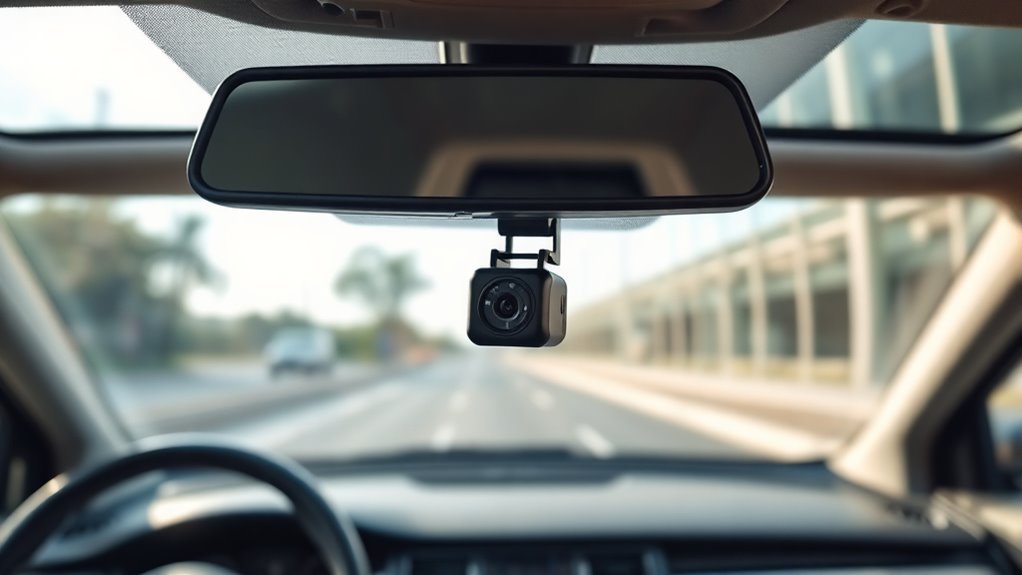
Not always—most “wireless” dash cams are wire-free only in the sense that they don’t need a data cable for everyday use. You still usually need power, so the camera may rely on a battery, a hardwire kit, or a cigarette-lighter adapter.
In that case, you’ve removed the video cable, but not every wire in your car. True wire-free use is possible for short periods if the device has an internal battery and you mount it without external power.
Even then, recording time stays limited, and heat or parking mode can shorten it further. So when you shop, treat “wireless” as a convenience label, not a promise of zero cables. It means less clutter, not necessarily a completely cable-free setup inside your vehicle.
Which Wireless Dash Cam Features Matter Most?
Once you know “wireless” usually means less cabling rather than none, the next step is figuring out which features actually make a dash cam worth buying. You should focus on video quality first, because sharp 1080p or 4K footage helps you read plates and spot details after a crash.
Next, check low-light performance, since night driving exposes weak sensors fast. You’ll also want reliable parking mode, so the camera records when your car’s parked and unattended.
App control matters too, because Wi‑Fi or Bluetooth lets you review clips without pulling the card. Look for GPS if you want speed and route data, plus a wide field of view to capture more of the road.
Finally, choose simple controls and dependable storage. These little things make using your dash cam way easier day to day.
What Are the Best Wireless Dash Cams for Cars?
When you’re choosing the best wireless dash cams for your car, battery-powered models give you flexible placement without messy cables. You’ll also want Wi-Fi connectivity so you can check footage, transfer clips, and adjust settings from your phone.
Easy installation matters too. The best picks should mount quickly and work right away. It’s all about convenience and making your life easier.
Battery-Powered Options
Battery-powered dash cams give you the cleanest wire-free setup, making them a smart choice if you want easy installation without tapping into your car’s electrical system. You can mount one quickly, hide it neatly, and keep your cabin uncluttered.
Look for a model with strong battery life, reliable parking protection, and a compact body that won’t block your view.
- A slim camera sits high behind your mirror, almost invisible from the driver’s seat.
- A long-lasting battery lets you park under a bright sun or in a dark garage with confidence.
- A simple mount helps you remove the camera in seconds when you leave the car.
Choose a battery-powered option if you want convenience, portability, and a clean look without hardwiring. It’s really that easy!
Wi-Fi Connectivity Features
Wi-Fi connectivity makes a dash cam much easier to use, because you can review footage, download clips, and adjust settings from your phone without pulling the card or connecting a cable.
You’ll appreciate models that pair quickly and keep a stable connection, so you’re not wasting time when you need evidence fast.
Look for an app that lets you trim clips, share files, and change resolution, loop recording, or parking mode settings in a few taps.
Dual-band Wi-Fi can help if your area is crowded with signals, since it often transfers files faster and drops less.
The best wireless dash cams for cars give you reliable access to your footage, clear controls, and simple file management, all without making you dig through menus on the camera itself.
Easy Installation Choices
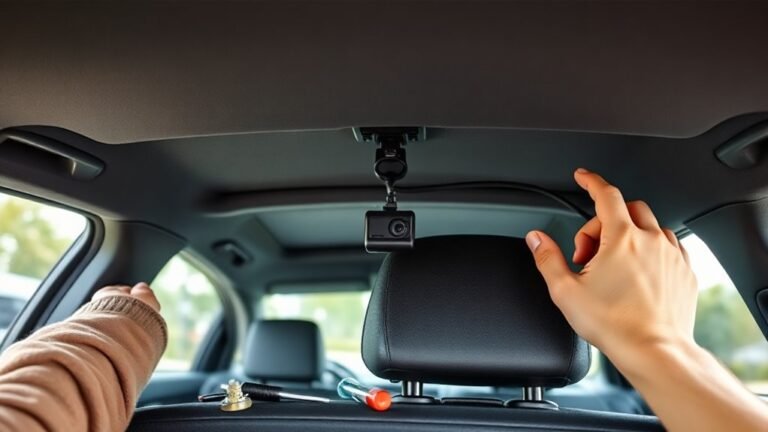
If you want a wireless dash cam that’s easy to live with, focus on models that mount cleanly, power up quickly, and don’t demand a complicated setup. You’ll save time when the camera snaps onto the windshield and starts recording without extra cables cluttering your dashboard.
Choose a unit with a simple magnetic mount, a long-lasting battery, and app-based setup so you can pair it in minutes.
- A compact front unit that tucks behind your mirror
- A rear camera that links wirelessly and stays hidden
- A screenless design that keeps your view clear and the install neat
With these features, you can get reliable coverage, keep your car tidy, and avoid drilling, hardwiring, or messy routing. It just makes life easier.
Is a Wireless Dash Cam Right for You?
A wireless dash cam can be a smart choice when you want a cleaner install and less hassle with cables, but it’s not the best fit for every driver. If you park on the street, switch cars often, or hate running wires through your cabin, you’ll likely appreciate the convenience.
A wireless dash cam offers a cleaner install and easy portability, especially if you dislike running cables.
You can mount it quickly, move it easily, and keep your dashboard looking tidy. However, you should check battery life, video quality, and how it connects to power or Wi-Fi.
Some wireless models still need periodic charging or a hardwired backup. If you drive daily and want simple, flexible protection, it may suit you well.
But if you need nonstop recording or maximum reliability, a traditional wired setup could be better.
Frequently Asked Questions
Can Wireless Dash Cams Record While Parked Overnight?
Yes, if you’ve got parking mode and enough power, your wireless dash cam can record overnight.
You’ll need a battery pack, hardwire kit, or continuous power source, or it’ll stop when your car shuts off.
That way, it keeps rolling even when you’re not around. Pretty handy, right?
Do Wireless Dash Cams Need Internet Access to Function?
No, you don’t need internet for a wireless dash cam to record. It stores video locally and works offline.
However, you might need internet for app access, cloud backup, or live viewing while parked. So, it depends on what features you want to use.
How Long Do Wireless Dash Cam Batteries Usually Last?
You’ll usually get about 30 minutes to 2 hours from a wireless dash cam battery, though some last longer with low-power modes.
Heat, recording quality, and parking surveillance can shorten runtime markedly.
Can I Install a Wireless Dash Cam Myself?
Yes, you can install a wireless dash cam yourself—ironic, since “wireless” still means you’ll wrestle with mounts, pairing, and charging.
You’ll usually just stick it up, sync it, and start recording. Easy enough, right?
Are Wireless Dash Cams Legal in All States?
No, you can’t assume wireless dash cams are legal everywhere; you’ll need to check your state’s windshield, recording, and privacy laws.
You can usually use one, but placement and audio rules may still vary. So, it’s a good idea to look into the specifics for where you live before installing one.
Conclusion
So, is there a dash cam without wires? Yes—at least as close as you can get. Wireless dash cams still need power, but they ditch messy cables and make setup much easier.
In fact, many drivers don’t install a dash cam simply because wiring feels intimidating. If you want convenience, cleaner interiors, and quick installation, a wireless model could be a smart fit for your car.
Just make sure you choose one that matches how you drive. Wireless dash cams offer great convenience, but picking the right one ensures it meets your needs for reliability and ease of use. Overall, a wireless dash cam is a fantastic option if you want to avoid complicated wiring while keeping your car’s interior neat and your installation hassle-free.