What Is an AG Sensor on a Dash Cam?
An AG sensor on a dash cam is a built-in light sensor that measures surrounding brightness and automatically adjusts exposure as conditions change. This smart feature helps your dash cam capture clearer footage no matter where you drive.
Whether you’re heading from bright sunlight into tunnels, shaded streets, or low-light roads, the AG sensor reacts frame by frame to keep things sharp.
Because of this, you get videos with less glare, preserved details, and easier-to-review footage later on. It’s a handy tool that makes sure your recordings stay clear and useful, especially when lighting conditions shift quickly.
Keep reading, and you’ll see exactly how it works and why it matters most when you’re on the road.
Key Takeaways
– An AG sensor is a built-in light sensor that measures surrounding brightness in a dash cam. It automatically adjusts exposure as lighting changes, from bright sunlight to tunnels and night roads.
This helps prevent washed-out footage and improves visibility of important details like signs and license plates. The sensor works continuously, frame by frame, without needing manual exposure adjustments.
It’s especially useful in high-contrast scenes, and works alongside HDR/WDR or night vision features. So, your dash cam can capture clear video no matter the lighting conditions.
What Is an AG Sensor on a Dash Cam
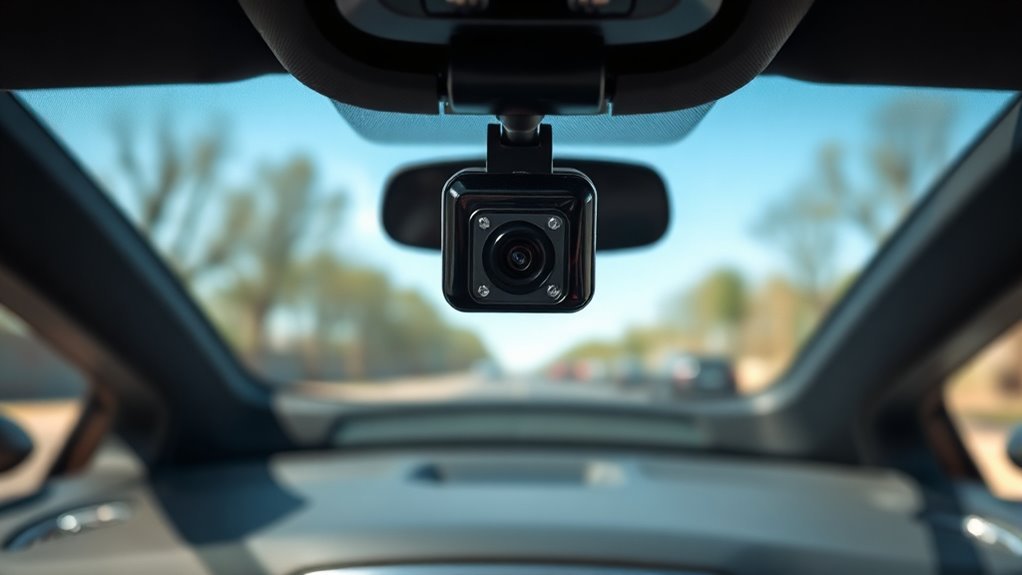
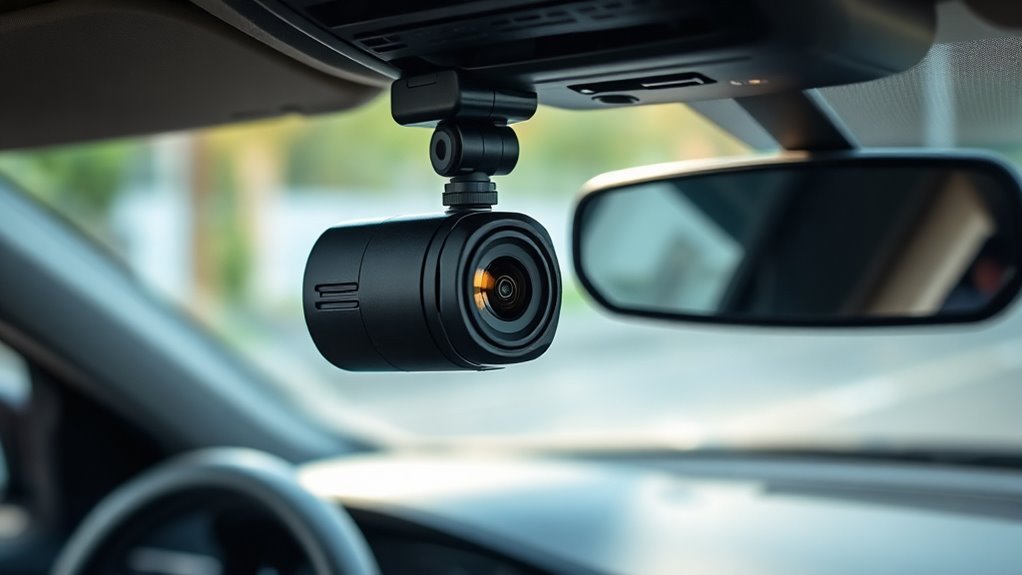
An AG sensor on a dash cam is a built-in light sensor that helps the camera adjust its exposure based on surrounding brightness. You can think of it as the dash cam’s eyes for light levels. It measures how bright or dim the scene is, so the camera can capture clearer footage in changing conditions.
When you drive through tunnels, bright sun, or shaded streets, the sensor helps the device respond to those shifts. That means you get more usable video without manually changing settings.
You’ll often find this feature in dash cams designed for everyday driving, since it supports better image quality across different environments. If you want reliable recording, this sensor plays a key role in keeping your footage balanced and readable.
How an AG Sensor Adjusts Exposure

You can think of an AG sensor as the dash cam’s eyes, measuring how much light hits the scene so it can set the right exposure. It constantly checks brightness levels and boosts or reduces sensitivity to keep details visible in changing light.
That adaptive control helps your footage stay balanced whether you’re driving into glare or through a dim tunnel. It’s like having a smart assistant adjusting the camera for you on the fly.
Exposure Measurement Basics
Before your dash cam can balance brightness, its AG sensor first measures the light coming into the lens and compares it against a target exposure level. You can think of this as a quick brightness check.
The sensor reads the scene’s overall light, then identifies whether the image is too dark, too bright, or close to ideal. It doesn’t judge each detail separately; instead, it evaluates the frame as a whole and sends that data to the camera’s exposure system.
From there, the dash cam can decide how much light the image needs. This measurement matters because your footage depends on capturing enough detail in both shadows and highlights. So, the camera needs to know where the current exposure sits before any correction happens.
Adaptive Brightness Control
With that brightness reading in hand, the AG sensor helps the dash cam fine-tune exposure in real time. It watches light levels and nudges settings so you get a usable image, whether you’re driving into glare or through a dark tunnel.
Instead of letting the scene wash out or sink into shadow, it balances the picture on the fly.
- It lowers exposure in bright sunlight.
- It raises exposure in dim conditions.
- It helps preserve license plate detail.
- It reduces sudden brightness jumps.
- It keeps video readable for review.
You don’t need to adjust anything yourself; the sensor works continuously and quietly. By adapting frame by frame, it keeps your recordings clearer, more consistent, and more useful when you need evidence or context later.
When AG Sensors Matter Most
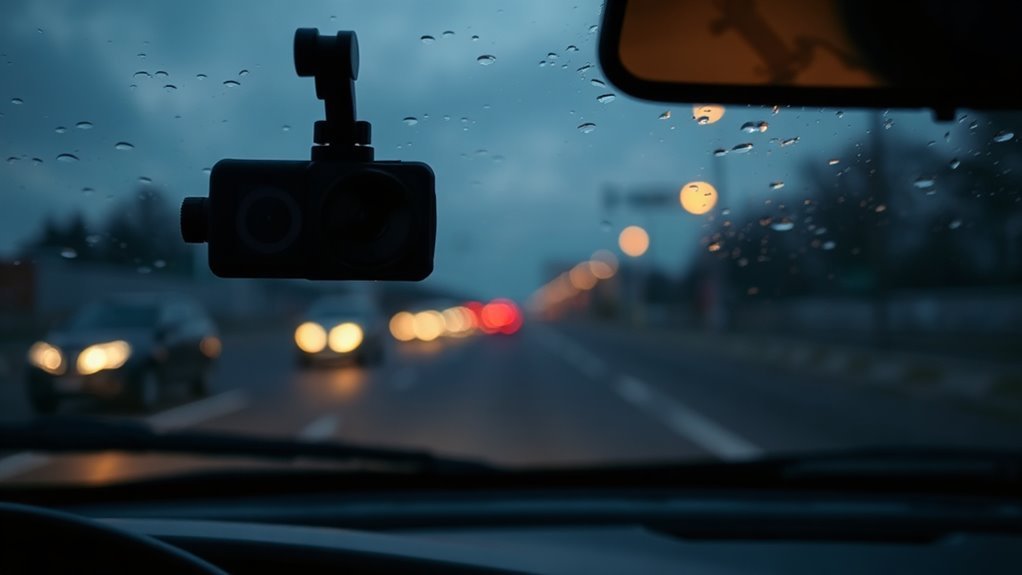
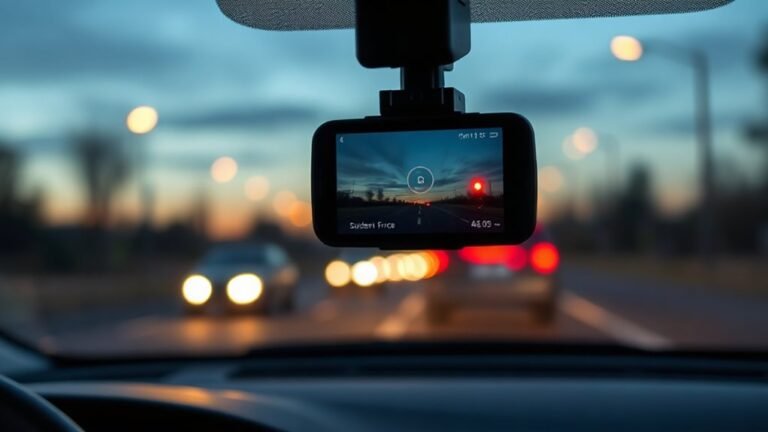
You’ll notice an AG sensor’s value most when you’re driving at night, because it helps keep headlights, streetlights, and dark roads balanced.
It also matters in backlit conditions, where bright sunlight can wash out your dash cam view. With the right exposure, you get clearer footage when visibility is toughest.
Night Driving Clarity
Driving after dark is where an AG sensor proves its value most clearly, because it helps the dash cam keep images balanced when headlights, streetlights, and dark roads all compete for attention. You’ll notice cleaner footage because the camera can adjust quickly instead of letting scenes turn too bright or too dim.
That really matters when you need to read signs, spot lane markings, or review a sudden event later.
- It steadies exposure as lighting shifts.
- It keeps details easier to see.
- It reduces harsh glare in normal night scenes.
- It supports clearer recordings on dim roads.
- It gives you more usable evidence after dark.
When you drive at night, that extra balance can make your footage far more practical and reliable. It’s a small feature that makes a big difference.
Backlit Conditions
Backlit conditions can be even tougher than night driving, because bright sunlight from behind or beside the scene can wash out the subject and hide important details.
When you drive toward a sunset or follow a vehicle with glare streaming past it, your dash cam can struggle to balance the bright background and the darker foreground. That’s where the AG sensor helps most.
It detects harsh light and adjusts exposure so you can still see license plates, road signs, and faces more clearly. Instead of blowing out the image, it keeps highlights under control and preserves detail in shadowed areas.
If you often drive at dawn, dusk, or in city traffic with reflective glass, you’ll notice the difference right away in your footage and evidence. It really makes a big difference.
AG Sensor vs. Night Vision and HDR
Although an AG sensor helps your dash cam react quickly to changing light, it doesn’t replace features like night vision or HDR, which solve different problems. You use AG sensing to keep exposure steady as sunlight, shade, and headlights shift.
Night vision boosts detail in darkness by increasing sensitivity or using infrared support. HDR combines multiple exposures so you get more balanced footage in high-contrast scenes.
Together, they improve visibility, but they’re not interchangeable.
- AG sensor: adjusts to sudden light changes
- Night vision: helps in low-light settings
- HDR: preserves detail in bright and dark areas
- AG sensor: improves exposure control
- HDR and night vision: enhance image clarity
Signs Your Dash Cam Needs Better Light Control
If your dash cam often blows out license plates in bright sun, turns headlights into glare at night, or leaves shadowy areas too dark to see, it probably needs better light control. You may also notice washed-out road signs, flickering brightness when you pass under bridges, or scenes that look fine to your eyes but unreadable on playback.
When the camera can’t balance bright and dark areas, details vanish exactly when you need them most. In rain, snow, or tunnel exits, the problem can get worse because harsh contrast overwhelms the sensor.
If clips seem inconsistent from one drive to the next, that’s another clue. Better light control helps your dash cam preserve detail, reduce glare, and deliver clearer footage in changing conditions.
Choosing a Dash Cam With Better Exposure Control
Look for a dash cam with adjustable exposure settings, strong HDR or WDR support, and quick response to changing light. This way, it can handle sun, shade, and headlights without blowing out details.
Choose a dash cam with adjustable exposure, strong HDR/WDR, and fast light response to keep details clear.
You’ll want a model that lets you fine-tune brightness, contrast, and ISO because automatic settings don’t always keep plates readable. Make sure to check sample footage in harsh daylight and at night before you buy.
- Prioritize wide dynamic range
- Choose fast exposure switching
- Test low-light clarity
- Verify manual controls
- Read real user reviews
A good AG sensor helps the camera notice glare and adapt quickly, but it works best when the whole system supports it. Pick a dash cam that balances shadows and highlights well, and you’ll get cleaner recordings, fewer washed-out scenes, and better evidence when it matters.
Frequently Asked Questions
Can an AG Sensor Reduce Glare From Headlights?
Yes, you can reduce headlight glare with an AG sensor if your dash cam supports auto gain or auto exposure. It adjusts brightness automatically, which helps a lot.
That said, it won’t eliminate glare completely in extreme conditions. But overall, it makes night driving footage much clearer and easier to see.
Does an AG Sensor Work in Tunnels?
In a tunnel, you’ll still get some help, but your AG sensor can’t work miracles; it adjusts exposure to changing light.
That said, very dark stretches may still look grainy or dim on your dash cam. It does its best, but sometimes the lighting just isn’t enough.
Is AG Sensor Performance Affected by Windshield Tint?
Yes, tinted windshields can reduce your AG sensor’s accuracy because they dim incoming light. You’ll notice slower exposure changes or poorer low-light adjustment, especially with dark or metallic tints that block more light.
It’s kind of like your sensor isn’t getting the full picture. So, if you have a really dark tint, your camera might struggle a bit more to adapt quickly. Just something to keep in mind!
Can I Manually Override AG Sensor Settings?
Yes, you can usually override AG sensor settings in your dash cam’s menu, if it allows manual control. You’ll adjust sensitivity or disable auto mode.
Then, test daytime and nighttime recordings to confirm your preferred results. It’s pretty straightforward once you get into the settings.
Do All Dash Cams Include an AG Sensor?
No, you don’t get an AG sensor on every dash cam, do you?
You’ll find it mainly on models with automatic image adjustment, while basic cameras often skip it to keep costs lower.
Conclusion
So, what’s an AG sensor doing on your dash cam? Basically, it helps your camera stop acting like every drive is either a total blizzard or a blackout. It tweaks exposure so you can actually see the road instead of just guessing.
If your footage looks washed out, too dark, or weirdly patchy, better light control matters. Because when you need evidence, “trust me, it was there” isn’t exactly a feature.
An AG sensor on a dash cam improves video quality by adjusting to changing light conditions automatically. This means clearer, more reliable footage no matter the time of day or weather. So, if you want your dash cam to capture every detail accurately, having an AG sensor is key. It makes sure your recordings aren’t just blurry shadows but solid proof when it counts.