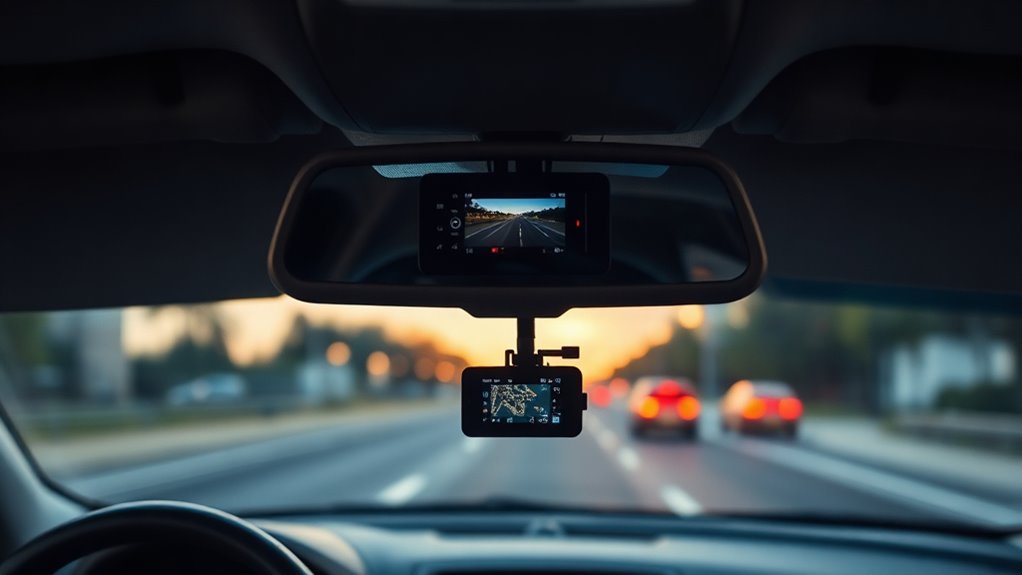
What Makes a Good Dash Cam?
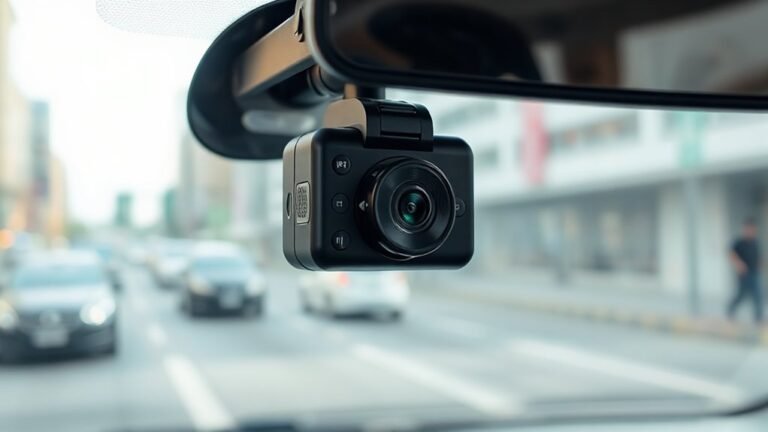
A good dash cam fits how you drive, whether that’s commuting, highway trips, rideshare work, or parking overnight. It’s all about capturing clear, reliable footage that can protect you in any situation. You’ll want clear 1080p-or-better video, strong night vision, and a sensor that handles glare and shadows well.
Loop recording, file lock protection, and enough storage keep footage safe. Plus, a sturdy mount, reliable power, and simple controls make it easier to use every day. The best dash cam matches your routine, budget, and evidence needs. And honestly, there’s a bit more to consider beyond just the basics to get the right fit for you.
Key Takeaways
- Choose a dash cam that matches your driving routine, vehicle type, budget, and main use case. It’s all about finding the right fit for your needs.
- Prioritize clear video quality, strong low-light performance, and HDR over resolution alone. Good visuals help you catch important details when it matters most.
- Use reliable loop recording, file locking, and high-endurance storage for continuous evidence capture. These features keep your footage safe without you having to worry.
- Pick a stable mount, dependable power setup, and durable build for daily use and parking mode. You want something that stays put and keeps running, no matter what.
- Favor simple controls, easy operation, and practical features over the fanciest extras. Sometimes less really is more when you’re on the road.
How to Choose a Dash Cam

Choosing the right dash cam starts with knowing what you need it to do. You should match the camera to your driving habits, vehicle type, and budget.
If you commute daily, look for reliable loop recording and a wide enough view to catch lane changes. If you park on streets often, choose a model with parking mode and motion detection.
You should also check how easy it is to mount, power, and remove the device. A simple interface matters because you’ll want quick access when something happens.
Consider storage support, too, since longer trips need larger memory cards. Finally, pick a dash cam with a durable build, so it can handle heat, vibration, and everyday use without trouble.
Dash Cam Video Quality and Night Vision
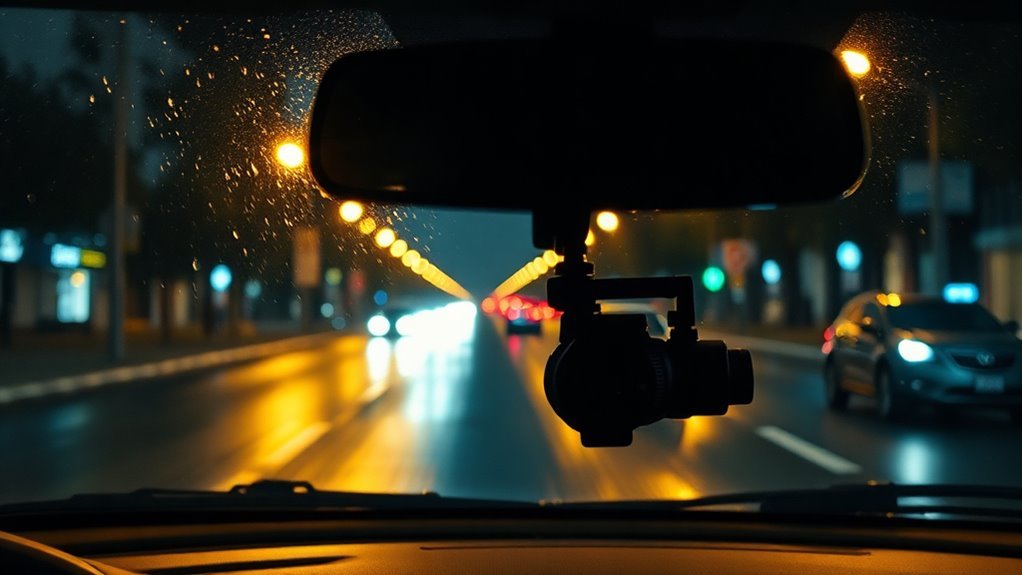
You want a dash cam that records in sharp resolution so you can clearly see faces, plates, and road details. Good low-light performance matters too, since many incidents happen at night or in poor weather.
HDR and a strong sensor help balance bright headlights and dark shadows. This gives you clearer footage overall. It’s really important for those tricky lighting situations.
Resolution and Clarity
Resolution matters because a dash cam can only capture what it can clearly see, and sharper video makes it easier to identify license plates, road signs, lane markings, and other key details after an incident. You should look for at least 1080p recording, since lower resolutions can blur important details when you need them most.
A wider lens with good sharpness helps you capture more of the road without distorting edges. You also want a camera that keeps fine detail crisp during motion, so fast traffic and quick lane changes don’t turn into smeared footage.
Check sample clips before you buy, because manufacturers’ claims don’t always match real-world results. Clear video gives you stronger evidence, saves time, and helps you feel more confident behind the wheel.
Low-Light Performance
Low-light performance matters because many driving incidents happen at dusk, at night, or in bad weather. A dash cam that struggles in the dark can miss critical details.
You want footage that keeps license plates, lane markings, and moving vehicles visible when streetlights are weak or glare hits your windshield. A good dash cam should handle shadows and headlights without turning the image into a blurry mess.
Look for clear night recording that stays usable after sunset, not just sharp daytime video. You’ll also benefit from a camera that reduces grain and maintains contrast, so you can review events with confidence.
If your dash cam records cleanly in low light, you’re much more likely to capture evidence that actually helps.
HDR and Sensor Quality
HDR and sensor quality play a big role in how well a dash cam captures detail, especially at night or in harsh lighting. You want a camera that balances bright highlights and dark shadows without washing out plates or road signs.
A quality sensor pulls in more light, so you get cleaner footage with less noise and better color accuracy. HDR helps by blending multiple exposures, which keeps headlights from blowing out the image and preserves details in tunnels or sunset glare.
Don’t rely on resolution alone; a sharp 4K file can still look poor if the sensor struggles. Choose a dash cam with strong dynamic range, solid night performance, and proven image processing, so you can trust what it records when conditions get tricky.
Must-Have Dash Cam Features
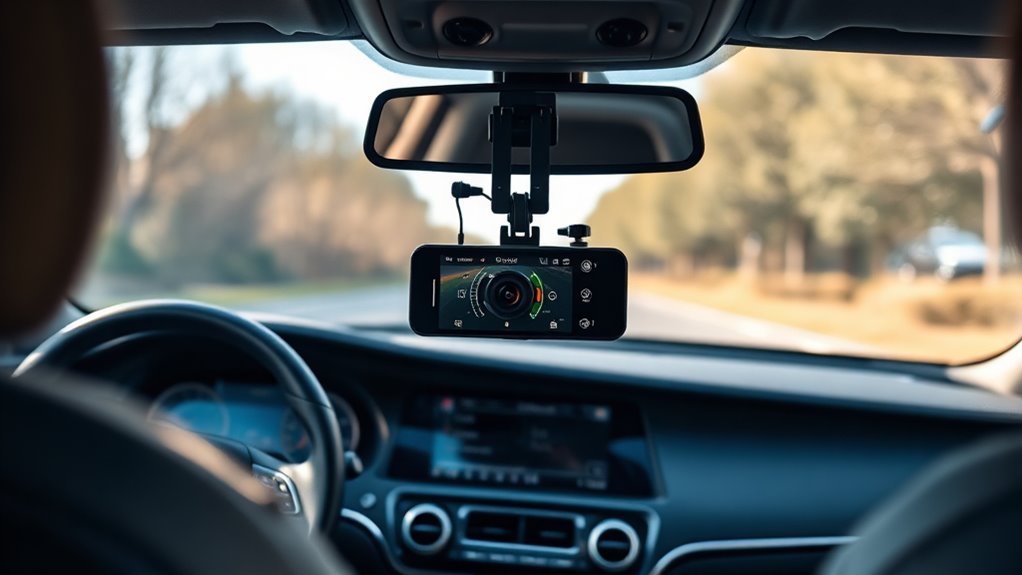
When you’re shopping for a dash cam, a few features matter more than the rest: clear video quality, reliable loop recording, wide-angle coverage, and a dependable parking mode. You need footage that captures road signs, license plates, and lane changes without blur or heavy glare.
A wide lens helps you record more of the road, including side impacts and nearby drivers. Parking mode can protect your car when you’re away, especially if someone bumps it in a lot.
You’ll also want simple controls, a bright screen, and a mount that stays put on rough roads. A good dash cam should work quietly in the background, giving you confidence every time you drive, day or night, in traffic, on highways, or during sudden weather changes.
Storage, Loop Recording, and File Protection
You’ll want to check how much storage your dash cam supports, since capacity limits affect how long you can keep footage before older clips get replaced.
Loop recording helps your camera keep saving new video in cycles without stopping. This way, you don’t run out of space at the wrong time.
File lock protection keeps important clips from being overwritten. It can save vital evidence after an incident.
Storage Capacity Limits
Even the best dash cam can only keep so much footage, so storage capacity affects how long your recordings last before the camera starts overwriting old files. You need enough space for your daily drives, especially if you want clear clips from busy streets, road trips, or long commutes.
Bigger cards store more video, but file size rises with higher resolution. So, it’s a bit of a balancing act between quality and storage.
| Card Size | Typical Use | Benefit |
|---|---|---|
| 32GB | Short daily drives | Basic coverage |
| 64GB | Mixed commuting | Better retention |
| 128GB+ | Frequent travel | More saved moments |
Also, check your camera’s supported maximum, because some models cap storage lower than you might expect. It’s a good idea to choose a reliable, high-endurance card.
Don’t forget to format it regularly to keep writes smooth and reduce corruption. That way, your dash cam keeps running without a hitch.
Loop Recording Cycles
Loop recording keeps your dash cam working nonstop by saving video in short cycles and then overwriting the oldest accessible files when storage fills up. You can choose 1-, 3-, or 5-minute clips, depending on how much detail you want and how often you review footage.
Shorter cycles make it easier to find a moment quickly, while longer cycles reduce file breaks and can preserve context better. It’s all about what works best for you.
Make sure your memory card has enough speed and endurance for constant writing, because weak cards can cause dropped frames or recording errors. You don’t want to miss out on important footage.
You should also check available storage regularly so you don’t miss important events. With the right setup, loop recording gives you continuous coverage without forcing you to manage files every time you drive.
File Lock Protection
File lock protection helps keep important clips safe by preventing them from being overwritten during loop recording. You can save crash footage, roadside incidents, or parking events with one tap or automatic trigger.
A good dash cam should make that process simple, so you don’t lose evidence when the card fills up. Look for clear indicators that show which files are protected and how much storage remains.
- Use manual lock buttons for quick protection.
- Choose motion or impact sensing for automatic saves.
- Review storage settings so locked clips don’t crowd out new footage.
If your camera handles locking well, you’ll keep critical moments available without managing files constantly. That balance makes everyday recording more reliable and far less stressful.
Mounting and Power Options
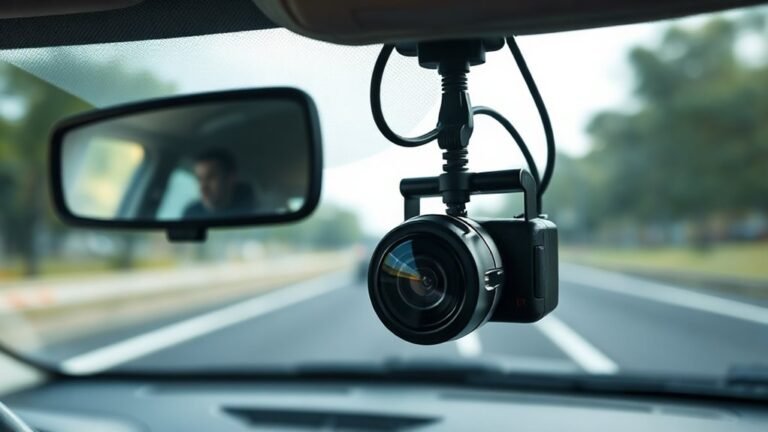
When you’re choosing a dash cam, mounting and power options matter as much as video quality because they affect how easy the camera is to install, how stable the footage looks, and whether it keeps recording when you need it most.
You should look for a mount that stays firm on bumpy roads and lets you remove the camera quickly when needed.
A clean power setup also helps you avoid dangling cables and random shutdowns.
| Option | Benefit | Best For |
|---|---|---|
| Suction mount | Easy to move | Shared vehicles |
| Adhesive mount | Very stable | Daily drivers |
| Hardwire kit | Parking coverage | Long-term use |
If you use a cigarette lighter adapter, you’ll get simple plug-and-play power.
But hardwiring gives you a tidier setup and steady operation.
How to Pick the Right Dash Cam
Once you’ve sorted out mounting and power, the next step is matching the dash cam itself to your driving needs. Start by deciding what you’ll record most often: city commutes, highway trips, rideshare work, or parked surveillance.
Then compare these three priorities:
- Video quality: Choose 1080p at minimum, or higher if you want sharper plates and road signs.
- Field of view: Pick a wider lens for more coverage, but avoid extreme angles that distort detail.
- Extra features: Look for GPS, app access, parking mode, and reliable loop recording if they’ll actually help you.
You should also check storage support, night performance, and ease of use. Remember, the best dash cam isn’t the fanciest one; it’s the one that fits your routine, budget, and the kind of evidence you’d need later.
Frequently Asked Questions
How Often Should Dash Cam Footage Be Reviewed?
You should review dash cam footage weekly, and after any incident, trip, or alert.
This way, you’ll catch issues early and save important clips.
Plus, it helps make sure your camera’s recording properly when it matters most.
Can Dash Cams Record While the Car Is Parked?
Yes, your dash cam can keep watch while you’re parked, if it has parking mode or hardwiring. It’ll quietly capture bumps, motion, or whispers of trouble, giving you extra eyes when you’re away.
Pretty handy, right? It’s like having a silent guardian for your car, always alert even when you’re not around.
Do Dash Cams Need a Separate Memory Card?
Yes, you usually need a separate microSD card; most dash cams don’t include one. You’ll insert it yourself and choose a high-endurance card.
Make sure to format it regularly so your recordings stay reliable. It helps keep everything running smoothly!
Are Dash Cams Legal in Every State?
No, you’re not legal everywhere. For example, in California, you can mount one low on the windshield, but you can’t block your view.
You’ll need to check each state’s recording and mounting rules first. It’s always good to be sure before you install one!
How Long Do Dash Cams Typically Last?
You’ll usually get three to five years from a dash cam, though cheaper models may fail sooner.
You can extend its life with heat protection, regular firmware updates, and replacing worn memory cards.
Taking a little extra care goes a long way with these devices!
Conclusion
In the end, choosing a dash cam is like appointing a quiet witness for your journey. You want one that sees clearly by day, keeps watch by night, and never blinks when trouble appears.
The best model stores each memory safely, powers up without fuss, and fits your car like a trusted guardian. When you pick wisely, you’re not just buying a gadget—you’re giving your drive a steady voice when the road grows uncertain.
A good dash cam is all about reliability and clarity. It should capture crisp footage in all lighting conditions and have dependable storage options. Powering on automatically and fitting seamlessly in your car are key features that make a dash cam truly effective.
Ultimately, the right dash cam offers peace of mind, protecting you with clear evidence when you need it most. So, invest in a dash cam that’s easy to use, durable, and ready to keep watch around the clock—your best road companion.