Does a Dash Cam Need to Be Plugged In?
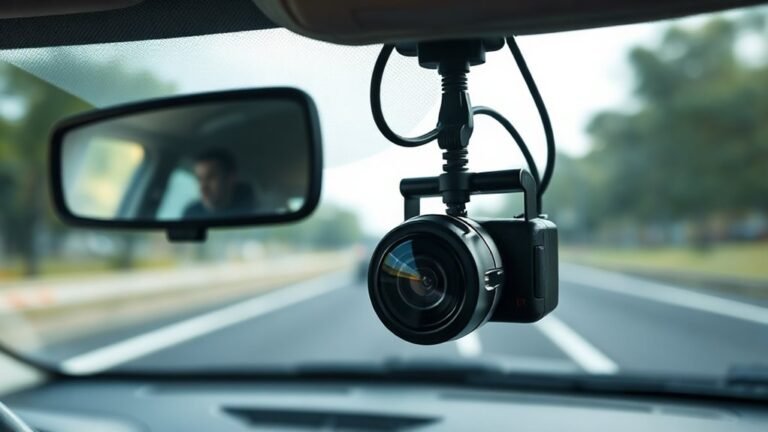
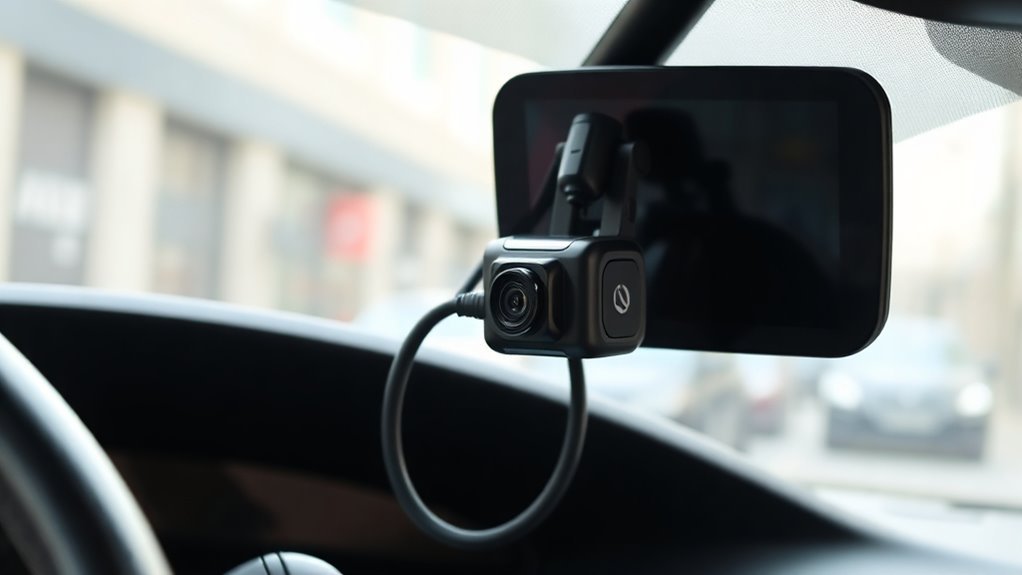
You need to keep your dash cam plugged in for continuous recording and full protection, especially if you want features like parking monitoring or motion detection. Most dash cams rely on constant power from a 12V socket or hardwiring because their built-in batteries only last about 20 to 60 minutes.
If your dash cam isn’t plugged in, it won’t capture events while your car is parked. That means you could miss important moments or accidents that happen when you’re away. So, if you want reliable, round-the-clock safety, keeping your dash cam powered is essential.
Understanding your power options and how to set up your dash cam properly will help you pick the right one for your needs. This way, you get the best protection without any gaps in coverage. It’s all about making sure your dash cam works exactly when you need it most.
Key Takeaways
- Dash cams need constant power to keep recording continuously and to support parking mode features like motion detection and impact recording.
- Basic dash cams usually have small batteries that just save videos when power is lost, but they shut off once unplugged.
- Hardwired dash cams get continuous power, which means they offer full protection, especially when your car is parked.
- Battery-powered dash cams can work briefly without external power, but they don’t last long enough for extended parking surveillance.
- If your dash cam is unplugged, it might miss important incidents while parked.
That means no coverage and no video evidence when you need it for insurance claims.
Which Dash Cams Need to Stay Plugged In?
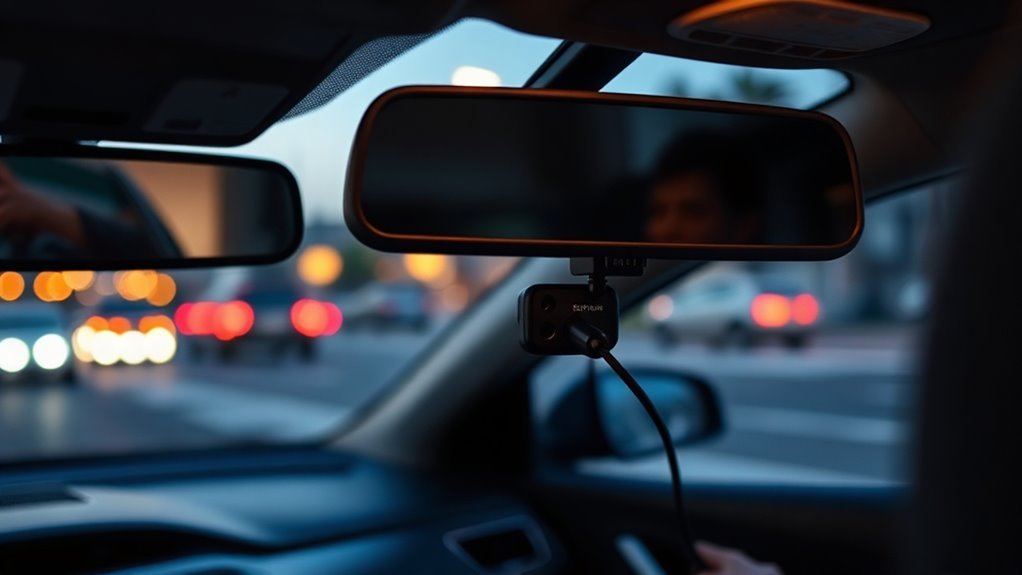
When you choose a dash cam, you’ll quickly find that some models need to stay plugged in to work properly. Typically, those designed for continuous recording rely on a constant power source, like the 12V socket in your car. These dash cams don’t have large internal batteries, so they shut off once unplugged.
On the other hand, basic or entry-level models often include smaller batteries meant only to save videos when the power cuts out. If you want features like parking mode or motion detection, you’ll likely need a dash cam that stays plugged in because these functions require steady power.
How Are Dash Cams Powered?
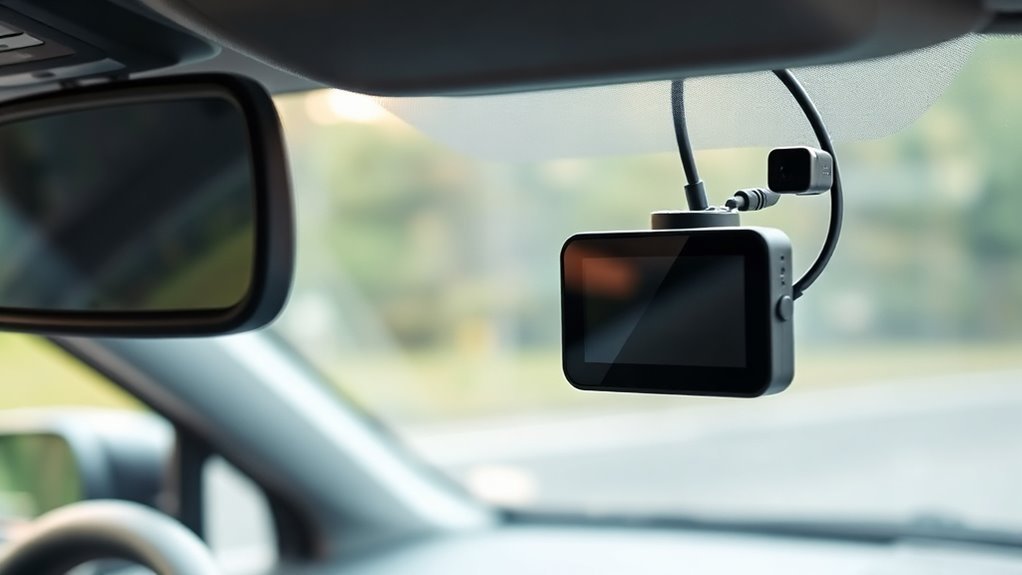
You’ll find dash cams powered in two main ways: by an internal battery or through a hardwired connection to your vehicle.
Each power source has its pros and cons depending on how you use your dash cam.
Let’s look at how these options work and what they mean for your setup.
Common Power Sources
Dash cams rely on various power sources to keep recording while you drive. You’ll typically find four common options that suit different setups and preferences.
Most dash cams plug into your car’s 12V socket, giving them a steady power supply. Some connect directly to your vehicle’s fuse box for a cleaner, hidden setup.
Others use internal rechargeable batteries that provide limited recording time without constant power. Finally, solar-powered dash cams are emerging, using sunlight to stay charged, though they’re less common.
| Power Source | Description |
|---|---|
| 12V Socket Plug | Easy, standard car outlet |
| Fuse Box Hardwire | Neat, permanent installation |
| Internal Battery | Limited, portable power |
| Solar Panel | Eco-friendly, sunlight-powered |
These options keep your dash cam running smoothly during your drive.
Battery Versus Hardwired
Although both battery-powered and hardwired dash cams serve the same purpose, they differ markedly in how they draw and maintain power. Battery-powered dash cams rely on built-in rechargeable batteries, so you don’t need to connect them to your car’s electrical system.
This setup offers easy installation and portability but limits recording time when the engine is off. On the other hand, hardwired dash cams connect directly to your vehicle’s fuse box or power source, providing continuous power.
This means your dash cam can operate even when your car is parked, which is ideal for parking mode monitoring. While hardwiring requires more effort during installation, it guarantees consistent power without worrying about battery drain or recharging.
How Long Do Built-In Dash Cam Batteries Last?

You might wonder how long a built-in dash cam battery can last on a single charge and what affects its lifespan. Your usage habits play a big role, along with how you charge and maintain the battery.
Let’s explore typical battery life, usage impact, and some tips to keep it running smoothly. It’s easier than you might think to get the most out of your dash cam’s battery!
Battery Life Expectancy
Many built-in dash cam batteries typically last between 30 minutes to an hour on a full charge, depending on the model and usage. You should know that these batteries aren’t designed for long-term operation without external power.
Over time, battery capacity will degrade, reducing run time. Knowing the expected battery life helps you plan whether to keep your dash cam plugged in or rely on battery power temporarily.
| Battery Type | Typical Life Span | Run Time per Charge |
|---|---|---|
| Lithium-ion | 2–3 years | 30–60 minutes |
| Lithium-polymer | 2–4 years | 30–60 minutes |
| NiMH | 1–2 years | 20–40 minutes |
| Replacement Cost | Moderate | N/A |
Regularly check your battery’s health to maintain reliable performance. It’s a simple step that can save you from unexpected shutdowns.
Usage Impact On Battery
Since built-in dash cam batteries have limited capacity, how you use the device materially affects how long it lasts on a single charge.
For example, if you frequently activate features like parking mode or continuous recording, your battery will drain faster. Short trips might not fully recharge the battery, reducing overall runtime.
Using high-resolution video settings also consumes more power, cutting battery life. Conversely, if you only record while driving and keep settings moderate, your dash cam’s battery can last longer between charges.
Keep in mind, built-in batteries typically last between 20 to 40 minutes of recording on a single charge, depending on usage. So, understanding your recording habits helps you gauge how often you’ll need to plug in or recharge the device.
Charging Methods and Tips
When relying on built-in dash cam batteries, understanding charging methods is essential to keep your device ready for use. Most built-in batteries last between 20 to 40 minutes without external power, so regular charging is necessary.
You can charge your dash cam via a car charger plugged into the cigarette lighter socket or use a USB cable connected to a power source. Some models support parking mode, which may require a hardwired connection for continuous power.
Always avoid letting the battery fully drain to extend its lifespan. It’s a simple trick that really helps keep your battery healthy over time.
| Charging Method | Battery Life Impact |
|---|---|
| Car Charger | Continuous power, no drain |
| USB Cable | Moderate, depends on usage |
| Hardwired Connection | Ideal for parking mode |
| Battery Only | 20-40 minutes runtime |
| Avoid Full Drain | Prolongs battery longevity |
Using Alternative Power Options for Dash Cams
Beyond the traditional cigarette lighter socket, you can power your dash cam using several alternative methods. These options give you flexibility and may better suit your vehicle’s setup or your specific needs.
Consider alternatives beyond the cigarette lighter socket to power your dash cam for greater flexibility and convenience.
Consider these choices:
- Hardwiring kit: Connects directly to your car’s fuse box for a clean, permanent power source.
- USB port: Uses your vehicle’s built-in USB for power, if available.
- Portable power bank: Provides temporary power without wiring, ideal for short trips.
- Battery pack: Dedicated external battery designed to power dash cams independently.
- Solar charger: Uses sunlight to keep your dash cam running, useful for extended parking periods.
Each method has its pros and cons, so choose what fits your usage and installation preferences best. It really depends on what works for your setup and how you plan to use your dash cam.
What Happens If Dash Cams Aren’t Plugged In While Parked?
Leaving your dash cam unplugged while parked means it won’t record any events that happen during that time. So, if your car is hit or vandalized while you’re away, you won’t have video evidence to identify the culprit or support insurance claims.
This gap in coverage can leave you vulnerable to disputes or unresolved damages. It’s a real hassle when you don’t have proof of what happened.
Some dash cams have parking mode features that kick in when the car is parked and powered off. But these features need a continuous power source to work.
Without being plugged in, those features won’t function. That means you miss out on motion or impact detection while your vehicle is unattended.
In the end, not plugging in your dash cam while parked disables vital security benefits designed to protect your car around the clock. It’s worth keeping it powered to stay covered.
Choosing the Right Dash Cam for Your Power Needs
Selecting the right dash cam for your power needs starts with understanding how you plan to use it. Do you want continuous recording, or just protection while parked?
Consider these factors to make an informed choice:
- Battery life: Choose a dash cam with a battery that suits your usage—longer for extended parking surveillance.
- Power source compatibility: Make certain it supports your preferred power method, like cigarette lighter or hardwiring.
- Parking mode features: Some cams require constant power for motion detection or impact recording.
- Power consumption: Lower consumption models reduce battery drain and are better for hardwired setups.
- Backup power: Look for dash cams with supercapacitors to avoid battery issues in extreme temperatures.
Frequently Asked Questions
Can Dash Cams Record Audio While Driving?
Yes, your dash cam can record audio while driving if it has a built-in microphone and the audio recording feature is enabled.
Just check your settings to make sure audio capture is turned on before you hit the road. That way, you won’t miss any important sounds during your drive.
Are Dash Cams Legal in All States?
You might think dash cams are legal everywhere, but they’re not. While most states allow them, some have strict rules about audio recording and placement.
You’ll want to check your state laws before installing one. It’s better to be safe than sorry, right?
How Do Dash Cams Handle Night Recording Quality?
Dash cams use infrared sensors and wide-aperture lenses to enhance night recording quality. You’ll get clearer footage even in low light. But results can really vary depending on the model.
Can Dash Cam Footage Be Used in Court?
Absolutely, you can use dash cam footage in court—it’s like having a superhero witness!
Just make sure the video is clear, unedited, and properly time-stamped to strengthen your case and prove your side convincingly.
Do Dash Cams Require a Memory Card to Save Videos?
Yes, you’ll need a memory card to save videos on your dash cam. Without it, your footage won’t be stored.
Conclusion
So, does your dash cam need to stay plugged in? Well, unless you enjoy the thrilling suspense of a dead battery during a fender bender, keeping it powered is pretty smart.
Sure, you could rely on built-in batteries or fancy solar panels, but let’s be real — unless your dash cam doubles as a tiny superhero, it needs juice.
Plug it in, or prepare for an epic saga of “Why didn’t my dash cam record that?” moments. Keeping your dash cam plugged in ensures continuous power, so it’s always ready to capture important footage. Without a constant power source, the built-in battery might run out quickly, leaving you without crucial video evidence when you need it most. So, for reliable performance and peace of mind, plugging in your dash cam is the best move.