How AI Dash Cams Integrate Into Construction Technology Systems
AI dash cams integrate seamlessly into your construction technology systems by combining on-device video analysis with telematics data. This means you get a clear picture of what happened, where it happened, and how the vehicle was operating at that moment. These smart cameras catch speeding, harsh braking, distracted driving, and near misses, then save event clips for quick and easy review.
They don’t just stop there. You can connect alerts to safety workflows, coaching sessions, and reports. This helps you spot patterns, boost accountability, and measure your return on investment. It’s all about working smarter and safer on the job site.
Keep reading to see how everything fits together and makes your construction operations smoother.
Key Takeaways
- AI dash cams analyze road and cab footage on-device to detect risky actions, near misses, and unsafe driving in real time. They help catch potential issues right as they happen.
- These cams pair video events with telematics data like GPS, speed, idling, and harsh braking. This gives a full picture of what’s going on operationally.
- They boost jobsite safety by alerting crews to collision risks, blind-zone hazards, speeding, and distracted driving near equipment. It’s all about keeping everyone safer.
- Plus, they support coaching and compliance by linking event clips to toolbox talks, inspections, incident reviews, and corrective actions. This makes training and accountability easier.
- Lastly, they streamline reporting and ROI tracking by organizing clips, timestamps, and event tags by site, vehicle, operator, or date. So, managing data becomes way simpler.
How AI Dash Cams Work on Construction Fleets
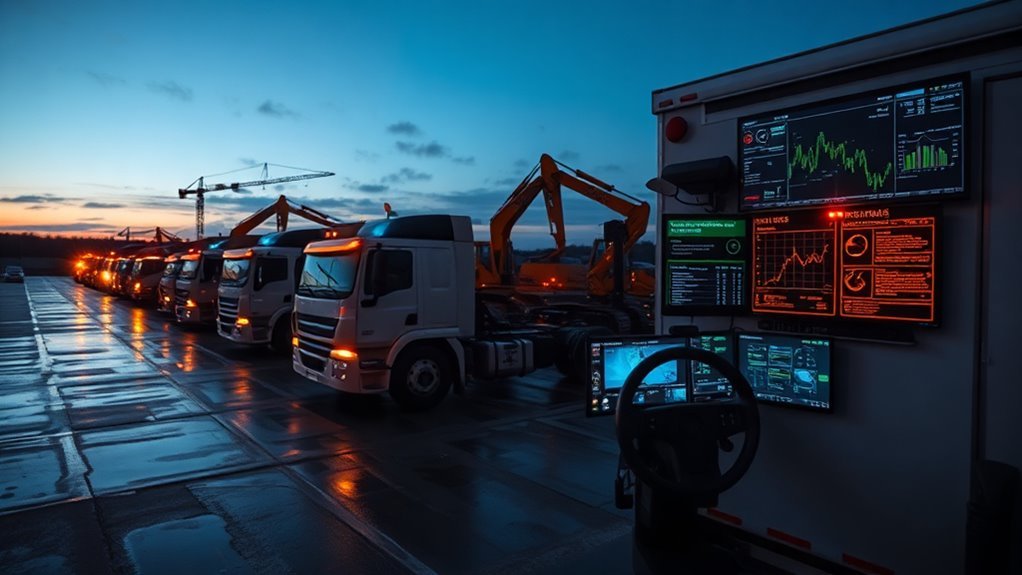
AI dash cams work by continuously watching the road and cab environment in your construction fleet, using onboard cameras and machine vision to detect risky behavior, harsh braking, speeding, distracted driving, and near-miss events in real time.
AI dash cams continuously monitor the road and cab, detecting risky driving and near-miss events in real time.
You get a constant visual record that identifies what happened before, during, and after an incident. The system analyzes frames on the device, flags patterns that match unsafe actions, and saves video clips tied to those events.
You can review alerts quickly, coach drivers with exact footage, and verify conditions on busy jobsites. Because the camera runs in the background, it captures normal operations and critical moments without slowing work.
That lets you spot hazards early and respond with more confidence.
Why Construction Teams Pair Them With Telematics

When you pair AI dash cams with telematics, you get a fuller picture of fleet performance because video shows what happened while telematics shows where, when, and how the vehicle was operating. You can match harsh-braking alerts, idle time, route deviations, and speeding data with exact footage, so you don’t have to guess why an event occurred.
That connection helps you verify driver behavior, spot recurring patterns, and compare equipment use across crews and projects. You also streamline reporting because one system supplies the context and the other supplies the metrics.
Instead of juggling separate records, you can review incidents faster, coach with evidence, and make better decisions about scheduling, utilization, and fuel management across your construction fleet. It really makes managing everything a lot easier.
How AI Dash Cams Improve Jobsite Safety
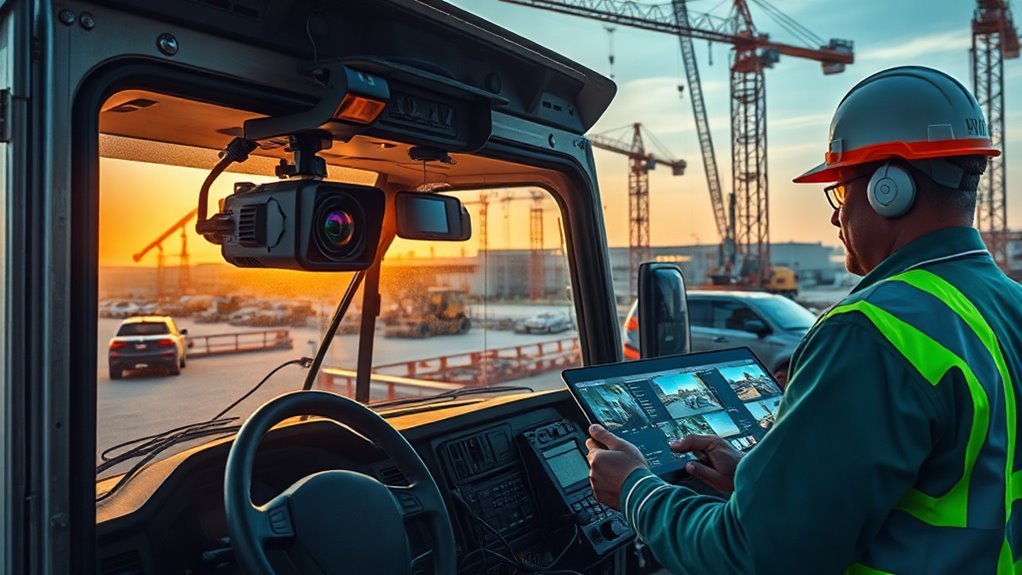
AI dash cams help you spot collision risks before they turn into incidents by flagging sudden stops, close calls, and unsafe vehicle movements. They also monitor driver behavior, so you can address speeding, harsh braking, distraction, and other risky habits in real time.
With hazard detection insights, you can identify trouble spots on the jobsite and make safer decisions faster. It’s all about catching problems early and keeping everyone safer out there.
Collision Risk Alerts
Construction sites are constantly in motion, and AI dash cams help you spot collision risks before they become accidents. You get instant alerts when a truck, loader, or excavator moves too close to people, barriers, or other machines.
That warning gives you precious seconds to slow down, stop, or reroute traffic before impact. By catching danger early, you protect crews, reduce damage, and keep work moving.
You avoid near misses that can shake confidence and halt progress. Plus, you prevent costly collisions that damage equipment and delay deadlines.
You create a calmer, safer site where everyone can focus on the task. These alerts don’t just react; they help you act with confidence in fast-changing zones.
Driver Behavior Monitoring
You can catch unsafe driving habits before they turn into injuries or costly damage with AI dash cams that monitor driver behavior in real time. You see patterns like speeding, hard braking, rapid acceleration, tailgating, and distracted driving, and you get clear records tied to each event.
That means you can coach drivers with facts instead of guesses, correct risky habits faster, and reinforce safe expectations across your fleet. You also build accountability because every trip leaves a verifiable trail of performance data.
Over time, you improve consistency, reduce wear on vehicles, and support safer decisions behind the wheel. With better monitoring, you don’t just react to incidents—you help prevent them by making every driver more aware, disciplined, and responsible on the jobsite and on the road.
Hazard Detection Insights
Spot hazards before they become incidents with AI dash cams that scan the jobsite for risky conditions in real time. You get instant alerts when a worker steps too close to moving equipment, a vehicle drifts into a blind zone, or debris blocks a path.
That means you can act fast, protect your crew, and cut down on near misses. These insights don’t just record danger; they help you prevent it.
- You spot unsafe movement before someone gets hurt.
- You catch blocked access, poor visibility, and rushed driving early.
- You build a safer site where everyone stays alert and accountable.
With each alert, you strengthen your safety culture and reduce costly downtime.
Turn Dash Cam Data Into Clear Reports
Turn raw dash cam footage into reports that are easy to read and act on. You can convert clips, timestamps, GPS data, and event tags into concise summaries that show what happened, where it happened, and why it matters.
Organize each report by site, vehicle, operator, or date so you can spot patterns fast. Highlight hard braking, near misses, blocked views, and speeding in plain language instead of buried video files.
Add screenshots or short clips when you need proof, but keep the main report scannable. Use dashboards to compare crews and projects, then export findings for managers and clients.
When you turn dash cam data into clear reports, you save time, improve follow-up, and make smarter decisions from every drive.
Add Dash Cams to Safety Workflows
Add dash cams to your safety workflows by linking video alerts to daily inspections, toolbox talks, incident reviews, and corrective actions. You can catch risky habits before they spread, then coach crews while the moment’s still fresh.
That keeps safety personal, practical, and easier to follow on busy sites.
- You review sharp turns, hard braking, and missed signals during shift start meetings.
- You use flagged clips to show what went wrong and how to fix it.
- You track repeat behaviors so supervisors can step in early and protect your crew.
When you connect footage to your existing safety rhythm, you make every alert count. Your team sees real events, not abstract rules, and that builds trust, focus, and faster compliance.
Measure ROI From AI Dash Cams
To measure ROI from AI dash cams, track the gains that matter most on your jobsites: fewer incidents, less downtime, lower insurance claims, tighter fuel use, and faster coaching.
Compare those savings against hardware, subscriptions, installation, and review time. Use a simple scorecard to keep results visible:
| Metric | How you measure | Why it matters |
|---|---|---|
| Incidents | Claims, near misses | Reduces losses |
| Downtime | Idle hours, delays | Protects schedules |
| Fuel | Miles, idling, route data | Cuts spend |
You should also watch driver behavior trends, because safer habits lower risk over time.
Tie each quarter’s results to a baseline, then share wins with crews and leadership. When you prove value in dollars, you’ll justify expansion and keep improving operations.
Frequently Asked Questions
Can AI Dash Cams Function Without Cellular Coverage?
Yes, you can use AI dash cams without cellular coverage; they’ll still record locally and analyze events on-device. You won’t get real-time uploads or alerts until you reconnect, but footage’s available later for review.
How Are Dash Cam Recordings Stored and Retained?
You store dash cam recordings on local SD cards, internal memory, or cloud servers.
You keep them until they’re overwritten, archived, or deleted. This depends on your policy, laws, or incident investigation needs.
Which Construction Vehicles Work Best With AI Dash Cams?
You’ll get the best results with heavy-duty trucks, pickups, dump trucks, loaders, and excavators. They’re the backbone, like a watchtower, giving AI dash cams clear views, steady power, and high-risk activity monitoring.
These vehicles are perfect because they’re always in the thick of things. Plus, their size and structure make it easier for the cameras to capture everything that matters.
Can Drivers Access Their Own Footage on Demand?
Yes, you can usually access your own footage on demand through an app or portal, if your company allows it.
You’ll be able to review trips, save clips, and share evidence quickly when incidents happen. It’s pretty convenient and helps you stay in control of your own driving record.
Do AI Dash Cams Integrate With Maintenance Software?
Yes, you can integrate AI dash cams with maintenance software. For example, when a truck flags harsh braking, your system can automatically schedule a brake inspection.
This helps reduce downtime and keeps fleets safer, smarter, and more efficient. It’s a smart way to stay on top of vehicle maintenance without the hassle.
Conclusion
When you add AI dash cams to your construction tech stack, you’re not just recording miles—you’re turning every trip into a safety lesson. You can spot risky habits, pair video with telematics, and act before a minor mistake becomes a major claim.
One contractor told us a single flagged near-miss changed how his crews approached blind spots, and incident rates dropped 18% in three months. That’s how you build a safer site, one frame at a time.
Integrating AI dash cams into your construction technology systems means more than just video footage. It’s about creating a proactive safety culture, reducing incidents, and improving overall site management. When combined with telematics and other construction tech tools, AI dash cams become essential for preventing accidents and protecting your workforce. In today’s fast-paced construction environment, leveraging AI dash cams is a smart move toward safer, more efficient projects.