What Is Parking Mode on a Dash Cam?
Parking mode on a dash cam is a handy feature that kicks in when your vehicle is parked and the engine is off. It keeps an eye on your car, recording any unusual activity without draining the battery. This mode switches from regular recording to a low-energy state, so your dash cam is always ready to capture important moments.
When it detects motion, impacts, or things like vandalism and hit-and-runs, it automatically starts recording. You can even adjust the sensitivity to avoid false alarms, which is pretty helpful. Plus, some dash cams have battery protection features with voltage cutoffs to keep your car battery safe.
If you’re curious about how parking mode works or want tips on setting it up, there’s definitely more to explore. It’s a smart way to keep your vehicle secure even when you’re not around.
Key Takeaways
- Parking mode activates when the vehicle is parked and the engine is off, shifting the dash cam to a low-energy standby state.
- It automatically records events triggered by motion, impacts, or unusual activity around the parked vehicle.
- Designed to capture vandalism, collisions, hit-and-runs, and unauthorized access while the vehicle is unattended.
- Uses sensors like motion detectors, G-sensors, and infrared to detect and record relevant incidents.
- Helps protect the vehicle by providing evidence and deterring theft or damage during parking.
What Parking Mode on a Dash Cam Does
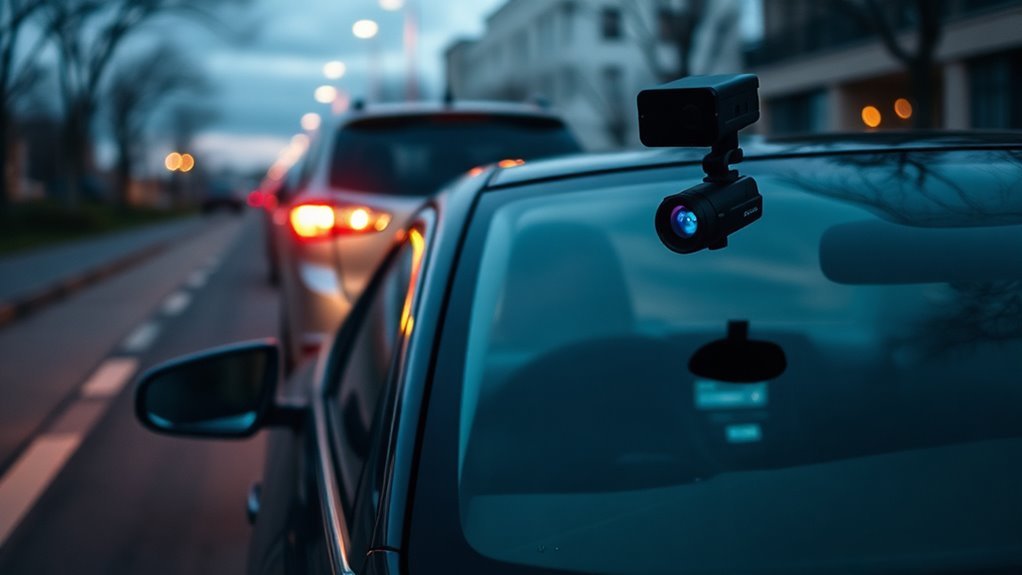
Parking mode on a dash cam usually activates when your vehicle is parked and the engine is off. When this mode kicks in, the dash cam shifts from regular recording to a standby state, ready to capture any unusual events around your car.
It conserves power by using a low-energy setting while still monitoring the surroundings. If something happens, like a bump or impact, the dash cam immediately starts recording to make certain you get footage of the incident.
This feature protects your vehicle even when you’re not in it, giving you peace of mind. You don’t have to worry about constantly running the camera or draining your car’s battery, as parking mode smartly balances vigilance with power efficiency.
How Parking Mode Detects Movement and Collisions
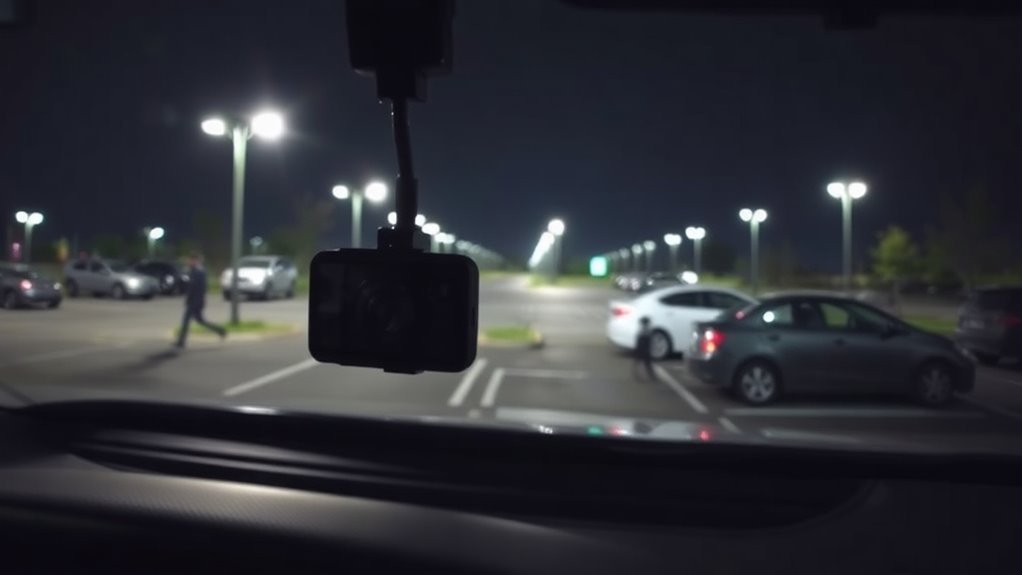
When your dash cam is in parking mode, it uses motion sensors to spot any nearby movement. It also has an impact detection system that triggers recording if it senses a collision.
This way, your camera only saves footage when something important happens. Pretty handy, right? It helps you keep an eye on your car even when you’re not around.
Motion Sensor Activation
Motion sensors kick into gear as soon as your vehicle is parked, constantly scanning for any nearby movement or impacts. These sensors detect changes in the environment, such as passing pedestrians or moving objects, triggering the dash cam to start recording.
This helps capture vital footage if something happens while you’re away. The sensitivity and range of these sensors vary by model, allowing you to customize detection to avoid false alarms.
| Sensor Type | Detection Range | Trigger Action |
|---|---|---|
| Infrared | Up to 10 feet | Activates recording |
| Ultrasonic | Around 6 feet | Alerts and records |
| Video-based | Wide angle, varies | Starts video capture |
Using motion sensors guarantees your dash cam stays alert without draining your battery unnecessarily. It’s a smart way to keep an eye on things, even when you’re not around.
Impact Detection Mechanism
Impact detection mechanisms instantly sense collisions or sudden jolts to your vehicle, triggering the dash cam to start recording essential footage. These systems rely on built-in G-sensors that monitor changes in acceleration and force.
When the sensor detects an impact above a certain threshold, it signals the dash cam to capture the event, ensuring critical moments aren’t missed. This helps you gather evidence in case of hit-and-runs or parking lot accidents.
The sensitivity of the impact detector can usually be adjusted to avoid false alarms from minor bumps. By accurately identifying significant impacts, the dash cam protects your vehicle when you’re away.
Video Recording Triggers
Parking mode activates your dash cam’s recording by detecting specific triggers like movement or collisions around your vehicle. When motion sensors pick up nearby activity—whether someone walking past or an object approaching—the dash cam springs into action, capturing video footage.
Similarly, if your car experiences a sudden impact or vibration, the built-in G-sensor immediately signals the camera to start recording. These triggers guarantee that important events don’t go unnoticed while you’re away.
You don’t have to manually activate recording; the dash cam automatically responds to these stimuli to protect your vehicle. Understanding how these triggers work helps you trust that your dash cam is always ready to document any incidents, providing valuable evidence if needed.
Types of Parking Mode Features
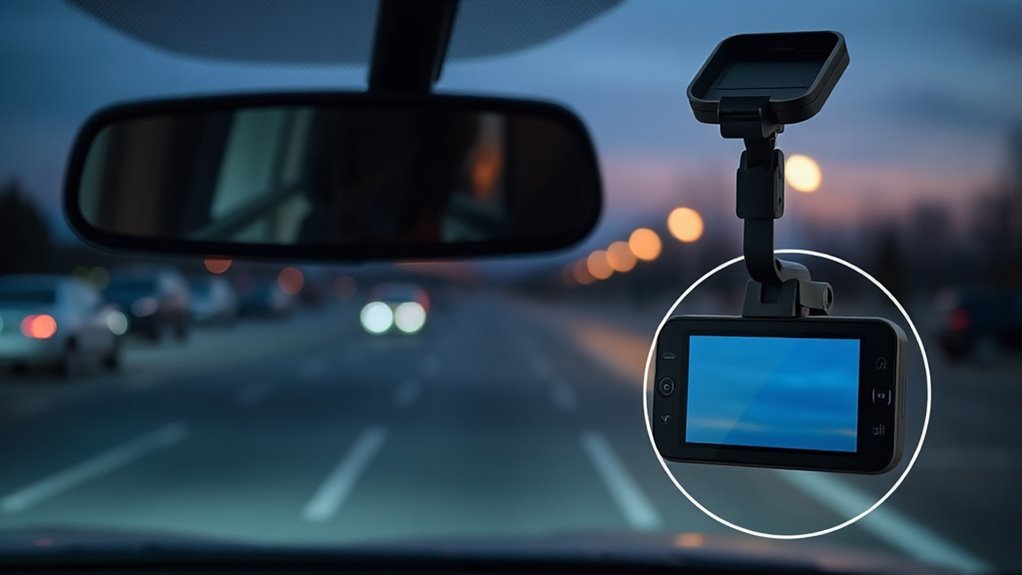
Explore the different types of parking mode features available on dash cams to find the one that suits your needs best. These features vary in sensitivity and activation methods, offering options from motion detection to impact sensing.
Understanding their differences helps you choose the best protection for your parked vehicle. Let’s break down what each feature does.
| Feature Type | Activation Method | Best For |
|---|---|---|
| Motion Detection | Detects movement near car | Monitoring surroundings |
| Impact Detection | Detects collisions or shocks | Protecting against hits |
| Time-Lapse Recording | Continuous recording at intervals | Long-term parking surveillance |
| Low-Battery Protection | Automatically disables to save power | Preserving car battery |
| Heat/Power Cutoff | Shuts off in extreme conditions | Preventing damage to camera |
These options guarantee your dash cam stays active and efficient while you’re away. So, you can have peace of mind knowing your vehicle is being watched over.
Setting Up and Using Parking Mode
To start using parking mode, you’ll need to activate it in your dash cam settings. Once you turn it on, your camera will keep an eye on your vehicle even when it’s parked and the engine is off.
This feature is great because it helps capture any incidents or movements around your car while you’re away. So, you can have peace of mind knowing your car is being monitored.
Activating Parking Mode
When you want your dash cam to monitor your vehicle while it’s parked, you’ll need to activate parking mode through the device’s settings. Here’s how you can do it quickly:
- Access the Menu: Turn on your dash cam and navigate to the settings or mode menu.
- Select Parking Mode: Find the parking mode option and enable it. Some models offer different parking mode types like motion detection or impact sensor.
- Adjust Sensitivity: Customize sensitivity levels based on your surroundings to avoid false alarms or missed events.
Once activated, your dash cam will start monitoring automatically when the vehicle is off or stationary.
Just make sure your dash cam has a reliable power source, like a hardwire kit or battery pack, to keep parking mode running effectively.
Monitoring While Parked
After activating parking mode, you’ll want to make certain your dash cam is properly set up to monitor your vehicle effectively while parked. Position your camera to cover the widest possible area around your car, especially entry points like doors and the trunk.
Adjust sensitivity settings to avoid false alarms from passing cars or pedestrians but still catch significant impacts or movements. Some dash cams offer motion detection or impact sensors—enable these features for better security.
Make sure your dash cam has a reliable power source, either through a hardwire kit or an external battery pack, so it stays active without draining your car’s battery. It’s a good idea to regularly check recorded footage and settings to make certain everything works smoothly.
That way, your vehicle stays protected when you’re away, and you can have peace of mind knowing your dash cam is doing its job.
Benefits of Parking Mode for Vehicle Security
Although you might not always be near your vehicle, parking mode on a dash cam keeps an eye on it for you. This feature activates the camera when motion or impact is detected, offering continuous protection even when you’re away.
Here are three key benefits for your vehicle’s security:
- Deters Theft and Vandalism – Knowing your car is monitored can discourage potential criminals.
- Provides Evidence in Accidents – It captures footage of hit-and-runs or parking lot collisions. This can really help when dealing with insurance claims.
- Monitors Unauthorized Access – The camera records any suspicious activity around your vehicle. That way, you get alerted to possible break-ins.
Common Parking Mode Limitations and How to Overcome Them
Despite its advantages, parking mode on dash cams has some limitations that can affect performance and reliability. One common issue is battery drain, especially if your dash cam relies solely on your car’s battery.
To overcome this, consider installing a hardwire kit with a voltage cutoff to protect your battery. This way, you won’t have to worry about your car not starting because of a dead battery.
Another limitation is false triggers caused by vibrations or passing vehicles, which can fill your storage quickly. You can minimize this by adjusting sensitivity settings or using a dash cam with advanced motion detection.
Finally, some dash cams may struggle in extreme weather. To address this, choose models designed for harsh conditions or use additional protective accessories.
Frequently Asked Questions
Can Parking Mode Drain My Car Battery?
Yes, parking mode can drain your car battery if used for long periods without the engine running.
To avoid this, you should monitor usage or install a battery saver to protect your battery from draining completely.
Is Parking Mode Legal in All States?
Think of parking mode as a silent guardian watching over your car. It’s legal in most states, but laws vary.
You’ll want to check local regulations to make sure you’re not unknowingly crossing boundaries with your dash cam’s watchful eye.
How Much Storage Does Parking Mode Video Require?
Parking mode video usually needs less storage since it records only when motion or impact is detected. Expect around 500MB to 1GB per hour.
But keep in mind, actual use depends on factors like resolution, compression, and how often events happen. So, it can vary quite a bit depending on your setup.
Do All Dash Cams Have Parking Mode?
Not all dash cams wear the guardian’s cloak; some only watch when you drive. You’ll need to check your model, as parking mode’s like a vigilant sentinel—it’s not a standard feature everywhere.
Can Parking Mode Record Audio While Parked?
Yes, parking mode can record audio while your car’s parked, but it depends on your dash cam model. Some disable audio to save power or avoid noise, so check your settings to be sure it’s enabled.
It’s pretty handy if you want to catch any unusual sounds or incidents around your vehicle. Just keep in mind, not all dash cams offer this feature, so it’s worth double-checking before you rely on it.
Conclusion
Parking mode on your dash cam acts like a silent guardian, watching over your car when you’re away. It detects movement and collisions, giving you peace of mind even in your absence.
While it has its limits, setting it up properly can turn your dash cam into a vigilant protector. Don’t you want that extra layer of security, knowing your vehicle is never truly alone?
It’s protection you deserve. With parking mode activated, your dash cam becomes an essential tool for vehicle security, capturing any incidents that occur while you’re away. This added surveillance not only helps in identifying culprits but also provides valuable evidence for insurance claims. So, if you want reliable and continuous protection for your car, parking mode on your dash cam is definitely worth considering. It’s peace of mind, wrapped up in technology designed to keep your vehicle safe around the clock.